

70 BPM · Free heart rate app for iPhone
70 BPM: see what caused every heart rate spike
70 BPM lays your Apple Health heart rate over your calendar, so every spike has a name: the standup, the client call, the commute home.
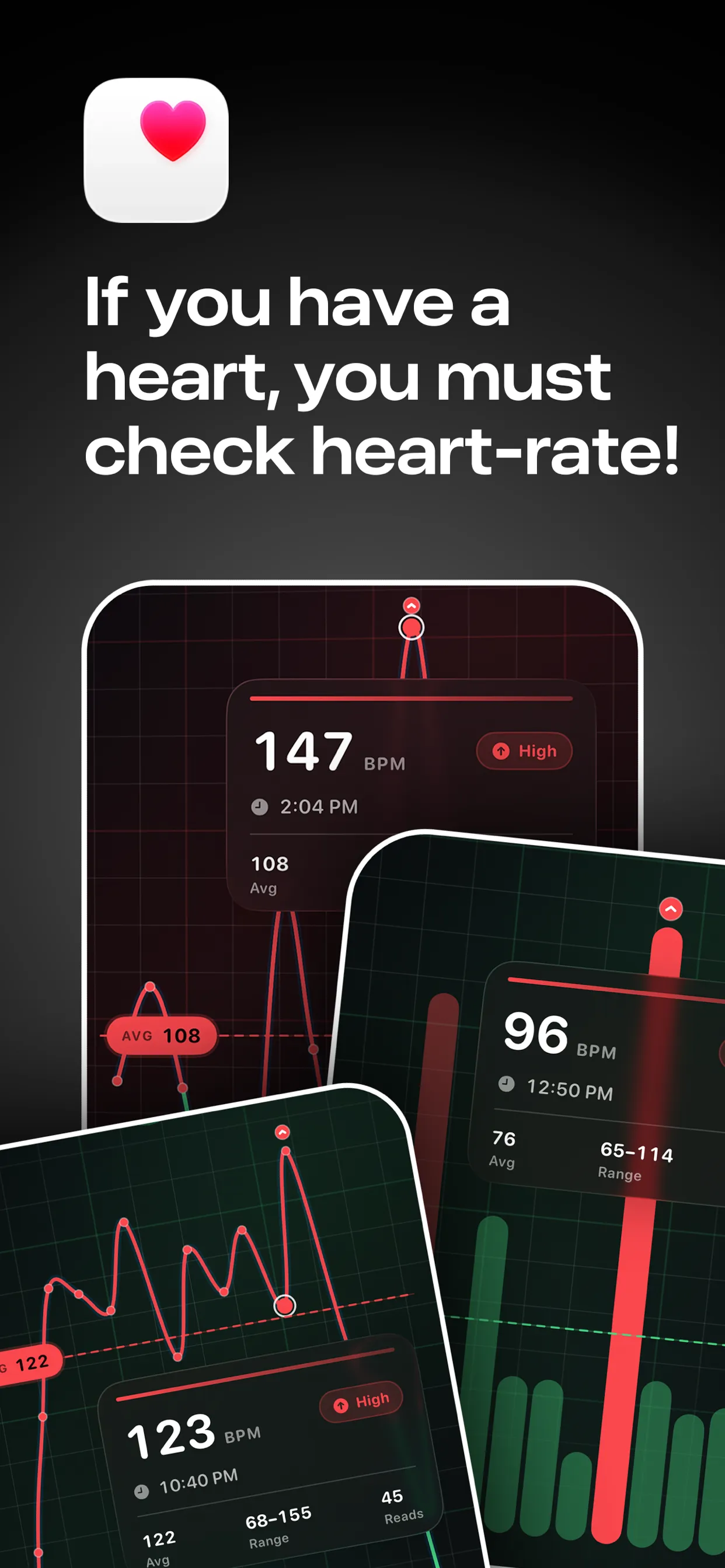
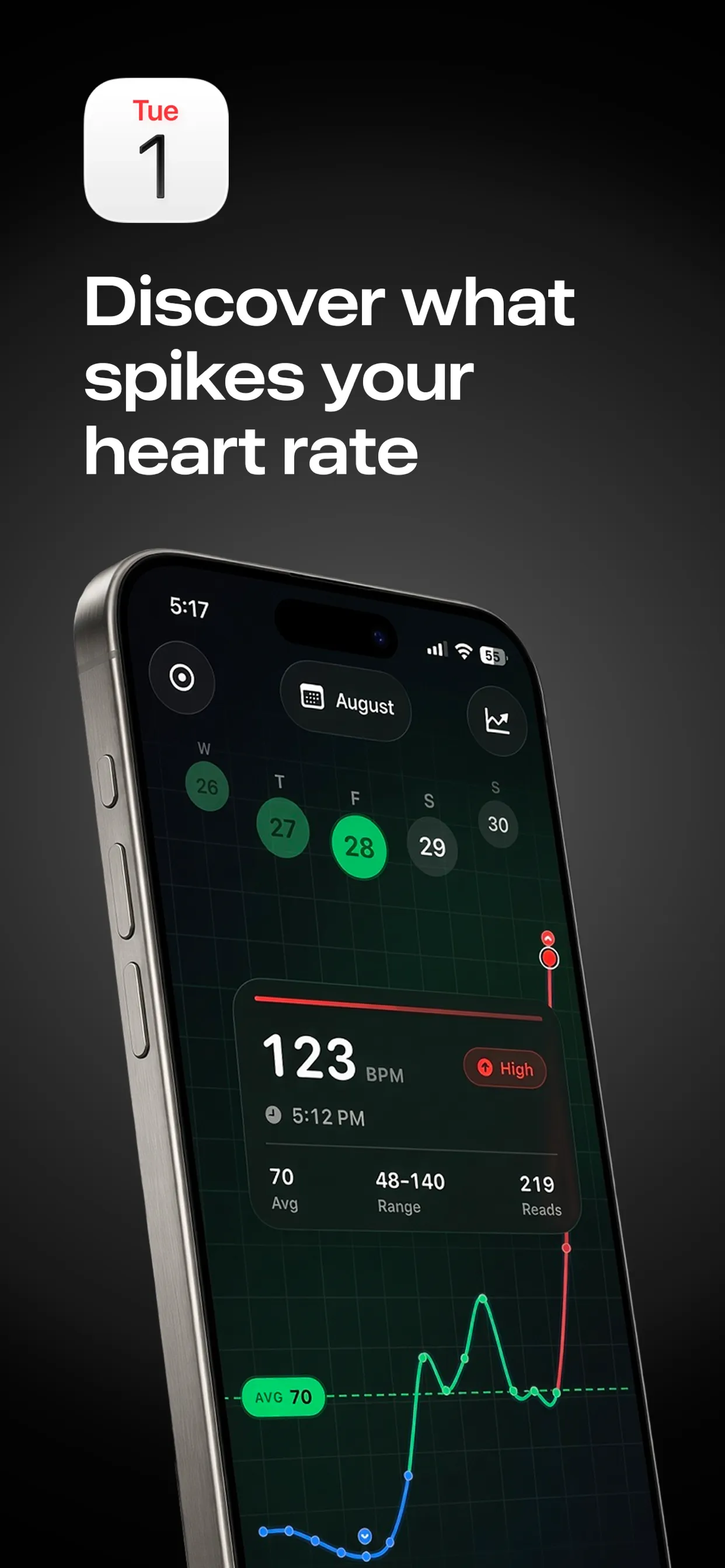

Free to download · Optional Pro in-app purchases · Reads from Apple Health · Stays on your iPhone
Key facts
- A heart rate calendar combines two data sources you already have: heart-rate samples in Apple Health and events in your calendar app.
- For adults, the Mayo Clinic describes a resting heart rate of 60 to 100 beats per minute as normal, and advises talking to a clinician if it is regularly above 100.
- Apple Watch can notify you when your heart rate stays above or below a threshold you choose after you have been inactive for at least 10 minutes. A calendar view adds the context an alert lacks.
- The most useful reading is a pattern over days, not a single spike.
What is a heart rate calendar?
Your Apple Watch logs your heart rate through the day. Your calendar logs what you planned to do. A heart rate calendar joins them: open a day and see the BPM line with your events behind it, or open one event and see only the readings that fell inside it.
The value is context. A reading of 118 on its own tells you little. Beside Quarterly review it is a pattern worth noticing, and beside Zone 2 training it is what you intended.
What does a heart rate calendar show?
| View | What you learn |
|---|---|
| Day chart with events behind it | Which events line up with your highs and lows |
| Single-event view | Your heart rate inside one meeting, workout or journey |
| Same event across weeks | Whether a recurring meeting or session always looks the same |
| Resting trend | Slow drift that a single day hides |
Which situations are worth putting on a heart rate calendar?
Add the thing as an event, wear your watch, and look back a few days later. Each guide below covers what is normal and what the research says:
- Heart rate at work, using a Work stress event
- High heart rate during a meeting
- Heart rate after coffee and after alcohol
- Heart rate in a sauna and during a flight
- Zone 2 heart rate and heart rate lifting weights
- Heart rate when in love and in hospital
- Elevated resting heart rate and resting heart rate when sick
- Heart rate on race day
How do I set up a heart rate calendar on iPhone?
- Wear a device that writes heart rate to Apple Health through the day. Apple Watch gives the most complete days; others work too, see which smartwatches work with Apple Health.
- Install 70 BPM and allow access to Apple Health and your calendars.
- Choose which calendars count, then open any day or event.
How should I read a heart rate calendar?
Heart rate rises for ordinary reasons: stairs, heat, talking, caffeine, a poor night. One spike proves little. Compare the same kind of event across several days, and compare against your own usual range rather than a stranger's.
Not medical advice. 70 BPM shows heart-rate data your watch has already written to Apple Health. It is not a medical device and cannot diagnose or treat anything. In an emergency, call your local emergency number (911 in the US, 112 in the EU, 999 in the UK). If your heart rate is often high at rest, or you have chest pain, dizziness or breathlessness, see a doctor.