

70 BPM · Free heart rate app for iPhone
70 BPM: see what caused every heart rate spike
70 BPM lays your Apple Health heart rate over your calendar, so every spike has a name: the standup, the client call, the commute home.
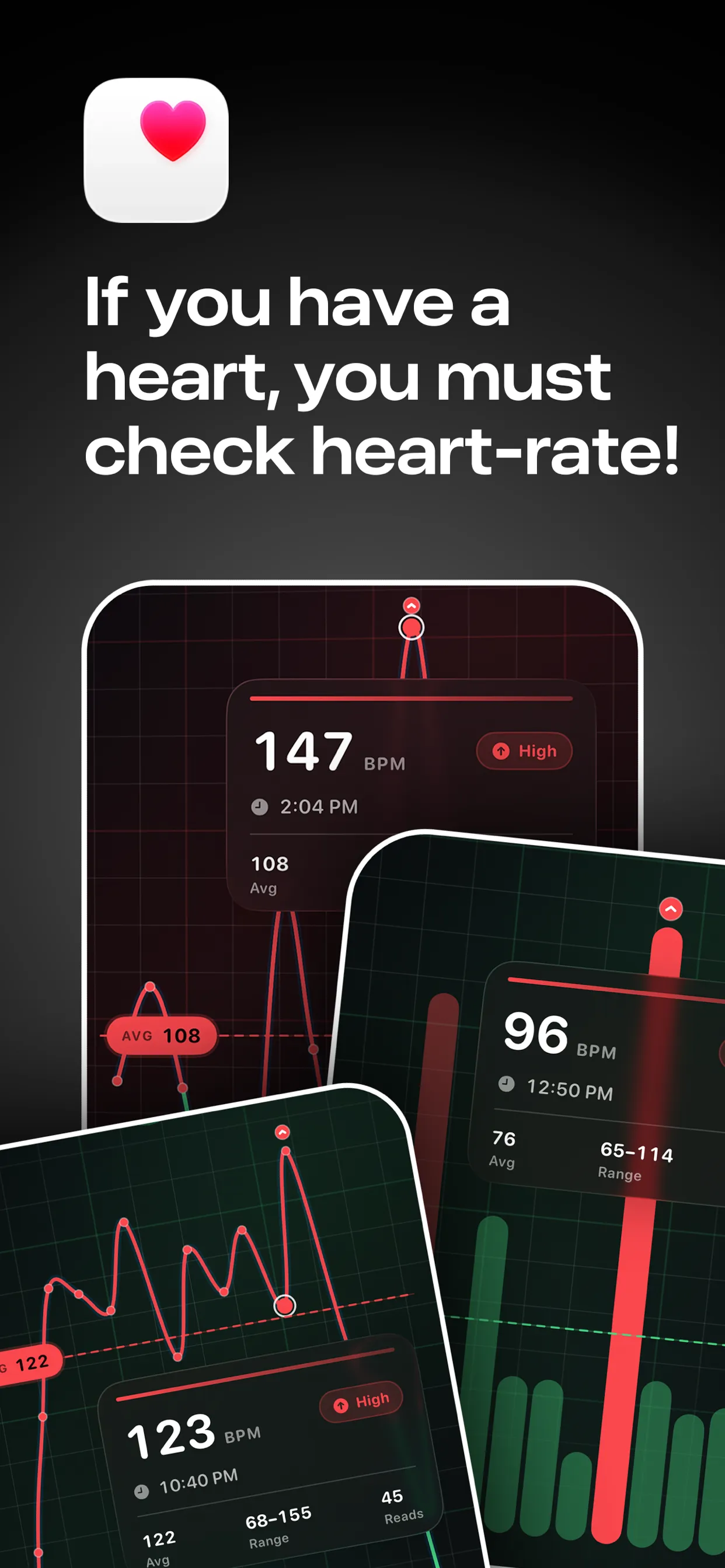
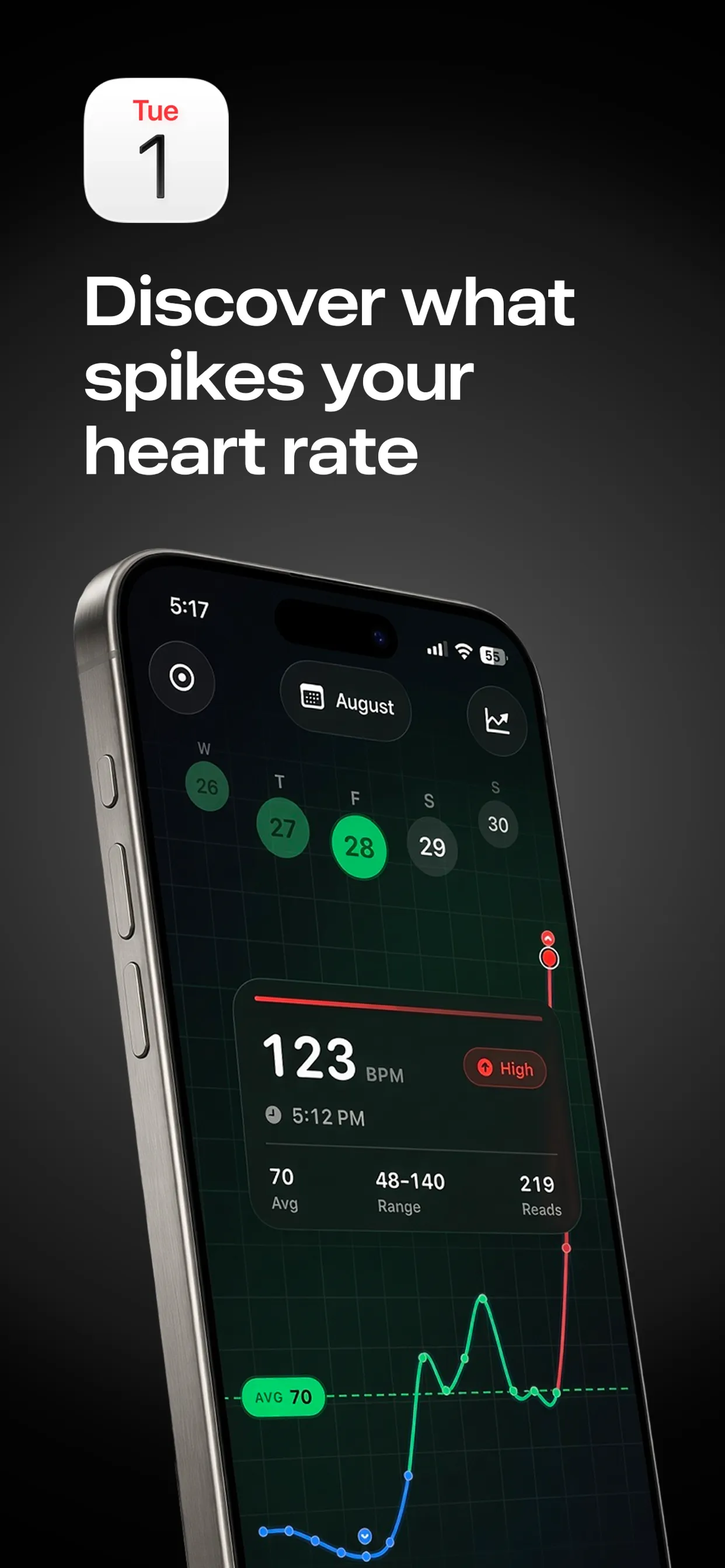

Free to download · Optional Pro in-app purchases · Reads from Apple Health · Stays on your iPhone
Key facts
- Mayo Clinic: a normal adult resting heart rate is 60 to 100 BPM; athletes can run lower.
- A 2018 systematic review of 10 studies found that higher occupational stress was associated with lower heart rate variability, a sign of reduced parasympathetic ("rest and digest") activity. The studies were mostly cross-sectional, so they show association, not cause.
- Movement, caffeine and poor sleep raise heart rate too, so stress is only one explanation for a high reading.
What is a normal heart rate at work?
Sitting at a desk, most adults land somewhere in the resting range of 60 to 100 BPM, usually a little above their true resting number because they are awake and engaged. Fitter people sit lower. What matters is your own baseline: compare today with your usual quiet-day range, not with a colleague.
Why does heart rate rise at work?
- Pressure: deadlines, difficult conversations and being put on the spot activate the stress response.
- No recovery: back-to-back meetings leave no time for heart rate to settle.
- Inputs: coffee, a skipped lunch and a short night all push it up. See heart rate after coffee.
- Plain movement: stairs and walking between rooms.
What does a "Work stress" event show?
The simplest experiment: whenever a stretch of the day feels tense, create a calendar event called Work stress for that window. After a week, compare those events with calm blocks in 70 BPM. If they run clearly higher, you have evidence from your own body instead of a feeling.
| Pattern in the chart | Possible reading |
|---|---|
| BPM climbs through the afternoon and stays up | No recovery between demands. Try a gap or a short walk. |
| One recurring meeting always spikes | That meeting is the trigger, not the whole job. |
| Flat and low in focus blocks | That time of day suits deep work. |
How to see it in 70 BPM
- Wear an Apple Watch (or another device that writes heart rate to Apple Health) as normal.
- Put the tense stretch in your calendar as an event, for example Work stress, 14:00 to 15:30.
- Open 70 BPM and tap the event to see only the heart-rate readings inside it, next to the rest of your day.
70 BPM is free to download for iPhone and reads from Apple Health on your device; see how it handles privacy.
When should I look beyond an app?
A busy period can raise heart rate for a while before it settles. A resting rate that stays high for weeks, or symptoms such as chest pain or dizziness, call for a doctor. For a broader look at tracking work pressure, see the work stress app guide.
Not medical advice. 70 BPM shows heart-rate data your watch has already written to Apple Health. It is not a medical device and cannot diagnose or treat anything. In an emergency, call your local emergency number (911 in the US, 112 in the EU, 999 in the UK). If your heart rate is often high at rest, or you have chest pain, dizziness or breathlessness, see a doctor.