
The two-minute version
- Download Lookout (free) from the App Store.
- Plug the iPhone into the car charger and put it in a low dash or vent mount. Open Lookout and allow the camera, microphone and location.
- The back camera preview shows the road and the front camera shows the cabin. Put the horizon a third of the way down.
- Turn on Dashcam Mode and start recording while you are still parked.
- When you stop, front, back and combined videos are saved on your iPhone. Nothing is uploaded.

Lookout · Free dual camera recorder
Lookout: use your iPhone as a dashcam
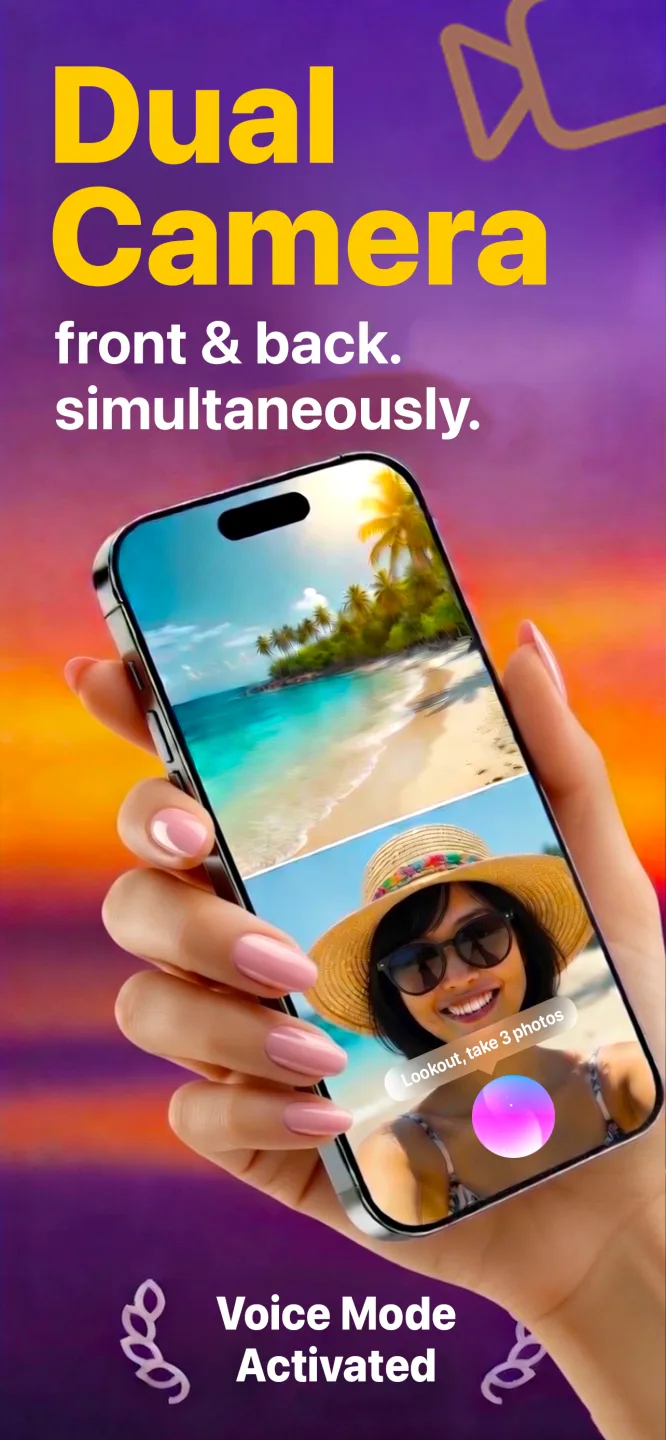
Lookout records the road with the back camera and the cabin with the front camera at the same time, with an optional speed, GPS and date and time overlay, all on your phone.

Free to download · Lookout Pro in-app purchase · iPhone XS and newer · Records, does not edit. What Lookout is
Reviewed 13 November 2026. Heat guidance was checked against Apple Support, multi-camera support against Apple's WWDC19 session, and Lookout features against its App Store listing. Sources are listed at the end of this guide.
| Quick facts | Answer |
|---|---|
| What you need | iPhone XS or newer on iOS 17 or later, a mount, a car charger and Lookout |
| Setup time | About five minutes the first time, under a minute after that |
| What gets recorded | Road (back camera) and cabin (front camera) together, plus a combined video |
| Overlay | Speed, GPS and date and time in Dashcam Mode, working offline |
| Biggest limit | No loop recording: when storage is full, recording stops |
| Biggest risk | Heat. In direct sun the iPhone can limit the camera or stop to cool down |
In this guide: Before you drive · While you drive · After the drive · Long trips · Night driving · Fixes · Rules · FAQ
What should you do before you drive?
- Check free space. Open Settings > General > iPhone Storage. Two cameras use far more space than one, so aim for several gigabytes free, more for a long drive.
- Plug in. Two cameras and the GPS drain a battery quickly. A car charger keeps the phone topped up for the whole drive.
- Mount it low. A vent or dash mount below your eye line keeps your view clear. Windscreen mounting rules vary by country and state.
- Aim it. In Lookout, the back camera should show mostly road with the horizon about a third of the way down. Too much bonnet makes number plates hard to read.
- Turn on Dashcam Mode. It adds speed, GPS and the date and time to the picture, so the time of an event is visible in the footage itself.
Setting this up for the first time? The one-time kit (which mount, which charger, which settings to change) is in how to convert iPhone into dashcam.
What do you do while you drive?
Start recording before you move, while the car is parked. Tap record, say "Hey Lookout, start recording", or press record on your Apple Watch. Then switch to black-screen recording: the cameras keep running but the bright display goes dark, so nothing pulls your eyes off the road.
After that, leave the phone alone. Do not reframe, review clips or stop and restart at traffic lights. If you need to stop, do it once you are parked.
- Start recording while parked, never while moving.
- Use black-screen recording so the display does not distract you.
- Do not touch the phone while driving. Use your voice or the Watch only when stopped.
- If a temperature warning appears, pull over safely before dealing with it.
What happens after the drive?
Stop recording when you park. Lookout saves three files on your iPhone: the back camera (road), the front camera (cabin) and a combined picture-in-picture video. Nothing is uploaded.
If nothing happened, delete the clips to free space for the next drive. If something did happen, keep the original files unedited and back them up straight away, because they exist only on your phone. The details are in dash cam footage as car accident evidence.
How do you record a long trip?
Record in sections rather than one take. Stop and start at fuel and rest stops, delete the uneventful sections and keep moving. This keeps storage free, gives the phone a chance to cool and means one bad file never costs you the whole trip.
Apple says iPhones are designed for ambient temperatures between 0 and 35 degrees Celsius (32 to 95 Fahrenheit) and that camera use in heat or direct sun can cause the phone to limit features or stop until it cools (Apple Support). Keep the phone out of direct sun, take off a thick case and point an air vent at it.
Does it work at night?
Yes, but expect more noise. Phone cameras handle low light better than many budget dash cams, but headlights, street lamps and number plates can flare. Clean the lens and the inside of the windscreen, and keep the dashboard brightness low so it does not reflect in the glass.
What if something goes wrong?
| Problem | Likely cause | Fix |
|---|---|---|
| Recording stopped mid-drive | Storage full or the phone got too hot | Free up space before you go; keep the phone out of direct sun |
| No speed on the overlay | Location access is off, or there is no GPS fix yet | Allow location for Lookout in Settings and wait a moment before setting off |
| Battery still dropping while plugged in | A low-power charger or a long, thin cable | Use a stronger car charger and a short cable |
| Road picture is mostly sky or bonnet | Mount angle | Reframe while parked so the horizon sits a third of the way down |
| Glare in the footage | Reflections from the dashboard | Lower screen brightness, clean the glass, use a matte dash cover |
| App says the device is not supported | iPhone older than the XS | Dual camera recording needs an iPhone XS or newer |
What rules should you know?
In most places you can record the road from your own car. The rules that catch people out are about where the phone is mounted, touching a phone while driving and recording passengers' voices. Some places restrict windscreen mounts or require everyone's consent to record a conversation. If you drive passengers for work, tell them you are recording; the Future of Privacy Forum recommends notice and short retention for rideshare drivers (FPF). Check your local rules. This is not legal advice.
Driving in heavy traffic shows up in your pulse. If you wear an Apple Watch, 70 BPM lines up the heart rate Apple Health records with the events in your calendar, so you can see which drives were the stressful ones. 70 BPM is not a medical device. In an emergency, call your local emergency number.