
The two-minute version
- Download Lookout (free) from the App Store.
- Plug the iPhone 18 into a car charger and put it in a low mount. Open Lookout and allow the camera, microphone and location.
- The back camera shows the road and the front camera shows the cabin.
- Turn on Dashcam Mode and start recording while you are still parked.
- Front, back and combined videos are saved on your iPhone 18. Nothing is uploaded.

Lookout · Free dual camera recorder
Lookout: use your iPhone 18 as a dashcam
Lookout records the road and the cabin on the iPhone 18 Pro and Pro Max at the same time, with an optional speed, GPS and time overlay, all on the phone.

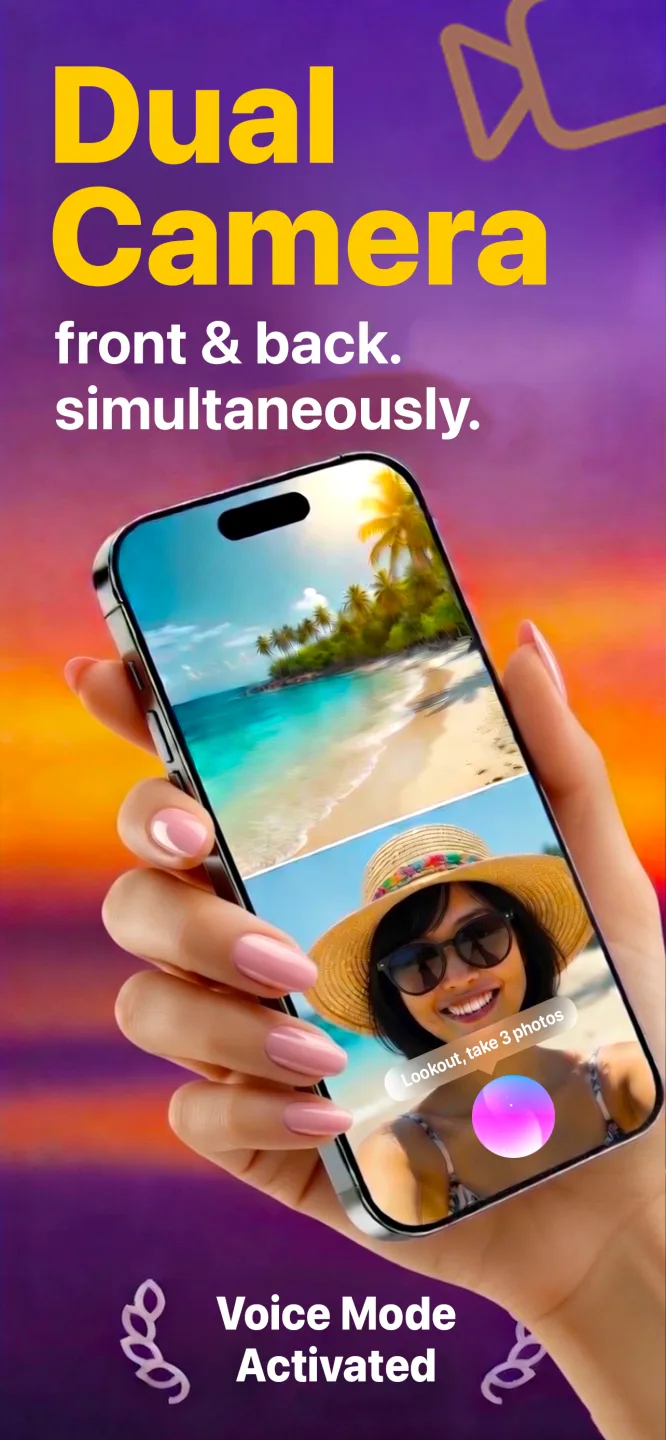

Free to download · Lookout Pro in-app purchase · iPhone 18 Pro and iPhone 18 Pro Max · Records, does not edit. What Lookout is
Reviewed 13 November 2026. Model details were checked against Apple's own pages, heat guidance against Apple Support and Lookout features against its App Store listing. Sources are listed at the end of this guide.
| iPhone 18 as a dashcam | Answer |
|---|---|
| Models out now | iPhone 18 Pro and 18 Pro Max (since September 2026) |
| Base iPhone 18 | Not released as of November 2026 |
| Cooling | Next-generation vapor chamber |
| Base storage | 256 GB |
| Records | Road and cabin together, plus a combined video |
Which iPhone 18 models are there?
| Model | Base storage | Charging port | Worth knowing for driving |
|---|---|---|---|
| iPhone 18 Pro | 256 GB | USB-C | Next-generation vapor chamber |
| iPhone 18 Pro Max | 256 GB | USB-C | Vapor chamber and the largest battery |
Apple announced the iPhone 18 Pro and 18 Pro Max on 9 September 2026 (Apple Newsroom). No base iPhone 18 was announced (9to5Mac). This page will cover it when it ships.
Does the iPhone 18 Pro handle heat better?
Apple says the iPhone 18 Pro has a next-generation vapor chamber with three times the surface area of the iPhone 17 Pro's (Apple Newsroom). Better cooling means the phone should hold up longer before it limits the camera on a warm drive. It is still a phone: direct sun on a windscreen can overwhelm any cooling, so the usual heat rules apply.
Should you upgrade to an iPhone 18 to use as a dashcam?
No. Any iPhone from the XS on records the road and the cabin with Lookout. If you are buying an 18 Pro anyway, the cooling and 256 GB base storage are welcome for long drives. If you want always-on cover, a dedicated dash cam costs far less than a new phone.
iPhone 18 dash cam setup, step by step
- Free up space. Settings > General > iPhone Storage. Two cameras use far more space than one, and there is no loop recording.
- Plug in. Use a car charger and a short USB-C cable. Two cameras and GPS drain the battery fast.
- Mount it low on a vent or the dashboard, with the back camera on the road and nothing covering the lenses.
- Open Lookout and allow the camera, microphone and location. Put the horizon a third of the way down the road preview.
- Turn on Dashcam Mode for the speed, GPS and date and time overlay.
- Start recording while parked, by tapping, saying "Hey Lookout" or using your Apple Watch, then switch to black-screen recording.
Full routine for each drive: how to use iPhone as a dashcam. Kit and settings: how to convert iPhone into dashcam.
Will the iPhone 18 overheat in the car?
Apple says iPhones are designed for 0 to 35 degrees Celsius (32 to 95 Fahrenheit) and may limit the camera or stop to cool down when too hot (Apple Support). Keep the phone out of direct sun, take off a thick case and point an air vent at it.
Whatever the model, an iPhone with Lookout has no loop recording, no impact sensor that locks a clip and no parking mode, and you start it yourself each drive. For always-on cover, see iPhone vs dash cam.
Driving in heavy traffic shows up in your pulse. If you wear an Apple Watch, 70 BPM lines up the heart rate Apple Health records with the events in your calendar, so you can see which drives were the stressful ones. 70 BPM is not a medical device. In an emergency, call your local emergency number.