
The two-minute version
- Download Lookout (free) from the App Store.
- Download Lookout free, open it and allow the camera, microphone and location.
- Mount the phone low: back camera on the road, front camera on the cabin.
- Start recording before you set off.
- Front, back and combined videos are saved on your iPhone. No account, nothing uploaded.

Lookout · Free dual camera recorder
Lookout: a free dash cam app for iPhone
Lookout is free to download on iPhone XS or newer. It records the road and the cabin at once and keeps every file on your phone, with no account and no upload.
Free to download · Lookout Pro in-app purchase · iPhone XS and newer · Records, does not edit. What Lookout is
Reviewed 13 November 2026. Price and requirements were checked against Lookout's App Store listing on 17 November 2026. Prices can change, so check the listing in your country. Sources are listed at the end of this guide.
| Quick facts | Answer |
|---|---|
| Price to download | Free |
| Optional purchase | Lookout Pro in-app purchase, US$2.99 on the US App Store |
| Account needed | No |
| Internet needed | No. Recording and the overlay work offline |
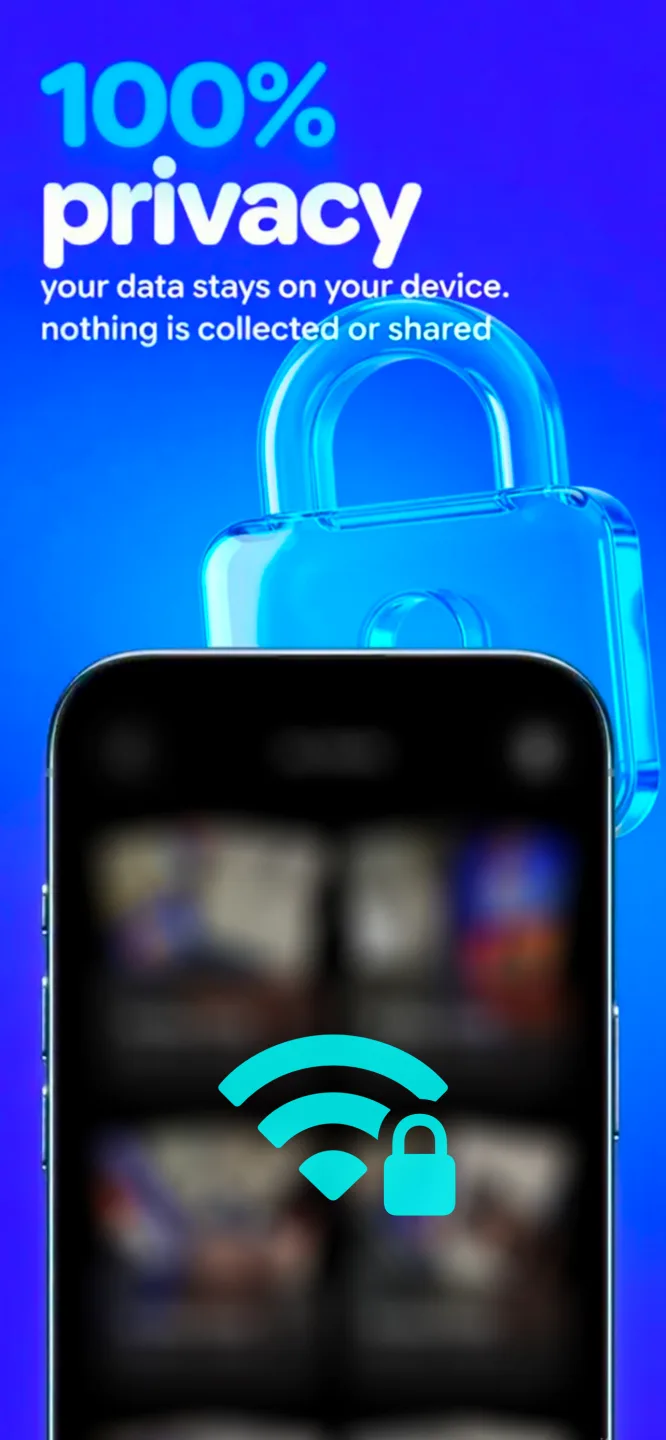
| Data collected | None, according to the App Store listing |
| Needs | iPhone XS or newer, iOS 17 or later |
In this guide: What is free · What Pro is · What it still costs · Watch out for · Free app vs cheap dash cam · Get started · FAQ
What does the free dash cam app for iPhone do?
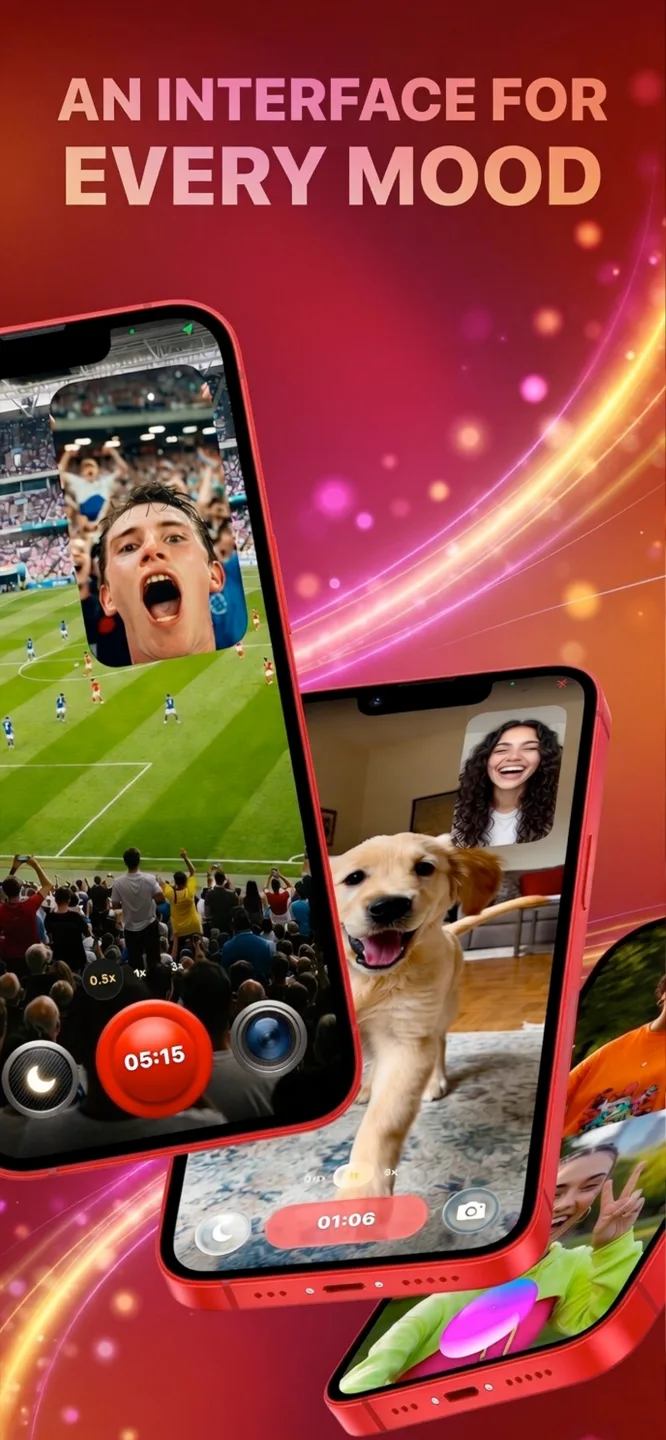
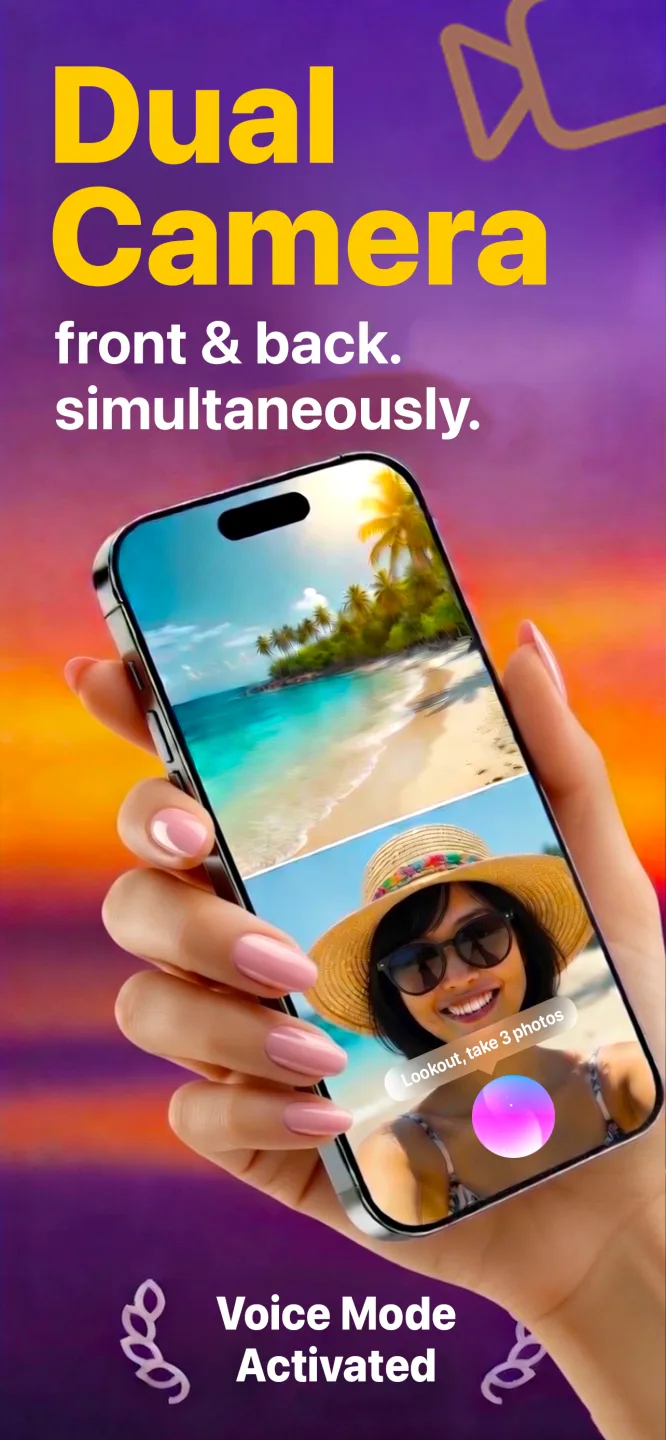
Lookout is free to download. It records the iPhone's back camera (road) and front camera (cabin) in one capture session and saves three files on the phone: road, cabin and a combined picture-in-picture video. It needs no account, sends nothing to a server and works with no signal, which matters on country roads.
Apple has let apps record two cameras at once since iOS 13 (WWDC19 session 249), so this works on iPhone XS and newer.
What is Lookout Pro?
Lookout Pro is an optional in-app purchase (US$2.99 on the US App Store; prices vary by country). The App Store listing is the place to check exactly which features need it today, including Dashcam Mode's speed, GPS and time overlay. You can download Lookout and try it on a drive before deciding.
What does a free dash cam app still cost?
The app is free; the setup around it is not always. Most people already have some of this:
| Item | Do you need it? | Why |
|---|---|---|
| Phone mount | Yes | A phone on the seat records the floor, and holding it is illegal in many places |
| Car charger and cable | Yes | Two cameras and GPS drain the battery fast |
| Free storage | Yes | Two cameras use far more space than one; there is no loop recording |
| iCloud or other backup | Only if you want copies | Footage stays on the phone unless you move it |
Free dash cam app iPhone checklist: what should you watch out for?
- Accounts and uploads. Some apps send footage or location to a server. Lookout uploads nothing.
- Ads during recording. A pop-up mid-drive is a distraction. Check before you rely on an app.
- Trials and subscriptions. "Free" can mean a short trial. Read the in-app purchase terms on the App Store listing before you rely on an app.
- One camera only. Many dash cam apps record only the road. Lookout records the cabin too.
- Heat. No app can stop an iPhone from limiting the camera when it gets too hot (Apple Support). Keep it out of direct sun.
Free app or a cheap dash cam?
| Free app on your iPhone | Budget dash cam | |
|---|---|---|
| Upfront cost | Free (plus a mount and charger) | A hardware purchase plus a memory card |
| Picture | A modern phone camera | Often lower at the budget end |
| Cabin view | Yes, with Lookout | Rare at the budget end |
| Loop recording | No | Yes |
| Crash detection and parking mode | No | Often |
| Starts by itself | No | Yes |
A free app is the right first step if you are not sure you will use footage. If you find you want it on every drive, the full comparison is in iPhone vs dash cam.
How do you get started for free?
- Download Lookout from the App Store on an iPhone XS or newer.
- Allow the camera, microphone and location.
- Mount and plug in with the back camera on the road.
- Start recording before you set off: tap, say "Hey Lookout" or use your Apple Watch.
The one-time kit and settings are in how to convert iPhone into dashcam, and the routine for each drive is in how to use iPhone as a dashcam.
Driving in heavy traffic shows up in your pulse. If you wear an Apple Watch, 70 BPM lines up the heart rate Apple Health records with the events in your calendar, so you can see which drives were the stressful ones. 70 BPM is not a medical device. In an emergency, call your local emergency number.