
The two-minute version
- Download Lookout (free) from the App Store.
- Decide what you need: a record of chosen drives, or cover every time the car moves or is parked.
- For chosen drives, mount the iPhone and open Lookout. Back camera on the road, front camera on the cabin.
- Turn on Dashcam Mode and start recording before you set off.
- Files stay on your iPhone. For always-on cover, a dedicated dash cam is the better tool.

Lookout · Free dual camera recorder
Lookout: the iPhone side of iPhone vs dash cam
Lookout records the road and the cabin at once on iPhone XS or newer, with an optional speed, GPS and date and time overlay. Nothing to buy to try it.
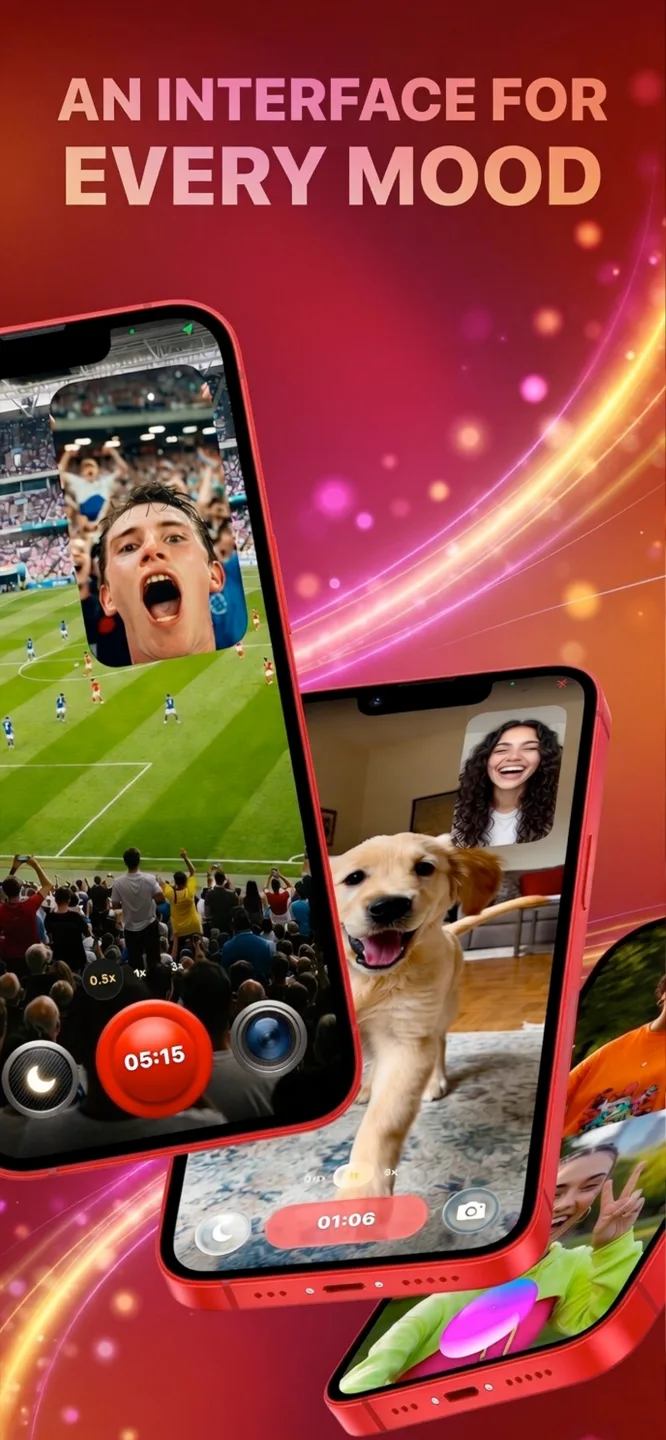
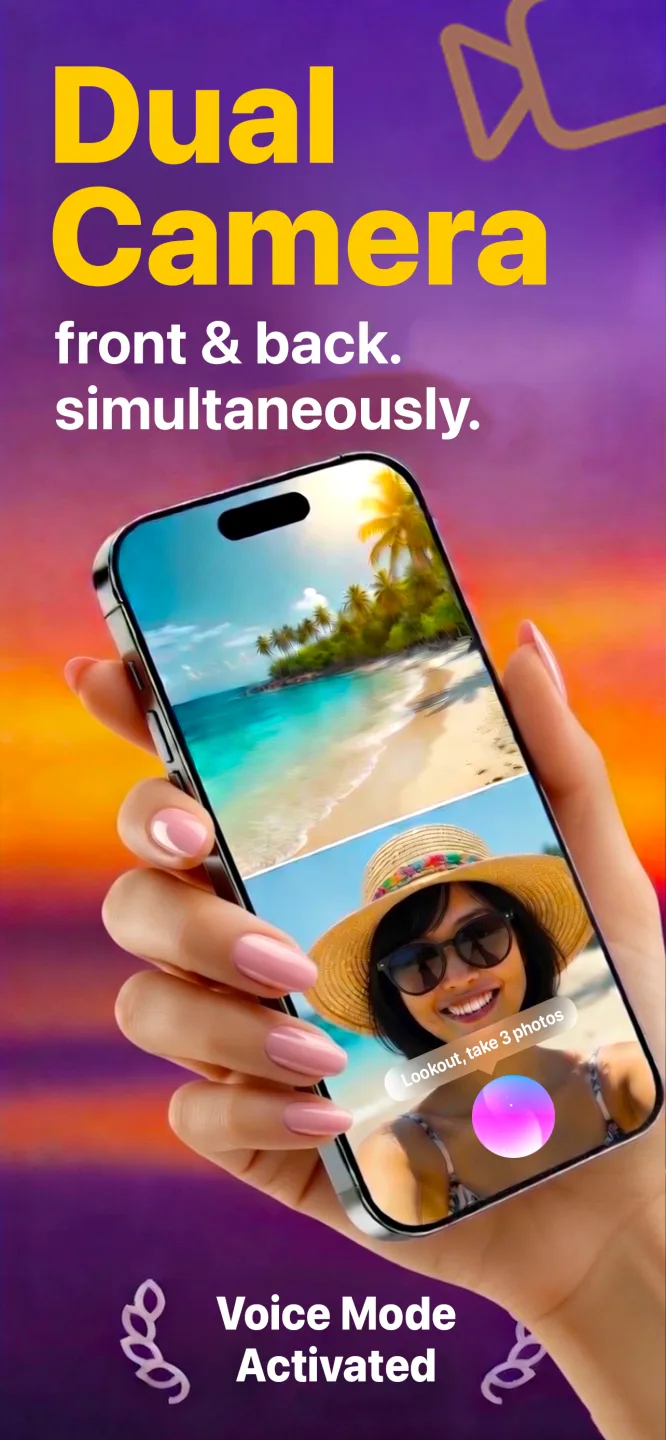
Free to download · Lookout Pro in-app purchase · iPhone XS and newer · Records, does not edit. What Lookout is
Reviewed 13 November 2026. Heat limits were checked against Apple Support, rideshare points against the Future of Privacy Forum and Uber, and Lookout features against its App Store listing. Dash cam features are described in general terms because models differ. Sources are listed at the end of this guide.
| Quick facts | Answer |
|---|---|
| Short answer | iPhone for chosen drives; a dash cam for always-on cover |
| Where iPhone wins | Picture quality, cabin view, no extra hardware, easy sharing |
| Where a dash cam wins | Loop recording, crash detection, parking mode, heat tolerance |
| Cost | iPhone: you already have it. Dash cam: a separate purchase, plus a card |
| Best two-in-one | iPhone records road and cabin; dash cams need a two-way model for that |
In this guide: Side by side · Where iPhone wins · Where a dash cam wins · Is iPhone good as a dashcam? · Who should use which · Using both · FAQ
iPhone vs dash cam, side by side
| iPhone with Lookout | Dedicated dash cam | |
|---|---|---|
| Picture quality | Strong: a modern phone camera | Varies widely by price |
| Road and cabin together | Yes, both iPhone cameras | Only on two-way models |
| Speed, GPS, time overlay | Yes, in Dashcam Mode | Most models |
| Loop recording | No. Stops when storage is full | Yes, overwrites the oldest footage |
| Crash detection | No | Yes, locks the clip on impact |
| Parking mode | No | On wired or battery models |
| Starts automatically | No. You start it each drive | Yes, with the ignition |
| Heat | Can limit the camera in direct sun | Built for a hot windscreen |
| Where footage goes | On the phone, no upload | Memory card, some models upload to a cloud |
| Cost | Free to download, optional Pro purchase | Separate hardware, plus a memory card |
Where does an iPhone win?
- Picture. A modern iPhone camera beats many budget dash cams, especially for reading details.
- Two views at once. On iPhone XS or newer, Lookout records the road and the cabin together. Apple opened multi-camera recording to apps in iOS 13 (WWDC19 session 249).
- Nothing to buy. Apart from a mount and charger, you already own it.
- Easy to share. Clips are already on your phone: no card reader, no pairing app.
- Private. Lookout keeps footage on the phone and uploads nothing.
Where does a dash cam win?
- Always on. It starts with the ignition, so you never forget to press record.
- Loop recording. It overwrites old footage, so it never runs out of space.
- Crash detection. A G-sensor locks the clip around an impact so it is not overwritten.
- Parking mode. Wired models can record bumps and break-ins while parked. A phone cannot.
- Heat. Dash cams are built for a hot windscreen. Apple says an iPhone may limit the camera or stop to cool down when too hot (Apple Support).
- Your phone stays free for calls, maps and music.
Is iPhone good as a dashcam?
Yes, for the right job. An iPhone is good as a dashcam for drives you choose to record: a road trip, a driving lesson, a rideshare shift, a route you want to document. It is not good as an always-on dash cam, because you have to start it every time, it does not overwrite old footage and it does nothing while parked.
The honest test: if you want footage of a crash you did not see coming, on a day you forgot about the camera, buy a dash cam. If you want a clear record of a specific drive, with the cabin too, your iPhone does it today.
Who should use which?
| You are... | Better choice | Why |
|---|---|---|
| Commuting every day | Dash cam | Starts with the car, no habit needed |
| Worried about parking damage | Dash cam (wired) | Only a dash cam has parking mode |
| Going on a road trip | iPhone | Chosen drives, great picture, nothing to buy |
| Teaching a new driver | iPhone | Road and driver in one synced video to review together |
| Driving rideshare or delivery | Either; two-way matters | An iPhone covers the cabin; check your platform's rules |
| Trying it before you buy | iPhone | Find out whether you actually use footage |
If you carry passengers for work, tell them you are recording. The Future of Privacy Forum recommends notice and short retention (FPF), and Uber expects drivers to follow local consent rules (Uber).
Can you use both?
Yes, and it is a good combination. Let a single-lens dash cam cover the road every day, and use your iPhone for the cabin view on the drives where it matters, such as a lesson or a work shift. Lookout records the front camera as its own file, so the cabin footage is separate from the combined video.
Decided on the iPhone? Start with how to convert iPhone into dashcam for the kit, then how to use iPhone as a dashcam for each drive.
Driving in heavy traffic shows up in your pulse. If you wear an Apple Watch, 70 BPM lines up the heart rate Apple Health records with the events in your calendar, so you can see which drives were the stressful ones. 70 BPM is not a medical device. In an emergency, call your local emergency number.