
The two-minute version
- Download Lookout (free) from the App Store.
- Open it and allow the camera and microphone.
- You will see two live previews. Decide which one is the main view and which is the small one.
- Press record. Both cameras record together, in sync.
- Three files are saved on your iPhone: front, back and a combined picture-in-picture video. Nothing is uploaded.

Lookout · Free dual camera recorder
Lookout: record the scene and your reaction together
Lookout records your iPhone's front and rear cameras in one capture session and saves a combined picture-in-picture video beside each original camera file.
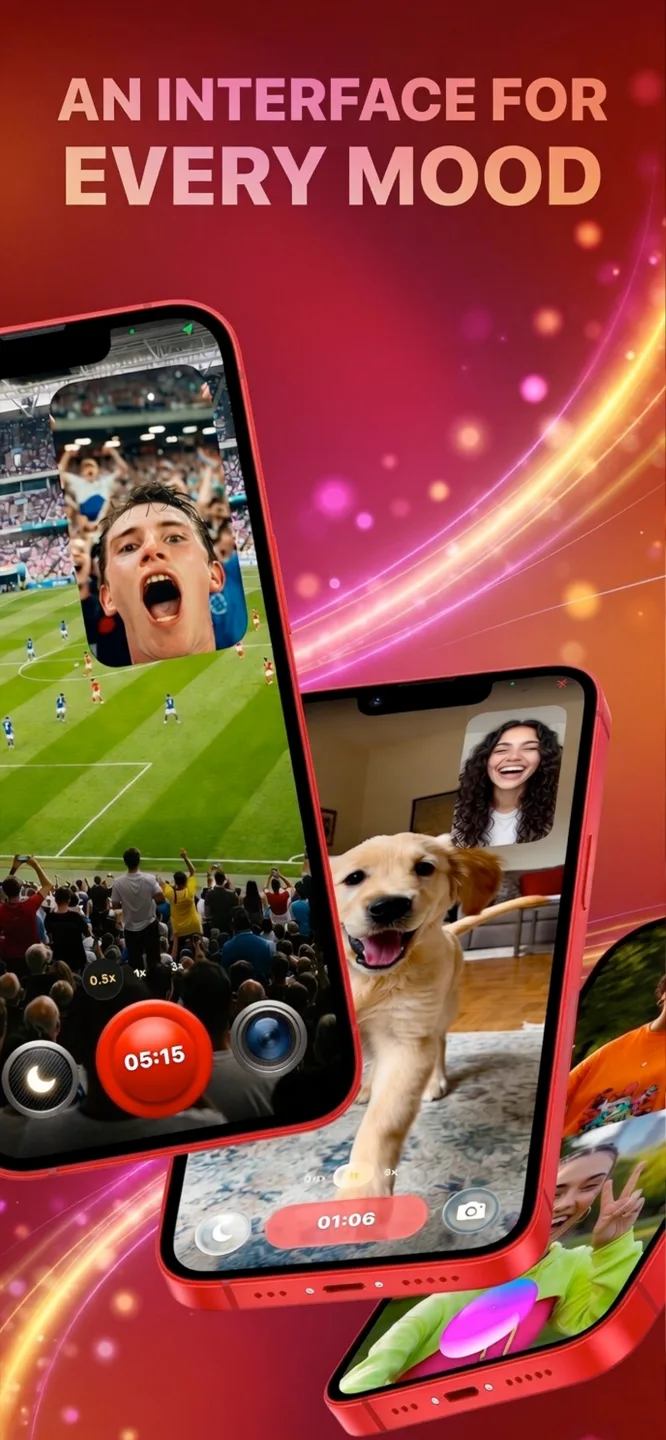
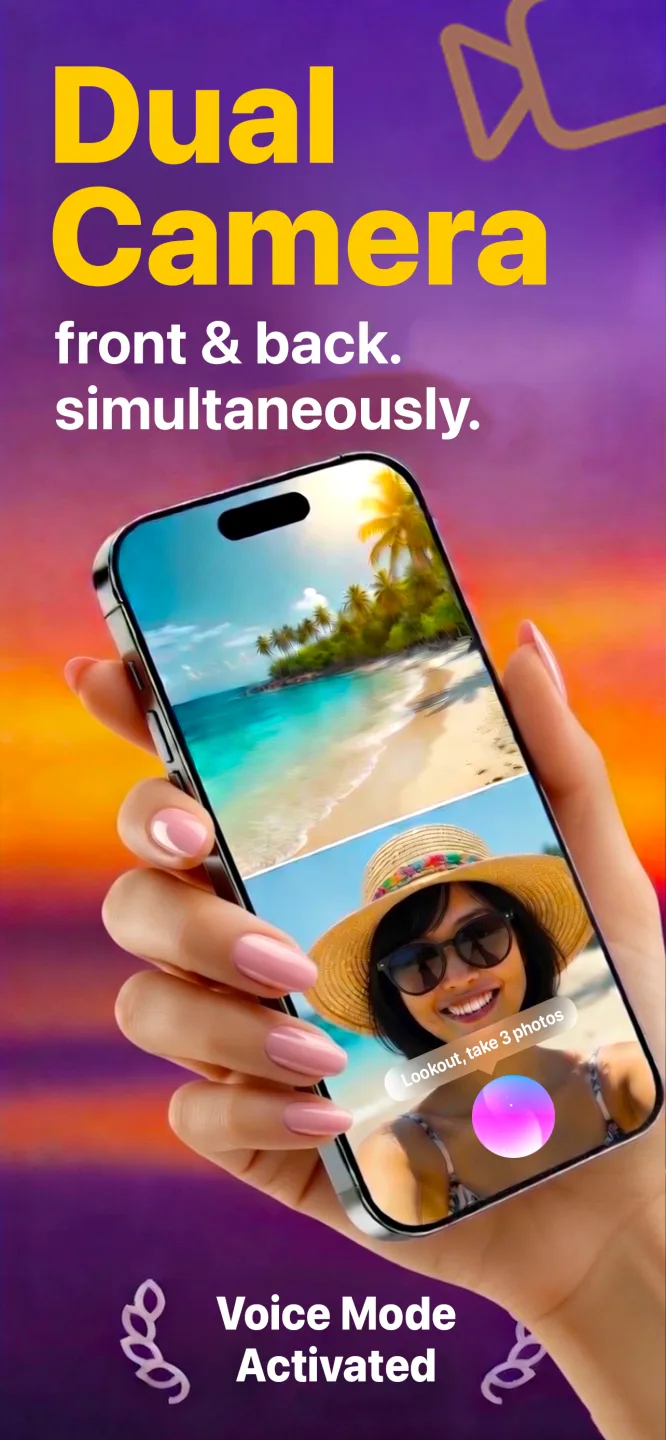

Free to download · Lookout Pro in-app purchase · iPhone XS and newer · Records, does not edit. What Lookout is
Reviewed 13 November 2026. Definitions were checked against Apple's iPhone User Guide and its iPhone 17 announcement, and Lookout's output files against its own guides. Sources are listed at the end of this guide.
| Quick facts | Answer |
|---|---|
| What it is | A layout with a main video and a small inset video, shown at the same time |
| How to record it on iPhone | Record the front and back cameras together in a dual camera app |
| What Lookout saves | Front camera, back camera and a combined picture-in-picture video |
| Not to be confused with | iOS Picture in Picture, which keeps a video playing in a floating window while you use other apps |
| Camera app alternative | The iPhone 17 range has Dual Capture built into the Camera app |
| Needs | iPhone XS or newer for Lookout |
In this guide: What it is · Not the iOS floating player · PiP vs split screen · How to record it · Record vs edit · When to use it · Framing tips · Fixes · Mac · FAQ
What is picture in picture video recording?
Picture in picture (PiP) is a layout. One video is full size and a second is shrunk into a corner, like a news presenter in front of a map. Tutorial makers, streamers and reaction channels use it because it carries two stories at once: what is happening, and how the person feels about it.
To record it on a phone you need two video sources that start together. An iPhone has two: the front and back cameras. Apple opened this up to apps with multi-camera capture in iOS 13 (WWDC19 session 249).
Is it the same as iPhone Picture in Picture?
No. Apple's Picture in Picture is a playback feature: it keeps a video or FaceTime call in a small floating window while you use other apps (Apple iPhone User Guide). This guide is about recording a new video that contains two views.
Picture in picture or split screen?
| Picture in picture | Split screen | |
|---|---|---|
| Layout | One big view, one small window | Two equal halves |
| Main subject | The scene | Both views matter equally |
| Best for | Vlogs, reactions, tutorials, driving | Interviews, comparisons, before and after |
| In vertical video | Small face over a full-height scene | Top and bottom halves |
| Risk | The small window can cover something | Each view is cropped narrower |
The wider comparison is in multicam iPhone recording.
How do you do picture in picture video recording on iPhone?
- Decide the story. Which view is the main event and which is the reaction or explanation?
- Set the phone up. Prop or hold it so the back camera sees the scene and the front camera sees you.
- Open Lookout and check both previews. Zoom the back camera until the scene fills the frame.
- Start recording by voice, with the button or from your Apple Watch.
- Talk to the scene, not the lens. A glance at the main view feels natural; a stare at the front camera does not.
- Stop and review. Lookout saves the front video, the back video and a combined picture-in-picture video.
Why record both cameras at once instead of editing later?
Most phone PiP videos are built from two separate clips, which means two takes, careful syncing and a reaction that is never quite real. Recording both cameras at once makes the reaction genuine and the timing exact, and it is the only way for moments you cannot repeat: a goal, a first reaction to a gift, a live demonstration.
Because Lookout keeps the two original camera files beside the combined version, you can still re-edit in any editor. Lookout is a recorder, not an editor.
When is picture in picture the right choice?
Vlog: the scene is full size and you narrate from the corner. See how to vlog with phone.
Reactions: the video or game is full size and your face is the inset. See reaction videos on iPhone.
Tutorials: hands and tools fill the screen while your face is in the corner. Good for cooking, crafts and repairs.
Driving: the road is large and the cabin is small. See dash cam app for iPhone.
How do you frame a clean inset?
- Keep faces out of the corner. The inset sits in a corner of the finished video, so keep important detail out of that area.
- Light your face. Face a window or lamp, never the reverse. The front camera struggles more in dim light.
- Hold steady. Both views shake together. Use a stand, a tripod or both hands.
- Check sound. One microphone hears both you and the scene. Speak up in noisy places.
- Keep takes short. Two cameras use more battery and storage, and Apple warns that extended camera use in heat can overheat an iPhone (Apple Support).
What are the common problems and fixes?
| Problem | Why it happens | Fix |
|---|---|---|
| Your face is dark | The front camera is smaller and has less light | Face a window or lamp; do not sit with a bright window behind you |
| The inset covers the action | The inset sits in a fixed corner | Keep the action in the middle of the frame |
| The scene is shaky | Both views move with the phone | Use a stand, tripod or both hands |
| Voices are hard to hear | One microphone picks up everything | Move closer, speak up and test the sound |
| The phone gets warm | Two cameras are working at once | Record shorter takes, shade the phone, remove a thick case |
Can you do picture in picture on a Mac?
Yes. Lookout can record the Mac's webcam and an iPhone used as a Continuity Camera at the same time, which suits tutorials where you want a face and a second angle. See dual camera recorder for Mac and recording video on a Mac with the iPhone camera.
If you own an iPhone 17, Apple says the new range can film with both cameras at once for capturing yourself and your surroundings (Apple Newsroom). Older iPhones need an app.
Filming a workout or a run? If you wear an Apple Watch, 70 BPM lines up the heart rate Apple Health records with the events in your calendar, a handy fact to mention on camera. 70 BPM is not a medical device. In an emergency, call your local emergency number.