
What you need
- A Mac with a built-in camera or a USB webcam.
- An iPhone that supports Continuity Camera (iPhone XR or later on a current iOS).
- Both signed in to the same Apple Account, with Wi-Fi and Bluetooth on.
- Lookout for Mac, free on the Mac App Store (macOS 15.6 or later).

Lookout · Free dual camera recorder
Lookout for Mac: two cameras, one recording
Lookout records your Mac camera and your iPhone as two sources at once, straight from the menu bar.
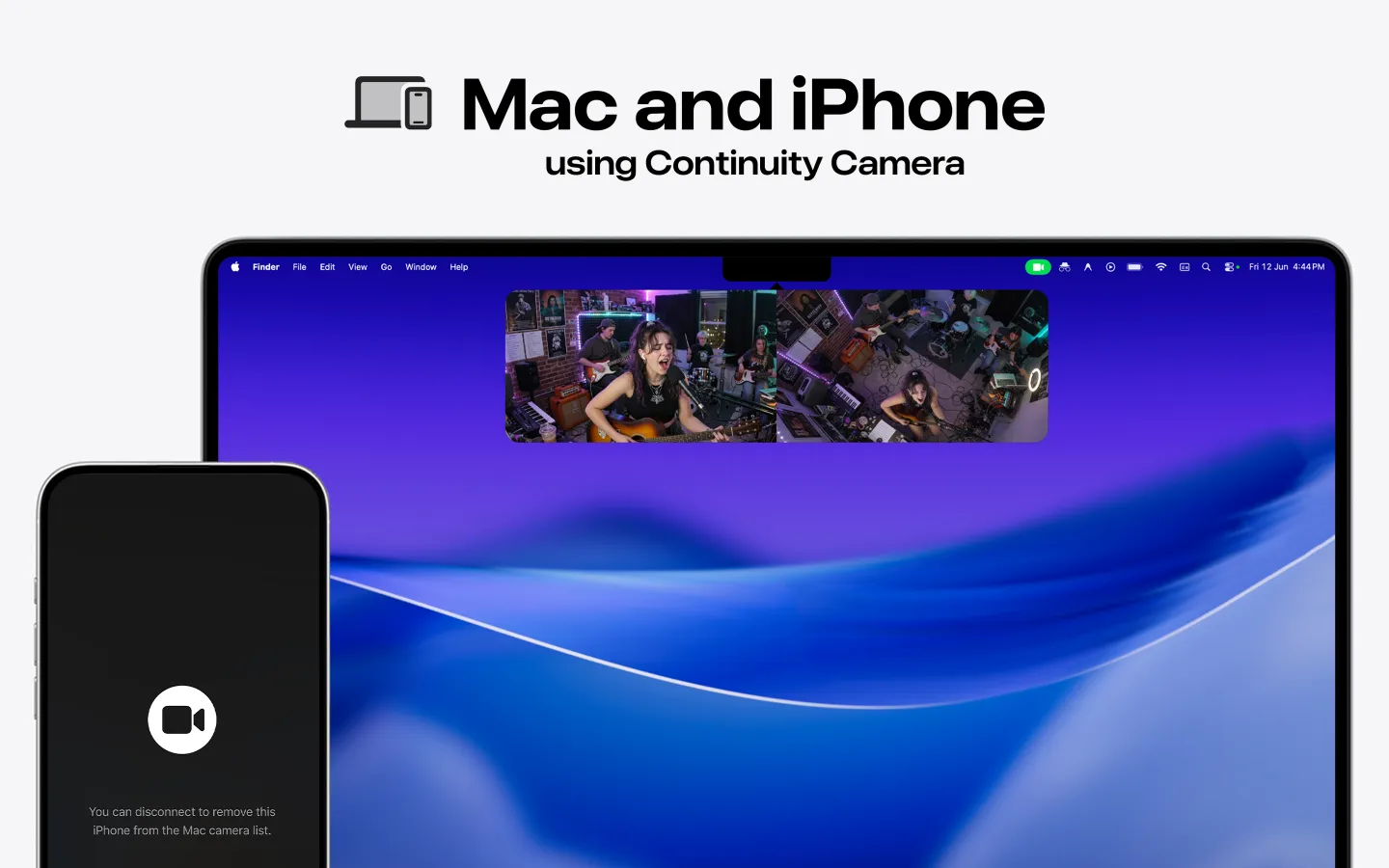
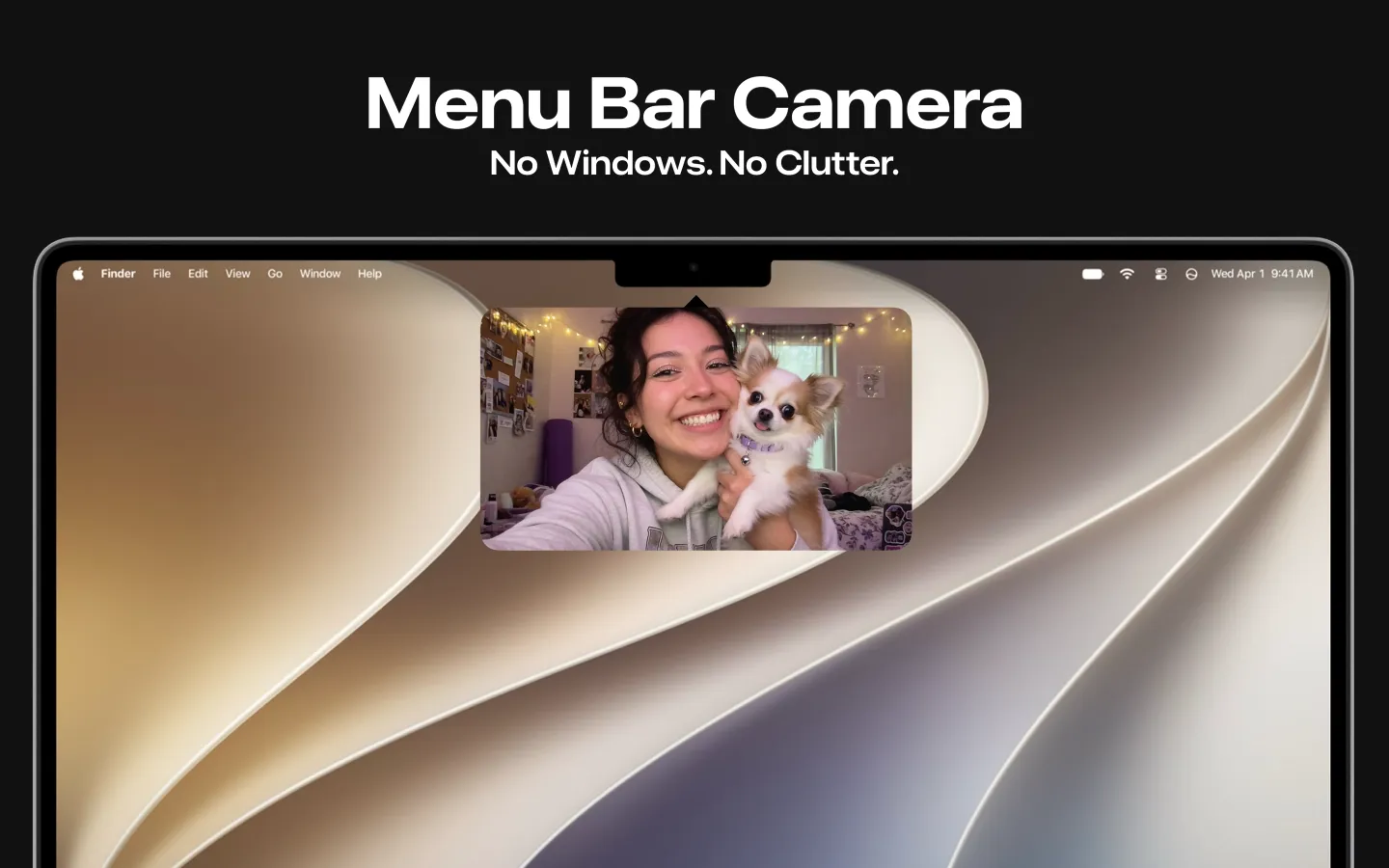

Live preview of both cameras
Runs in the menu bar
Saved on your Mac
Free on the Mac App Store
Free to download · Lookout Pro in-app purchase · Mac and iPhone · Records, does not edit. What Lookout is
Record with one camera in QuickTime
- Mount the iPhone near the Mac in landscape, rear cameras facing you, and lock it. Requirements are on Apple's Continuity Camera page: iOS 16+, iPhone XR or later, macOS Ventura 13+.
- Open QuickTime Player and choose File › New Movie Recording.
- Click the small arrow next to the record button and choose the iPhone under Camera. Choose a microphone too.
- Click record. Save the file when you stop.
Record the iPhone and the Mac camera together
- Install Lookout from the Mac App Store (macOS 15.6 or later).
- Click the Lookout icon in the menu bar. You'll see a live preview of both cameras.
- Pick the built-in camera and the iPhone as the two sources.
- Record. Both streams are saved on your Mac; nothing is uploaded.
Good uses for two angles
- Video podcasts: a close-up on the webcam and a wide shot from the iPhone.
- Tutorials: your face on one camera, your hands or desk on the other.
- Product demos and unboxings: your reaction plus the product up close.
- Rehearsals and interviews where you want a second angle without a capture card.
About Lookout's price
Lookout is free to download. Full recording is unlocked by Lookout Pro, a one-time in-app purchase (US$2.99 on the US App Store when checked on 28 October 2026; local prices vary). Two streams use about twice the disk space of one, so leave room on your Mac before a long session.