
The two-minute version
- Download Lookout (free) from the App Store.
- Open it and allow the camera and microphone.
- You will see two live previews: the scene (back) and you (front).
- Press record, or say "Hey Lookout", and talk as you walk or sit.
- Front, back and combined videos are saved on your iPhone. Nothing is uploaded.

Lookout · Free dual camera recorder
Lookout: vlog the scene and your face together
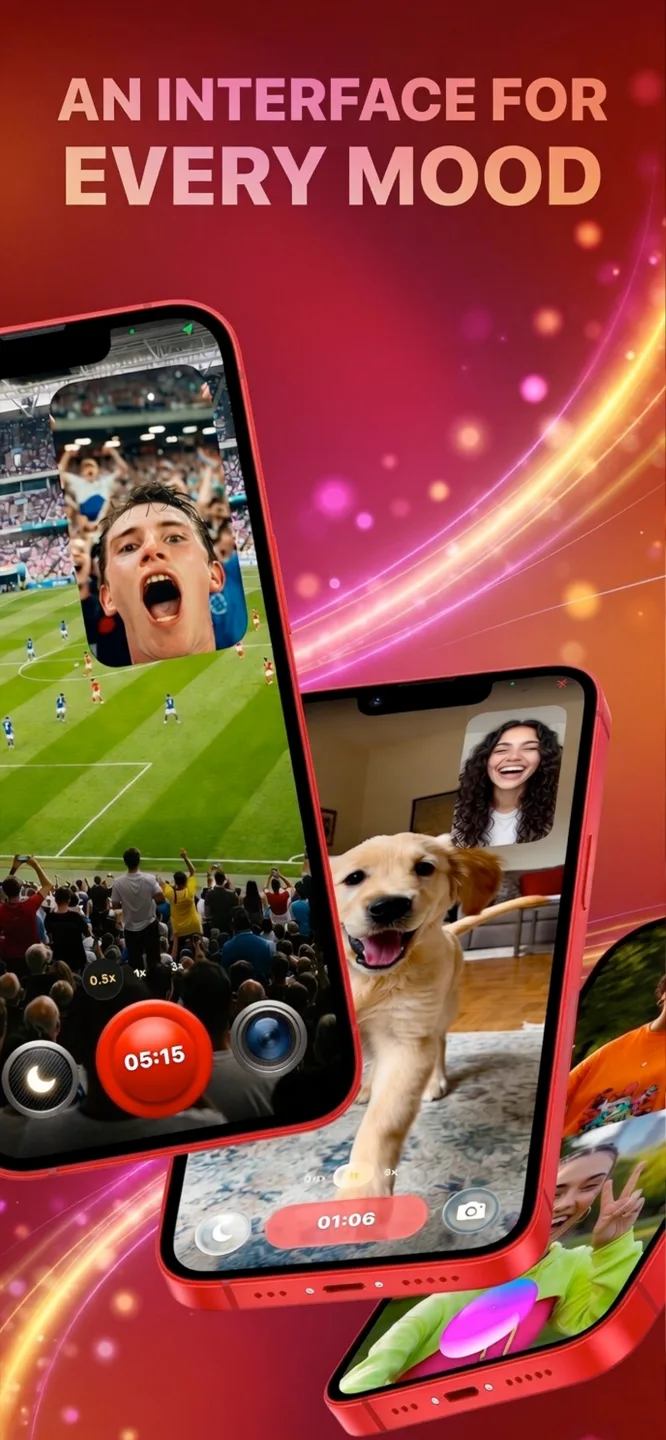
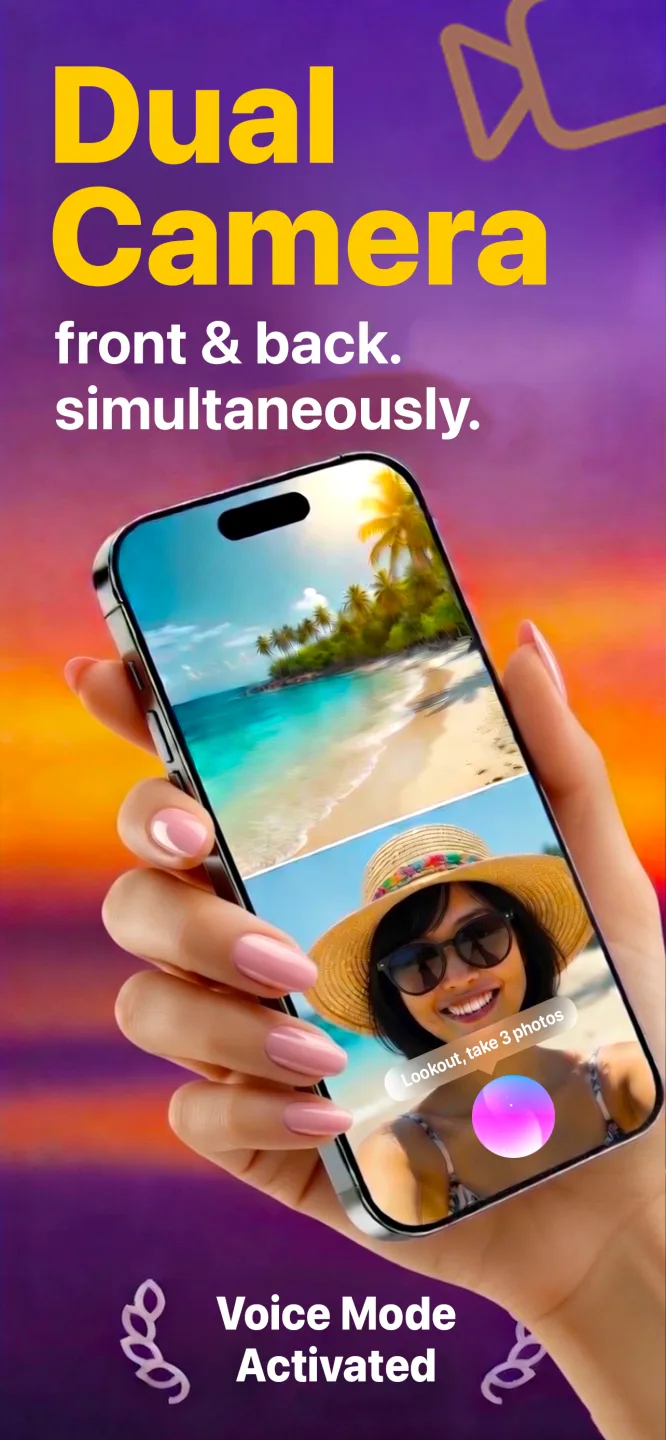
Lookout records the back camera on the scene and the front camera on you in one capture session, so a vlog needs no second take and no second phone.
Free to download · Lookout Pro in-app purchase · iPhone XS and newer · Records, does not edit. What Lookout is
Reviewed 13 November 2026. Camera steps were checked against Apple's iPhone User Guide; storytelling and gear advice reflect common practice, not a single study. Sources are listed at the end of this guide.
| Quick facts | Answer |
|---|---|
| Minimum kit | A recent iPhone, a clean lens and good light. Add a small tripod and a microphone next |
| Best settings to start | 1080p at 30 frames per second; 4K if you want to crop |
| Steady exposure | Touch and hold the screen until AE/AF Lock appears, as Apple documents |
| Face and scene together | A dual camera app records both cameras in one take |
| Ideal clip length | 10 to 30 seconds per shot, edited into a video of a few minutes |
| Biggest quality gain | Sound, then light, then stability |
In this guide: Short version · Gear · Settings · Framing · Sound · Light · Shot list · Story · Two cameras · Editing · FAQ
How do you vlog with a phone? The short version
- Have one idea. "A day at the market" is a vlog; "my week" is a mess.
- Clean the lens and set 1080p or 4K at 30 frames per second.
- Light your face from the front, with a window or lamp behind the camera.
- Record a hook first: one line that tells people why to keep watching.
- Film short clips of 10 to 30 seconds, then move on.
- Check the sound before you leave, and trim the dead air when you edit.
What gear do you need to vlog with a phone?
| Item | Do you need it? | Why |
|---|---|---|
| A recent iPhone | Yes | The camera you carry is the one you will use most |
| A small tripod or grip | Strongly recommended | Steady footage and free hands |
| A clip-on or wireless microphone | Recommended | Sound is half of a vlog, and wind ruins the built-in microphone outdoors |
| A small light | Optional | Useful indoors and at night; window light is free |
| A gimbal | Optional | Smoother walking shots once you have learned to walk smoothly |
| A new phone | No | Spend on sound before upgrading |
What camera settings are best for vlogging?
- Resolution and frame rate. 1080p at 30 frames per second is fine for most platforms and saves storage. Choose 4K if you plan to crop.
- Lock exposure and focus. Apple's guide says to touch and hold the focus area until AE/AF Lock appears, and tap the screen to unlock (iPhone User Guide). This stops the picture from pumping brightness as you move.
- Pick one orientation. Vertical suits short-form; horizontal suits long-form. Do not switch halfway.
- Avoid digital zoom. Move closer or use the optical lenses.
- Turn on Do Not Disturb so a call does not ruin a take.
How should you frame yourself?
Hold the phone at eye level or slightly above, at arm's length, elbow tucked in. Leave a little space above your head. Looking just above the lens feels more natural than staring into it. When walking, hold the phone with both hands and bend your knees slightly. More in how to film yourself with a phone.
How do you get clear sound?
People forgive a shaky picture but leave when they cannot hear you. Get close to the microphone, keep it out of the wind and record a few seconds of room tone at the end for editing. If you buy one accessory, make it a small microphone, and always test with headphones before the real take.
How should you use light?
Face a window so light falls on your face; avoid standing with the window behind you. Outdoors, the hour after sunrise and the hour before sunset give soft light. At midday, find shade. At night, use a small light or a bright shop front and tap your face to set exposure.
What shots does a first vlog need?
| Shot | What it is | Why it matters |
|---|---|---|
| Hook | You, close, saying the point of the video | Tells viewers what they get in the first five seconds |
| Establishing shot | A wide view of the place | Shows where you are |
| Medium shot | You, waist-up, talking | Carries the story |
| Detail shot | Close-up of food, hands, signs | Makes the place feel real |
| Cutaway | A short clip of something you mention | Lets you cut out mistakes |
| Reaction | Your face right after something happens | Gives the viewer the feeling |
| Closing line | You, close, summing up | Gives the video an ending |
How do you tell a story people finish?
- Open with the payoff. "Today I am trying the cheapest sushi in town, and it surprised me." Then show it.
- Think in beats. Where you are, what you are doing, what went wrong, what you learned.
- Use B-roll. Short clips of hands, signs, food and streets cover cuts and make the place real.
- End on one clear line: a conclusion, a question or a teaser.
How do you vlog yourself and the scene at once?
A phone normally points one way, so you film the scene and then turn it round to react. Apple added multi-camera capture for apps in iOS 13 (WWDC19 session 249) and the iPhone 17 range has it in the Camera app too (Apple Newsroom). Lookout covers every iPhone from the XS: the back camera records what you see, the front camera records you, and it saves the front, back and a combined picture-in-picture file.
Walk and talk: hold the phone at chest height, back camera on the street, front camera on you.
Desk or kitchen: lean the phone so the back camera sees your hands and the front camera sees you.
Events and sport: phone on a stand: back camera on the action, front camera on your reaction, started from your Apple Watch.
Start and stop hands-free with "Hey Lookout" or an Apple Watch. More in best vlogging camera app for iPhone and picture in picture video recording.
Heat and battery are the usual limits. Apple notes extended camera use in hot conditions or direct sunlight can overheat an iPhone (Apple Support). Record in short takes and carry a power bank.
How should you edit a vlog?
Cut the start and end of every clip, remove pauses and tighten the rest. Add captions, because many people watch without sound, and keep music low enough that your voice is clear. If you recorded two views, show whichever is more interesting at each moment, or keep the combined version.
What mistakes should you avoid?
- A long introduction before the interesting thing.
- Filming into a window or the sun so your face is a silhouette.
- Holding the phone too close, which distorts your face.
- Forgetting to check storage and battery.
- Filming people in shops, cafes and private places without asking.
Day-in-the-life vlogs are easier when you have something to say. If you wear an Apple Watch, 70 BPM lines up the heart rate Apple Health records with the events in your calendar, so you can talk about the meeting, gym session or walk that made your pulse jump. 70 BPM is not a medical device. In an emergency, call your local emergency number.