
The two-minute version
- Download Lookout (free) from the App Store.
- Check the park's rules for phones and cameras on rides before you queue. Then open it and allow the camera and microphone.
- You will see two live previews: the view (back) and you (front).
- Start while the ride is stopped, by voice or from your Apple Watch.
- Front, back and combined videos are saved on your iPhone. Nothing is uploaded.

Lookout · Free dual camera recorder
Lookout: your face and the ride in one take
Lookout records the front camera on you and the back camera on the view in one capture session, so your reaction and the moment are on the same timeline.
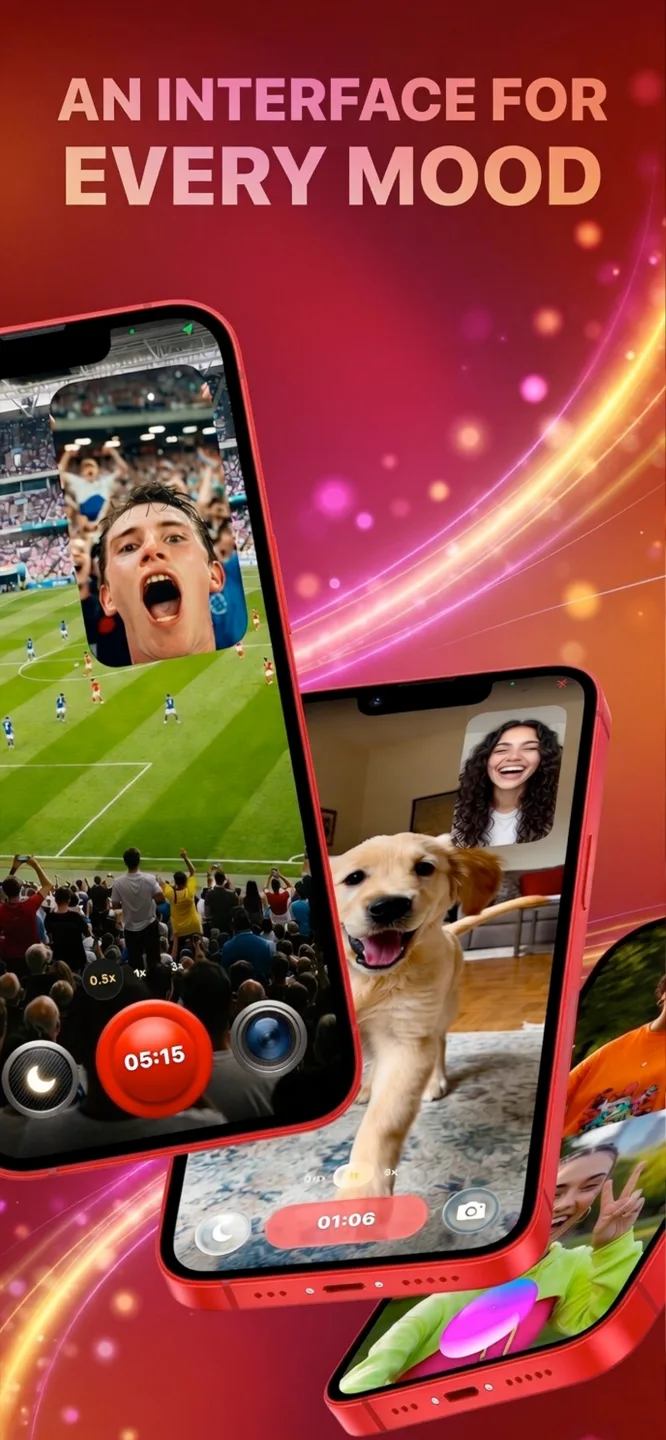
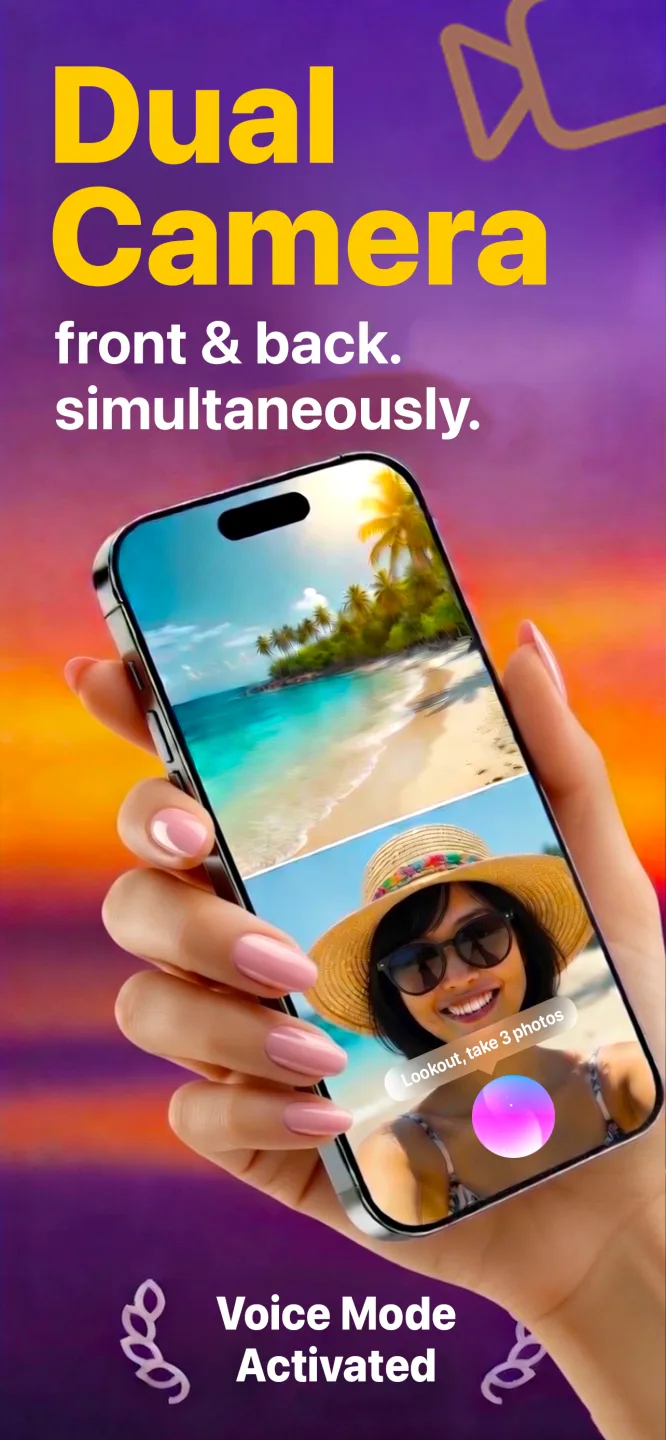
Free to download · Lookout Pro in-app purchase · iPhone XS and newer · Records, does not edit. What Lookout is
Reviewed 13 November 2026. Park policies change often and differ by ride; we checked published Six Flags and Cedar Point information but you must confirm the current rule on the day. Sources are listed at the end of this guide.
| Quick facts | Answer |
|---|---|
| Is it allowed? | Often no. Many parks ban loose phones and cameras on coasters; policies vary by park and by ride |
| Safest way to get footage | The park's official on-ride photo or video, or film from the ground |
| What the app adds | Your face (front) and the view (back) in one take, where recording is permitted |
| How to start safely | Hands-free by voice or Apple Watch, while the ride is stopped |
| Main risk | A phone falling from a ride, which can injure people below |
| What you get | Front, back and combined videos, kept on your iPhone |
In this guide: Rules first · Your options · If it is allowed · How to record · Face and ride · From the ground · Battery · FAQ
How to record yourself on roller coaster rides: is it allowed?
Often not. Six Flags says guests who break ride rules, including rules on loose articles like cell phones, keys and bags, may be removed from attractions or ejected from the park (Six Flags). Policies also change: Cedar Point has restricted phones on most coasters, then reportedly added in-seat pouches on Steel Vengeance (WCPO). Read the sign at the ride entrance and follow ride staff. If recording is not allowed, do not do it.
What are your options, from safest to riskiest?
| Option | Where it works | Risk |
|---|---|---|
| Record the queue, station and your reaction right after the ride | Anywhere | None. The safest way to capture the whole experience |
| Buy the park's on-ride photo or video | Rides with an official camera | None. Often the best quality |
| Record friends from the ground as they ride past | Anywhere with a public view | None. Use zoom and a clear spot |
| Record on a gentle ride where phones are allowed | Ferris wheels, scenic railways, boat rides | Low, if allowed and the phone is secured |
| Record on a coaster with a secure mount | Only where the park explicitly allows it | High. Do it only if the park says yes |
If recording is allowed, how do you secure the phone?
- Never hold it loose. Speed and wind can tear a phone from your hand in a second.
- Use a proper mount made for rides and only if the park allows it: a chest or helmet mount, a tether or a harness-safe holder.
- Empty your pockets. Many rides require everything else in a locker.
- Keep both hands on the restraint once moving. That is why you start recording before the ride moves.
How do you start recording hands-free?
- Open Lookout in the queue and check both previews.
- Secure the phone in an approved mount, or leave it in a locker if the ride bans it.
- Start while the ride is stopped. Say "Hey Lookout" or tap record on your Apple Watch.
- Keep both hands on the restraint once it moves.
- Stop after you leave the station. The relieved laughter is worth keeping.
How do you capture your face and the ride together?
The best coaster videos show the drop and the face that goes with it. A dual camera app records both: the back camera sees the track ahead and the front camera sees you, on one clock, so your scream lines up with the fall. Apple made this possible for apps with multi-camera capture in iOS 13 (WWDC19 session 249). It works best where recording is permitted, and in the queue and station where you can show the structure behind you. See best reaction video app and hands-free video recording.
What is the safest way to get coaster footage?
Ride-by shots: stand where the train passes and record friends with a zoom. The front camera can capture your own cheer.
Queue and station diary: film the line, the signs and your face as you wait. These make a good opening for a theme park vlog.
Right after the exit: record a reaction within seconds, while your heart is still racing.
For a full day out, see how to vlog with phone, and for crowds, stadium fan cam recording setup.
What about battery and heat at a theme park?
A hot park day drains a phone fast, and Apple says extended camera use in heat or direct sunlight can overheat an iPhone and disable camera features (Apple Support). Record in short takes, keep a power bank in a locker or bag, shade the phone in the queue and check storage before you arrive.
Coasters are one of the few times you can watch a heart rate jump on command. If you wear an Apple Watch, 70 BPM lines up the heart rate Apple Health recorded with the events in your calendar, so you can add the ride to your calendar and compare it afterwards. 70 BPM is not a medical device. In an emergency, call your local emergency number.