
The two-minute version
- Download Lookout (free) from the App Store.
- Open it and allow the camera and microphone.
- Aim the back camera at the spot where you will ask. The front camera catches the other direction.
- Start it from your Apple Watch or by voice just before the moment.
- Three files are saved on your iPhone: front, back and a combined view. Nothing is uploaded.

Lookout · Free dual camera recorder
Lookout: record the proposal and the reaction
Lookout runs your iPhone's front and rear cameras in one capture session, so the question and the faces around it are one take with nothing to line up afterwards.
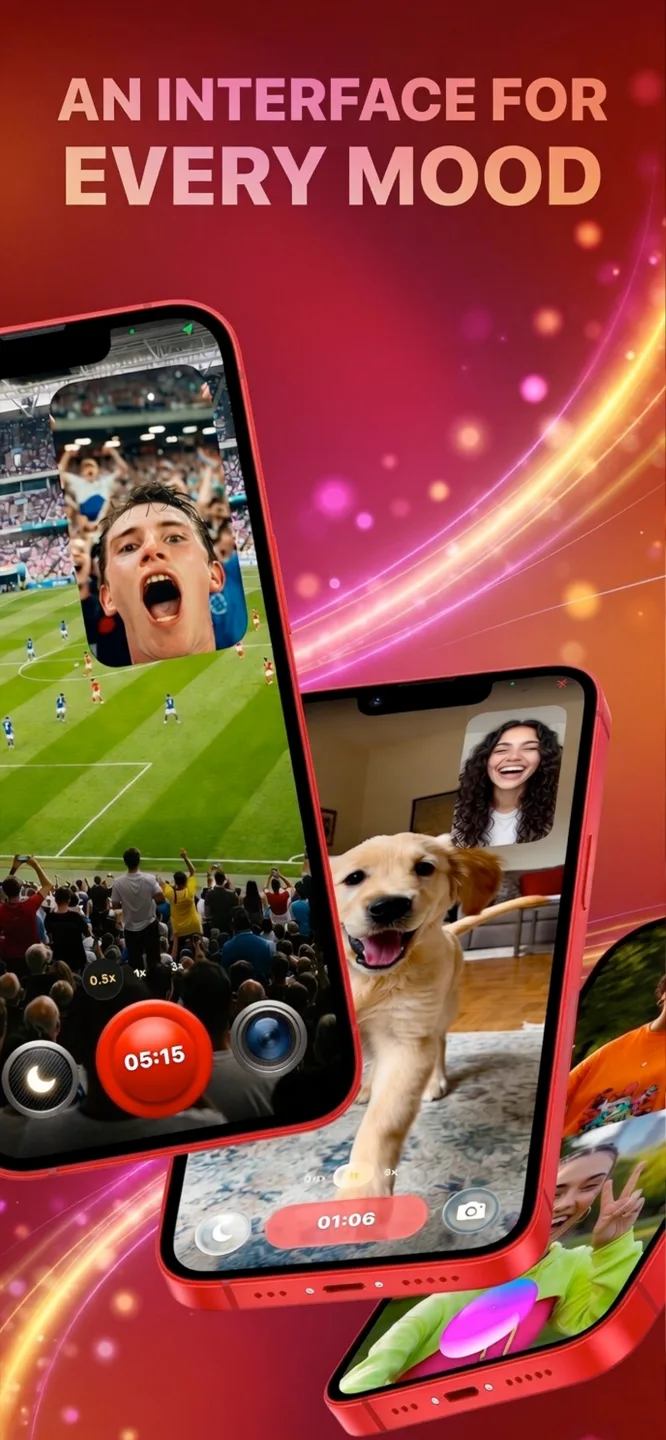
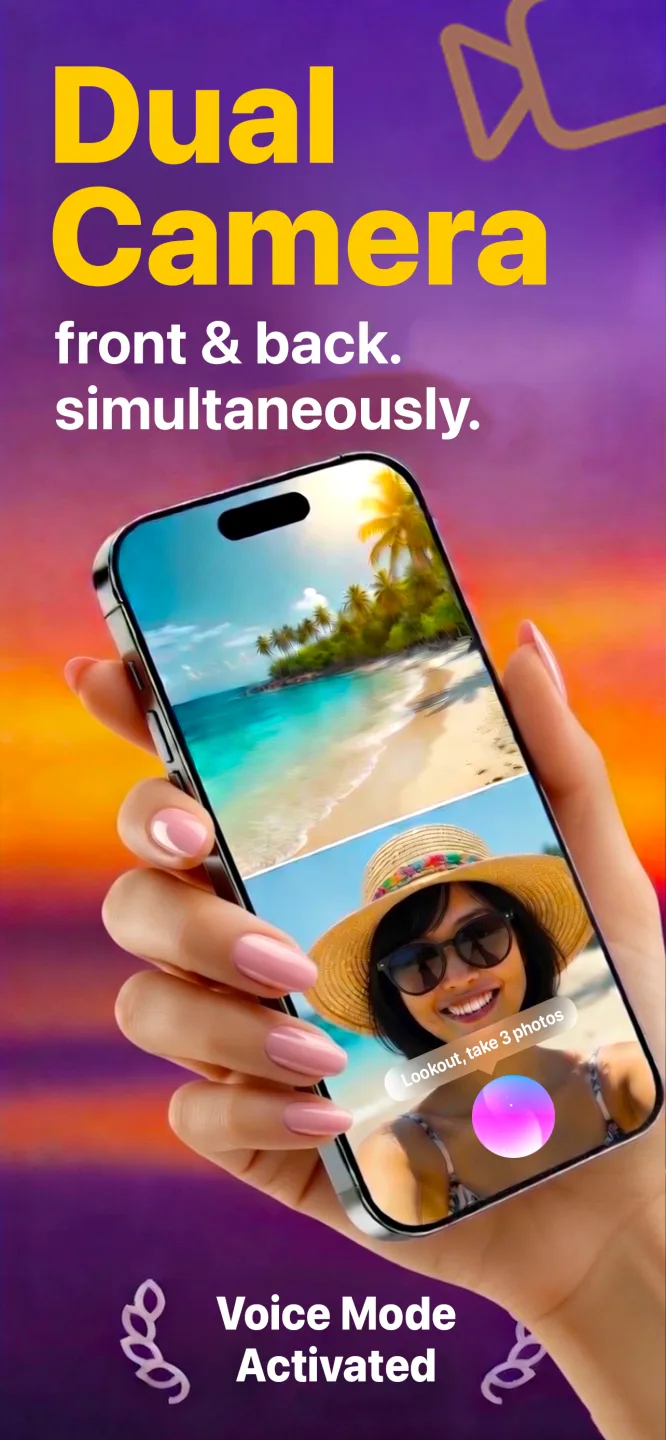
Free to download · Lookout Pro in-app purchase · iPhone XS and newer · Records, does not edit. What Lookout is
Reviewed 13 November 2026. Device behaviour was checked against Apple's documentation, and the proposal statistic against The Knot's published study. Sources are listed at the end of this guide.
| Quick facts | Answer |
|---|---|
| Best phone position | Hidden tripod or ledge, 6 to 15 feet from the spot, at chest height |
| Best way to start | Apple Watch remote or "Hey Lookout", one to two minutes early |
| What two cameras add | Back camera records the proposal; front camera records the people facing you |
| What you get | Three files: front camera, back camera and a combined picture-in-picture video |
| Where it is stored | On your iPhone only. Lookout has no account and no upload |
| Needs | iPhone XS or newer, camera and microphone permission |
In this guide: The plan · Where to put the phone · Why two cameras · Starting secretly · Sound · Checklist · Photographer? · proposalcam.com · FAQ
How do you record a proposal?
Treat the recording as a small production with one rehearsal and one live take. These six steps suit almost any setting, from a beach to a restaurant table.
- Pick the exact spot. Know where you will stand or kneel, within a few feet. A phone can be framed for a place, not for a wander.
- Choose where the phone lives. A hidden tripod, a ledge or a trusted friend. The table below compares the options.
- Frame it wide. Leave room above and beside the two of you. A proposal moves: a kneel, a hug, a spin.
- Silence everything. Turn on a Focus mode so calls and messages cannot appear, and charge the phone fully.
- Start one to two minutes early. Use your Apple Watch or a voice command so you are never reaching for the phone at the key moment.
- Keep recording after the yes. The hug, the calls to family and the happy chaos afterwards are often the best clips.
Where should the phone go?
In a dual recording the two cameras point in opposite directions, so decide what each one will see before you set the phone down.
| Placement | Back camera sees | Front camera sees | Best for |
|---|---|---|---|
| Hidden tripod or ledge | The two of you | Family or friends in on the surprise | Beach, park, rooftop, restaurant |
| A friend holds it | The proposal | The friend's own reaction, usually a good one | Crowded or moving places |
| Phone on a table | You, across the table | Whoever stands behind the phone, such as a waiter or relative | Dinner proposals |
| Bag or pocket with a gap | A low, rough angle | Sky or ceiling | Last-resort backup only |
Always have a second recording somewhere. A second phone or a photographer covers you if the main phone is bumped, blocked by a passer-by or runs out of space.
Why use two cameras to record a proposal?
One camera forces a choice between the question and the reaction. A dual camera app avoids it. Apple added the ability for apps to run more than one iPhone camera at once in iOS 13 (WWDC19 session 249), and Lookout uses it to record the front and back cameras in a single session. Both views share one clock, so the moment you ask and the sudden burst of happiness are the same second.
Lookout saves three files: the front camera, the back camera and a combined picture-in-picture version. You can keep the combined clip for sharing and keep the two originals untouched. For the basics, see how to record front and back camera on iPhone.
How do you start recording without giving it away?
- Apple Watch. Start and stop from your wrist with a tap, so nobody sees you touch the phone. See the Apple Watch viewfinder.
- Voice, early. "Hey Lookout" starts recording hands-free. Say it a minute or two before, while you are still walking up.
- Black-screen recording. Lookout can cover the preview with a black screen while both cameras keep recording, so the phone does not glow in the dark.
- Start earlier than you think. A ten-minute clip is easy to trim. A missed proposal cannot be recovered.
How do you get good sound at a proposal?
People rewatch the ten seconds after the question for what was said, so protect the audio. Keep the phone within a few feet of where you will stand, avoid pointing the microphone into wind, and never let a tripod clamp or case cover the microphone openings. Record a thirty-second test on the day, in the same place, and play it back with headphones.
What should you check the night before?
- Battery to 100%, plus a power bank if the phone will sit for a long time. Apple notes that extended camera use in hot conditions or direct sunlight can make an iPhone overheat (Apple Support).
- Free storage. Dual recording writes more than one video, so clear space first. Record one minute and see how much storage it uses.
- Focus on, ringer off. A call mid-proposal can interrupt a recording.
- Clean both lenses. A fingerprint on the front lens makes every face soft.
- Rehearse in the real light. Visit at the same time of day and avoid pointing the back camera at the sun.
- One helper. A trusted person who knows the phone is there and can move or rescue it.
Do you still need a photographer?
Many couples do hire help. In The Knot's 2023 Real Weddings Study, about one in four people who proposed said they used a photographer or other vendor, more than double the share in 2019 (The Knot). A phone is not a replacement for a professional with a long lens, but it is an excellent second angle and a complete backup, and it is the only option if the proposal is spontaneous or the place is remote.
Looking for proposalcam.com?
If you searched for proposalcam.com, you want a way to capture a marriage proposal on camera. You do not need special hardware. An iPhone with a dual camera app gives you two angles, a discreet remote and a recording that stays on your phone until you choose to share it.
What if the plan changes?
Weather turns and crowds arrive. Keep a second spot in mind, carry a zip bag for rain, and tell your helper where to stand if the first spot is taken. If the proposal moves, the helper can pick up the phone and follow, because both cameras keep recording.
What are the common mistakes?
- Starting the recording at the last second and missing the first words.
- Letting a notification or call interrupt. Use a Focus mode.
- Filming from too far away. Faces become dots beyond about fifteen feet.
- Placing the phone against a bright sky, which turns people into silhouettes.
- Telling too many people. Each extra helper is another chance for the surprise to leak.
In public, strangers can wander into frame. Check venue rules on tripods, avoid posting other people's faces, and watch the video together before deciding who sees it. Lookout keeps recordings on your phone, so you control the first viewing.
Curious how fast your heart was going? Add the proposal to your calendar as an event, wear your Apple Watch, and 70 BPM lines up the heart rate Apple Health recorded with that event, so the spike is easy to see afterwards. 70 BPM is not a medical device. In an emergency, call your local emergency number.