
The two-minute version
- Download Lookout (free) from the App Store.
- Open it and allow the camera and microphone.
- You will see two live previews: the reveal (back) and the parents' faces (front).
- Start it a minute early, by voice or from your Apple Watch.
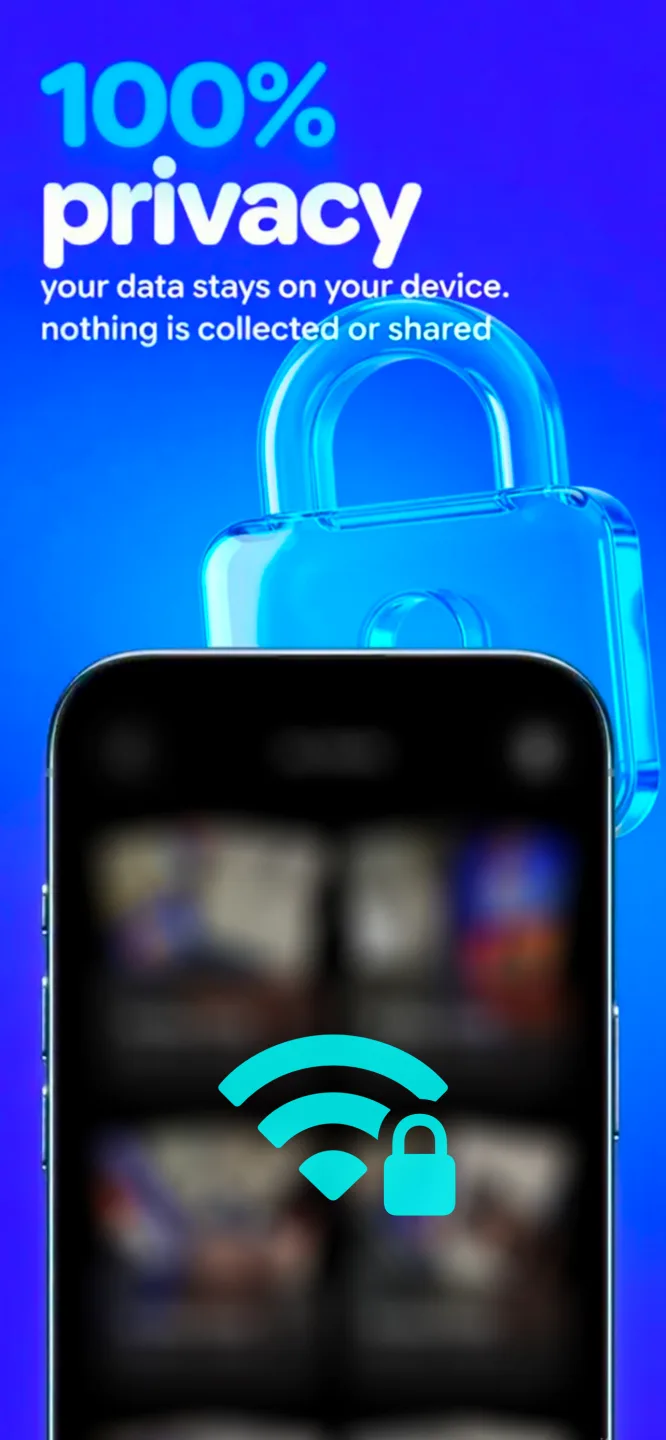
- Front, back and combined videos are saved on your iPhone. Nothing is uploaded.

Lookout · Free dual camera recorder
Lookout: film the reveal and the reaction
Lookout records the reveal with the back camera and the reaction with the front camera in one capture session, so you never have to choose which one to miss.
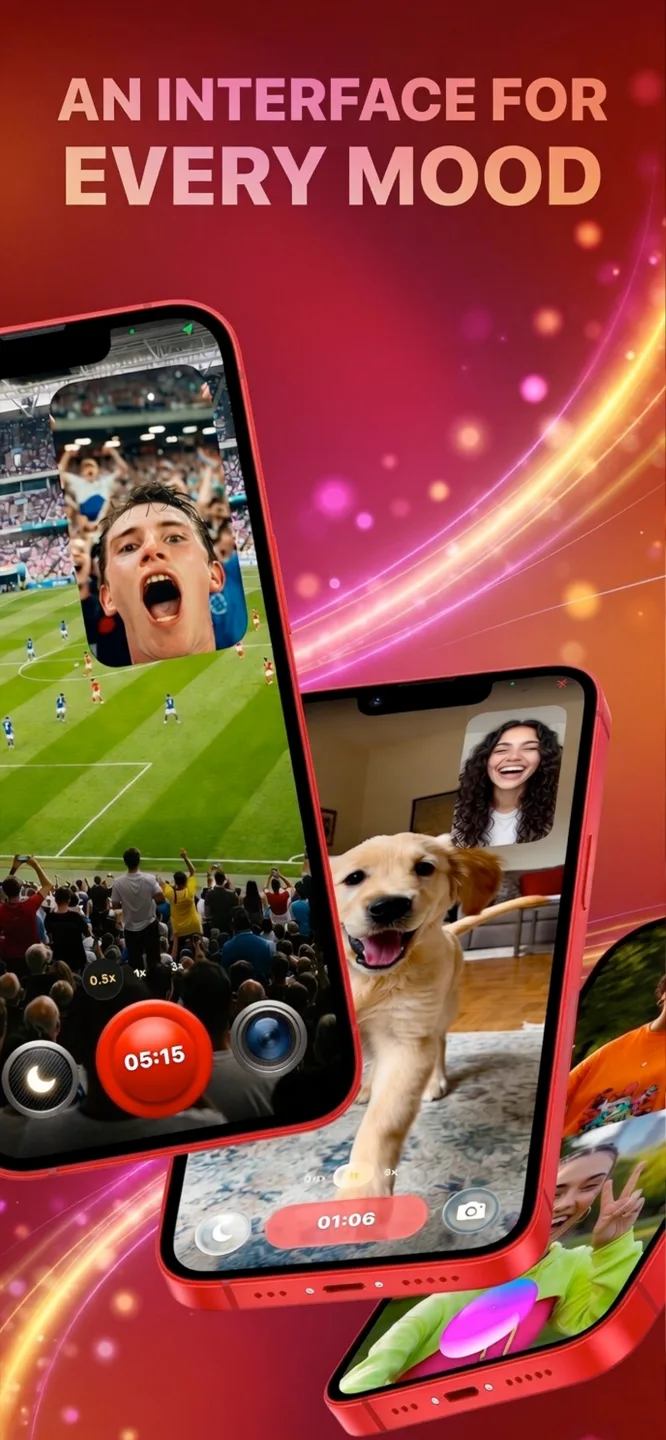
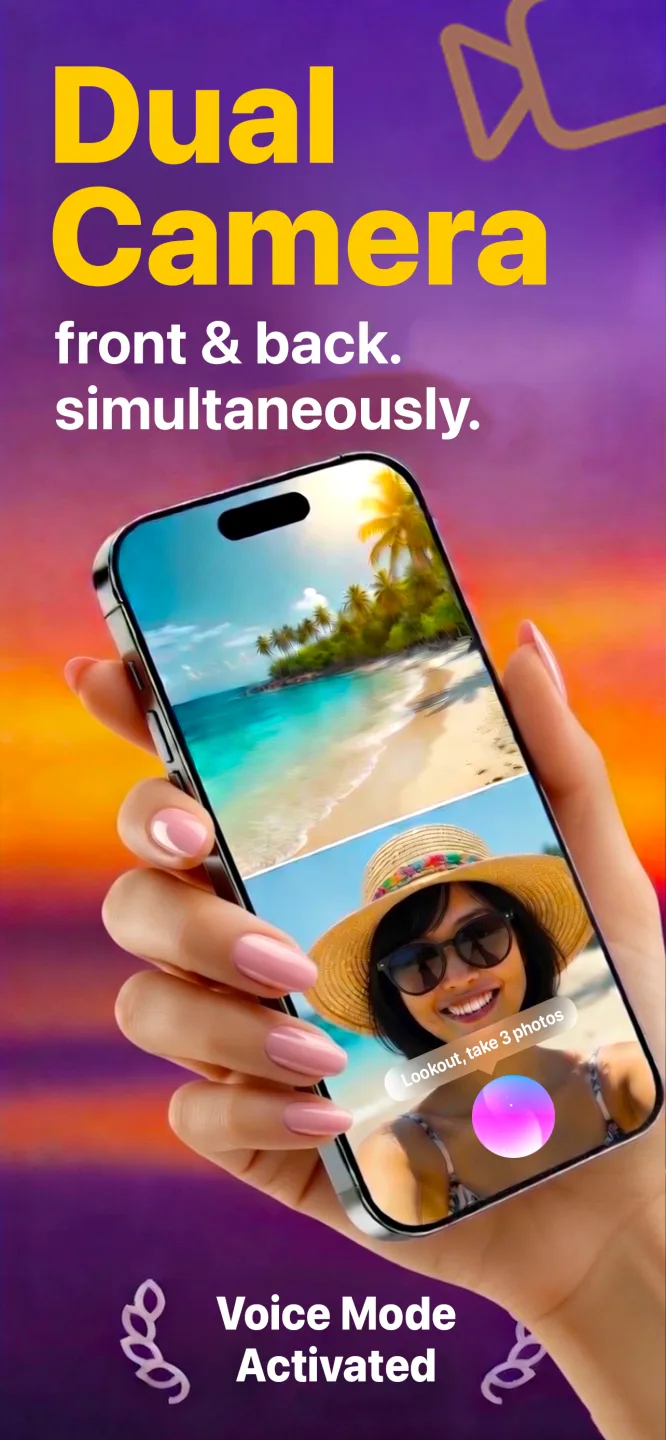
Free to download · Lookout Pro in-app purchase · iPhone XS and newer · Records, does not edit. What Lookout is
Reviewed 13 November 2026. The fire-safety point was checked against news reports of CAL FIRE's findings; filming advice reflects common practice. Sources are listed at the end of this guide.
| Quick facts | Answer |
|---|---|
| Best position | Six to ten feet away, slightly to one side, at chest height, light behind you |
| When to start | About a minute before the reveal, and keep filming a minute after |
| Easiest reveals to film | Cake cut and balloon box |
| What two cameras add | The reveal on the back camera and the faces on the front camera |
| Safest reveal styles | Cake, balloons, confetti and colored powder. Avoid fireworks and smoke devices |
| What you get | Front, back and combined picture-in-picture videos, kept on your iPhone |
In this guide: Plan · Reveal styles · Where to stand · Two cameras · Shot list · Sound and light · Safety · FAQ
How do you film a gender reveal? A five-step plan
- Know the exact moment. Agree a countdown with whoever is doing the reveal.
- Pick a spot where the reveal and the parents are both in view.
- Start recording a minute early. You can trim the start; you cannot recover a missed second.
- Keep filming for a minute after. The hugs and calls to family are part of it.
- Have a backup. A second phone or a relative filming from another angle.
Which gender reveal style is easiest to film?
| Reveal | What to film | Watch out for |
|---|---|---|
| Cutting a cake | The knife going in, the color inside, the faces | Hold the phone low and close enough to see the cut |
| Balloon box | Balloons rising, then the parents looking up | Lift-off is quick, so frame wide and start early |
| Confetti or powder cannon | The burst and the color in the air | Stand to the side so the color does not hit the lens |
| Balloon pop | The pop, the color and the startled laugh | The pop can clip the audio, so test volume |
| Sign or photo reveal | A close shot of the sign, then the faces | Make sure the text is readable and not backlit |
| Sports ball or pinata | The strike and the spray | Leave space; the motion is fast and wide |
Where should you stand to film a gender reveal?
Aim for a spot six to ten feet from the reveal, slightly to one side, at chest height. That avoids shadows, keeps the color in frame and leaves room to see the people around it. On a tripod, use firm ground and check the view before guests crowd in. Avoid having the sun or a window behind the reveal: a bright background turns faces dark and a pink or blue cake in shadow looks grey.
Why use two cameras for a gender reveal?
A reveal has two stories: what the color is, and how people react. One camera picks one. With a dual camera app the back camera records the reveal and the front camera records the people facing you, such as the parents-to-be, grandparents or the friend holding the phone. Apple's multi-camera capture, introduced for apps in iOS 13 (WWDC19 session 249), is what makes this possible, and Lookout saves the front, back and a combined picture-in-picture file.
The simplest layout: stand opposite the parents so the back camera faces the reveal and the front camera faces you, or put the phone on a tripod between the reveal and the guests. See record both cameras on iPhone and reaction video on iPhone.
Start recording without touching the phone: say "Hey Lookout", or tap record on your Apple Watch. That keeps both hands free for a cake knife or a cannon.
Which six clips do you want?
- The build-up. The parents holding the knife or cannon, with a nervous look.
- The countdown. Everyone counting, with the phone close enough to hear.
- The reveal. The color appearing, filmed wide so it is not cut off.
- The first reaction. A gasp, a laugh, a hug. This is the front camera's job.
- The family. Grandparents, siblings and friends, in a slow pan.
- The calm close-up. The parents and the cake afterwards, with quiet sound.
How do you handle sound and light?
- Sound. Expect cheering and music. Keep the phone close enough to hear the parents and test a few seconds first.
- Outdoors. Wind can swamp the microphone; stand with your back to it or use a sheltered corner.
- Light. Face the reveal with the light behind you. Indoors, turn the room lights on.
- Slow motion. For a slow-motion burst, film it separately with a second phone in the Camera app's Slo-mo mode.
- Heat. At a summer garden party, keep the phone in shade between takes, since Apple warns extended camera use in heat can overheat an iPhone (Apple Support).
Is it safe to use fireworks or smoke at a gender reveal?
No. In September 2020, CAL FIRE attributed the El Dorado Fire near Yucaipa, California, to a smoke-generating pyrotechnic device used at a gender reveal, and the fire burned more than 7,000 acres in its first days (ABC7). Choose cake, balloons, confetti or colored powder, check local rules, and never use anything that makes a flame or spark near dry grass.
After the reveal, keep the camera rolling for at least a minute, then stop and play it back with headphones. The video stays on your iPhone with no upload, so you can send it to family first. Check with guests before posting.
Curious how fast your heart was going? Add the reveal to your calendar, wear an Apple Watch, and 70 BPM lines up the heart rate Apple Health recorded with that event, so you can see the moment in numbers afterwards. 70 BPM is not a medical device. In an emergency, call your local emergency number.