
Offline Apps for Emergencies: What to Put on Your Phone Before the Power Goes Out
1. The short answer
In a long blackout your phone may lose both Wi-Fi and mobile signal. The UK government warns that your home internet won't work without power and "your mobile phone might stop working if your local mast is in the affected area." So the apps worth having in an emergency are the ones that work with no connection at all: offline maps you downloaded in advance, your phone's built-in Medical ID and flashlight, saved documents, and apps designed to run fully offline — 70 BPM for staying calm, Lookout for recording what's happening, and Captain Star, Zero G and Down the Drone for keeping kids entertained. 70 BPM is not a medical device; in an emergency, call 911, 999 or 112.
Install and test them now, in airplane mode, while you still have internet. And save battery first, keep a power bank: every government list we checked puts phone power ahead of any app.

70 BPM · Free heart rate app for iPhone
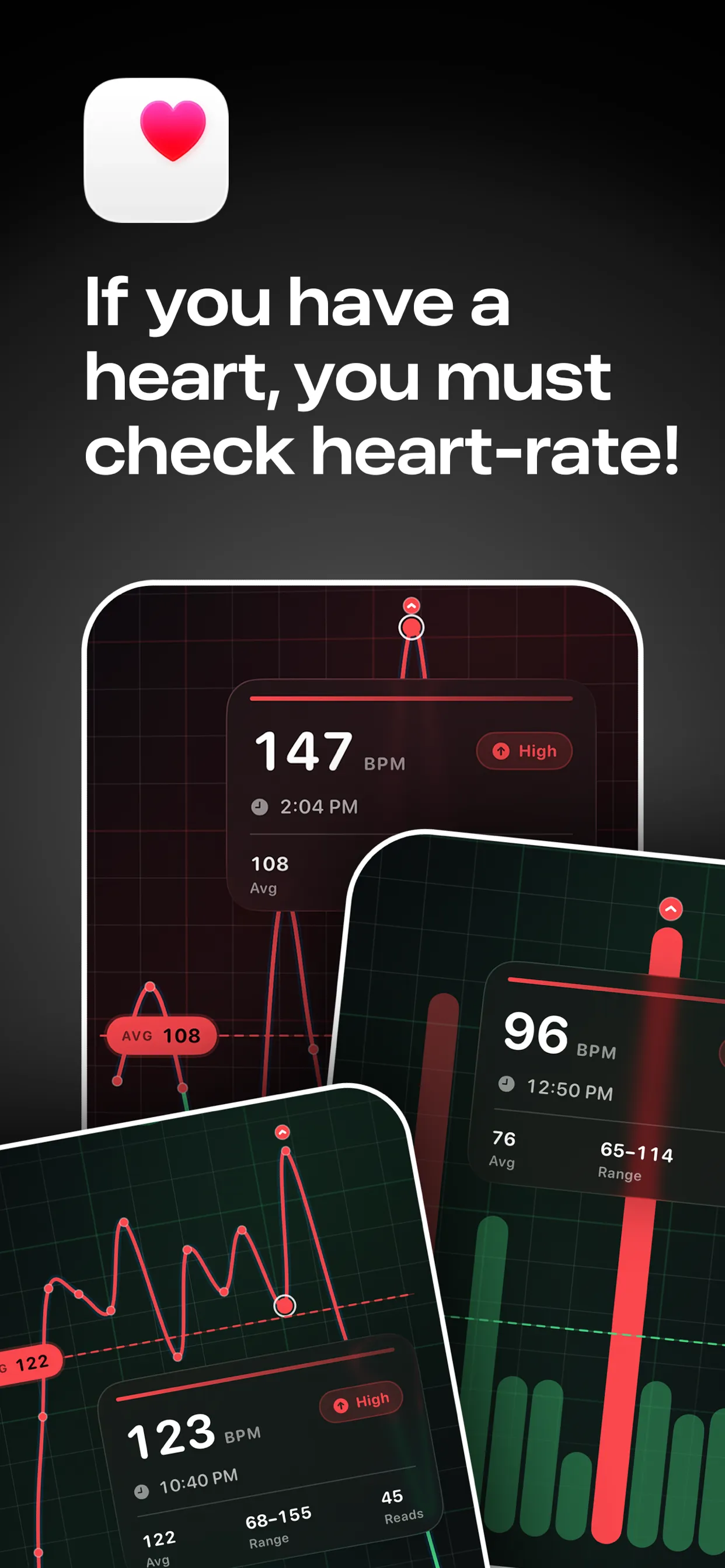
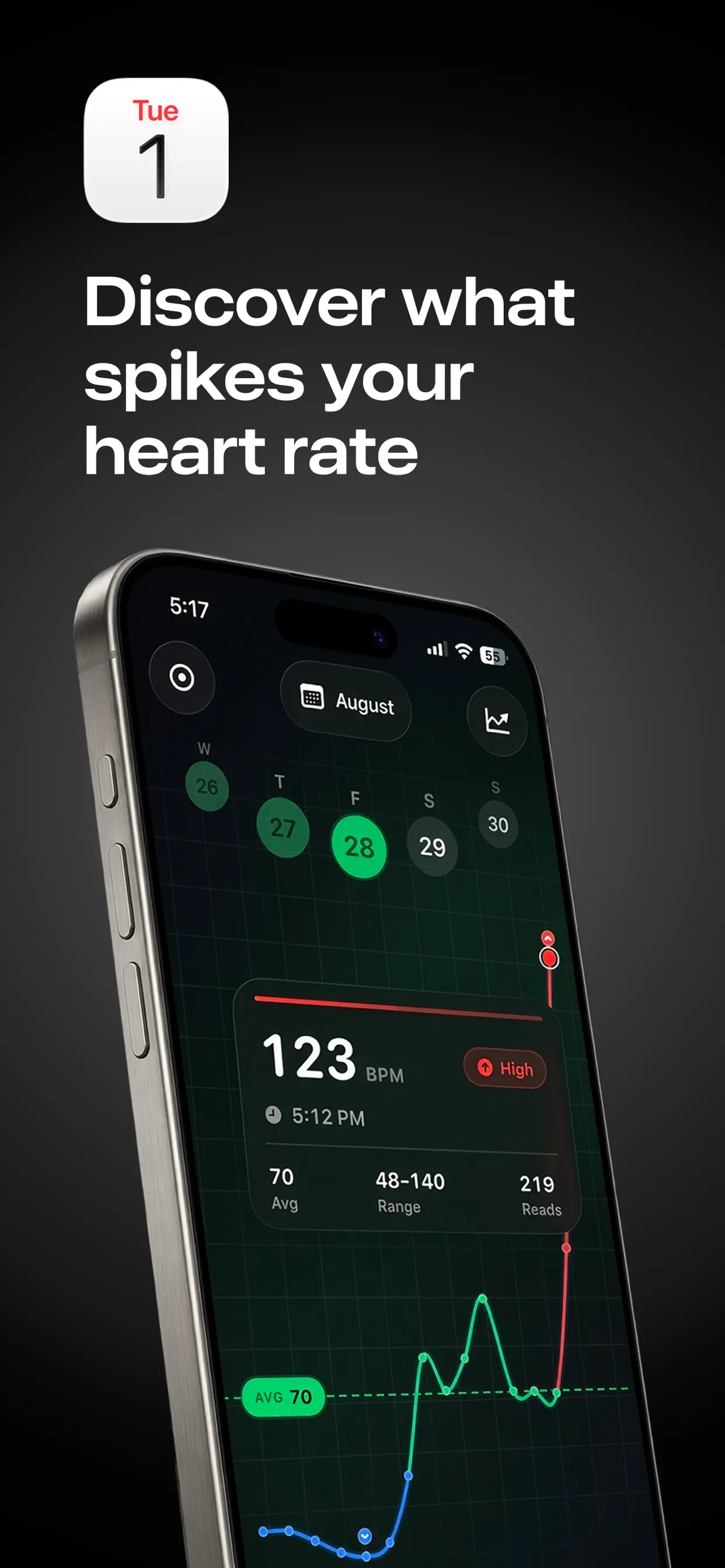
70 BPM: see what caused every heart rate spike
70 BPM lays your Apple Health heart rate over your calendar, so every spike has a name: the standup, the client call, the commute home.

Free to download · Optional Pro in-app purchases · Reads from Apple Health · Stays on your iPhone · Not a medical device; in an emergency, call 911, 999 or 112

Lookout · Free dual camera recorder
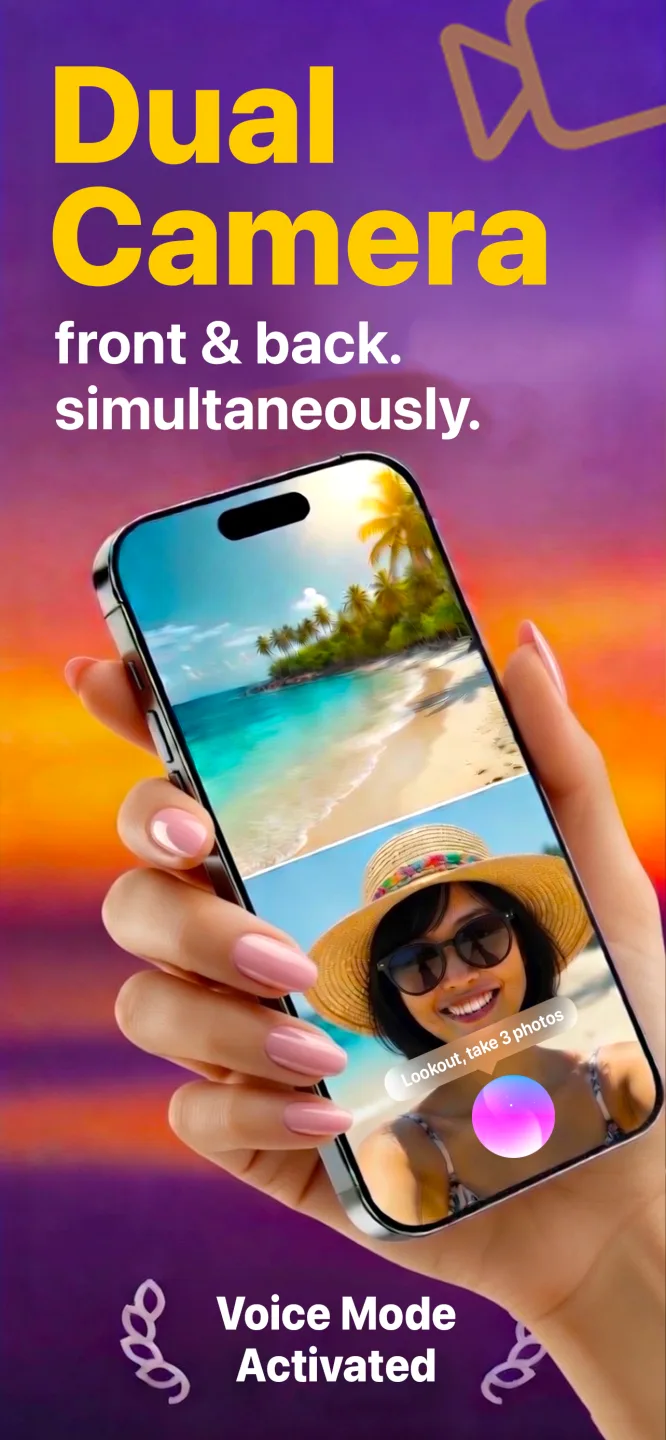
Lookout: film the moment and the reaction
Lookout runs your iPhone's front and rear cameras in one capture session, so both angles are of the same moment and line up without manual syncing.

Free to download · Lookout Pro in-app purchase · iPhone, Mac & Apple Watch · Records, does not edit. What Lookout is

Down The Drone · Free AR shooter for iPhone
Down The Drone: an AR drone shooter that plays offline
Hostile drone swarms fly in over your sofa, down your hallway, across your backyard. Aim, fire and hold the line, right where you’re standing.
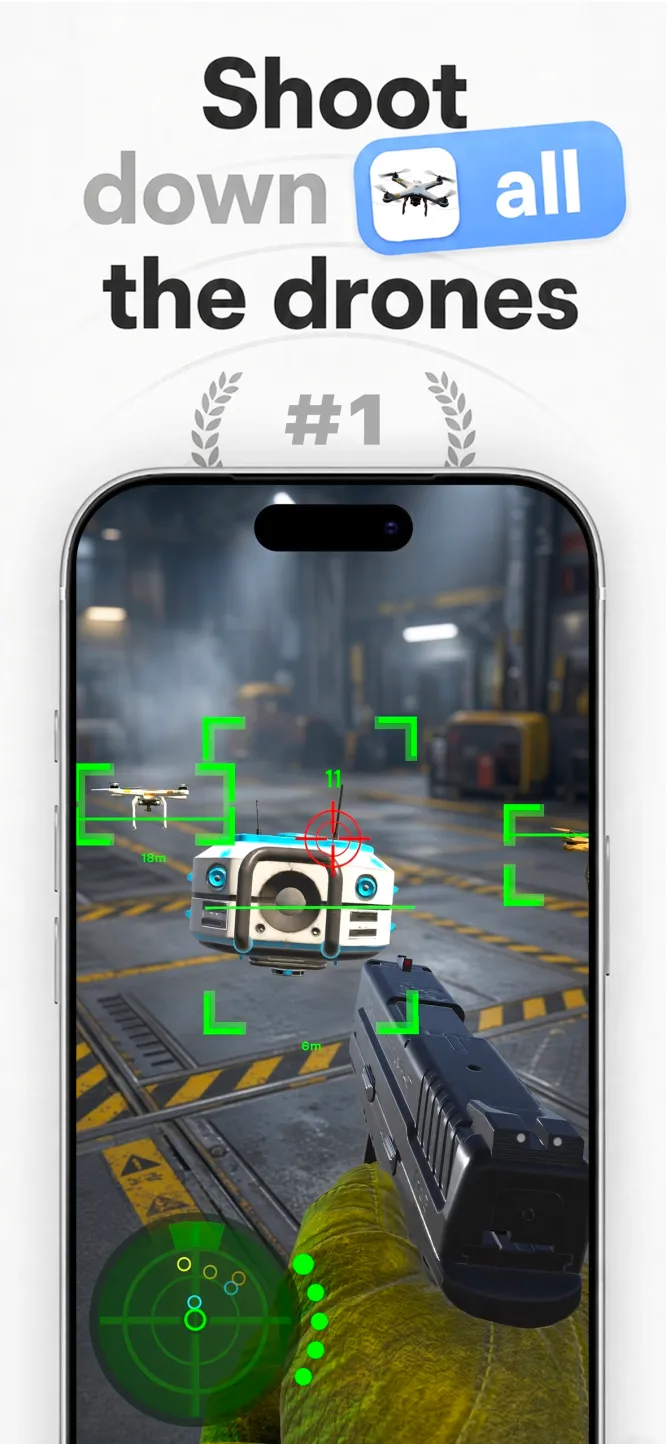
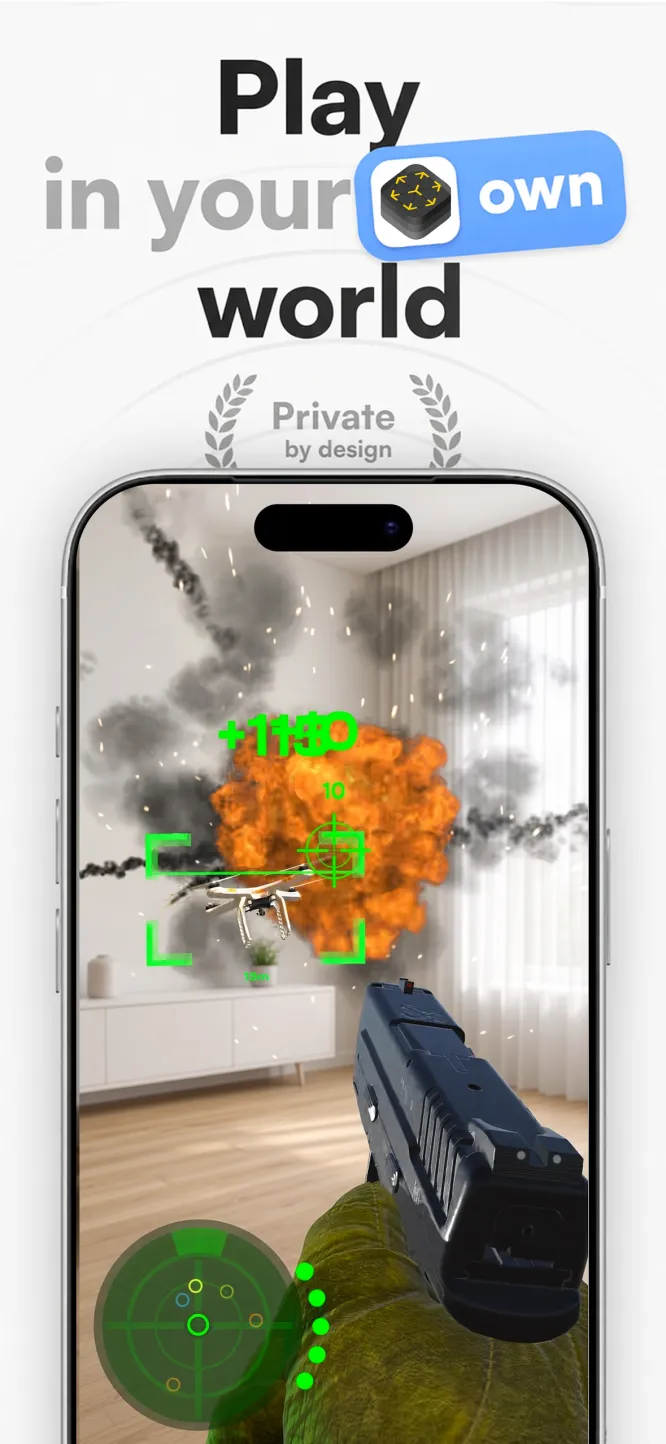
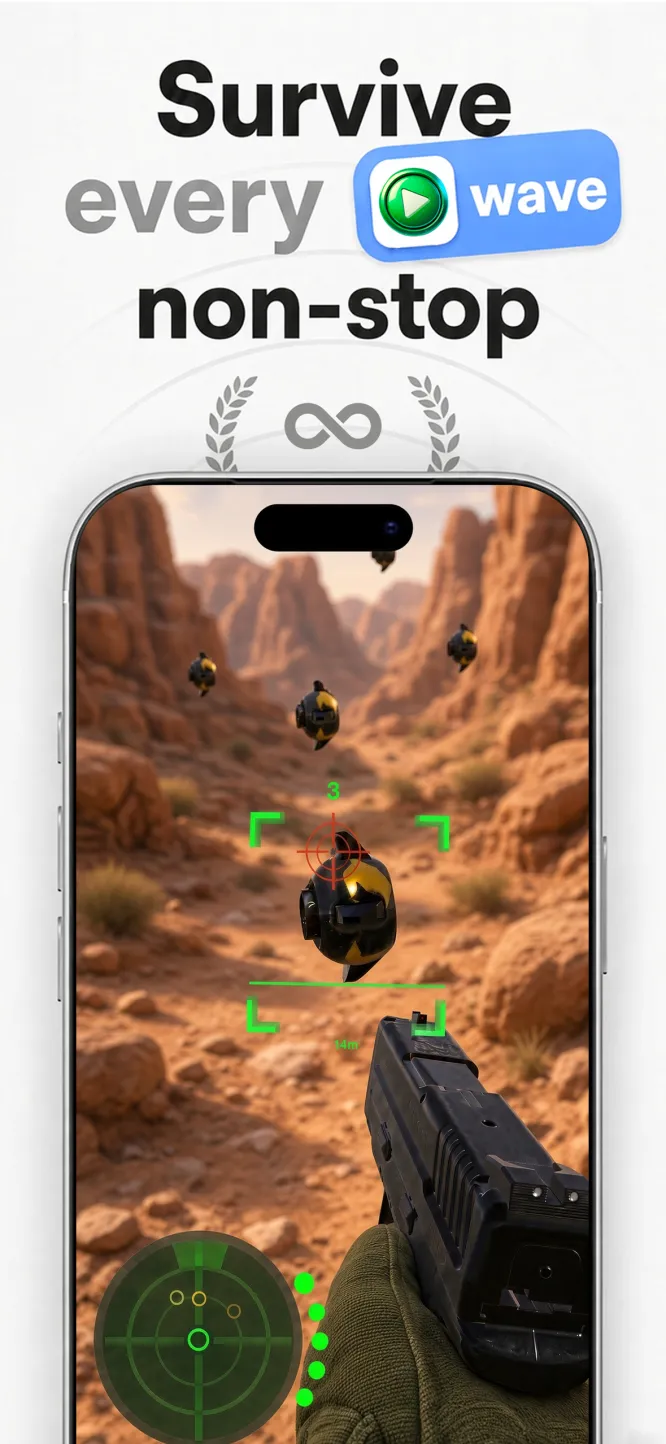
Free to download · No ads · Plays offline · Full game: US$5.99 in-app purchase

Captain Star · Endless space shooter
Captain Star: an easy first shmup
Easy to pick up, impossible to put down. Your ship goes where the pointer goes, each wave has one goal, and restarts are instant.

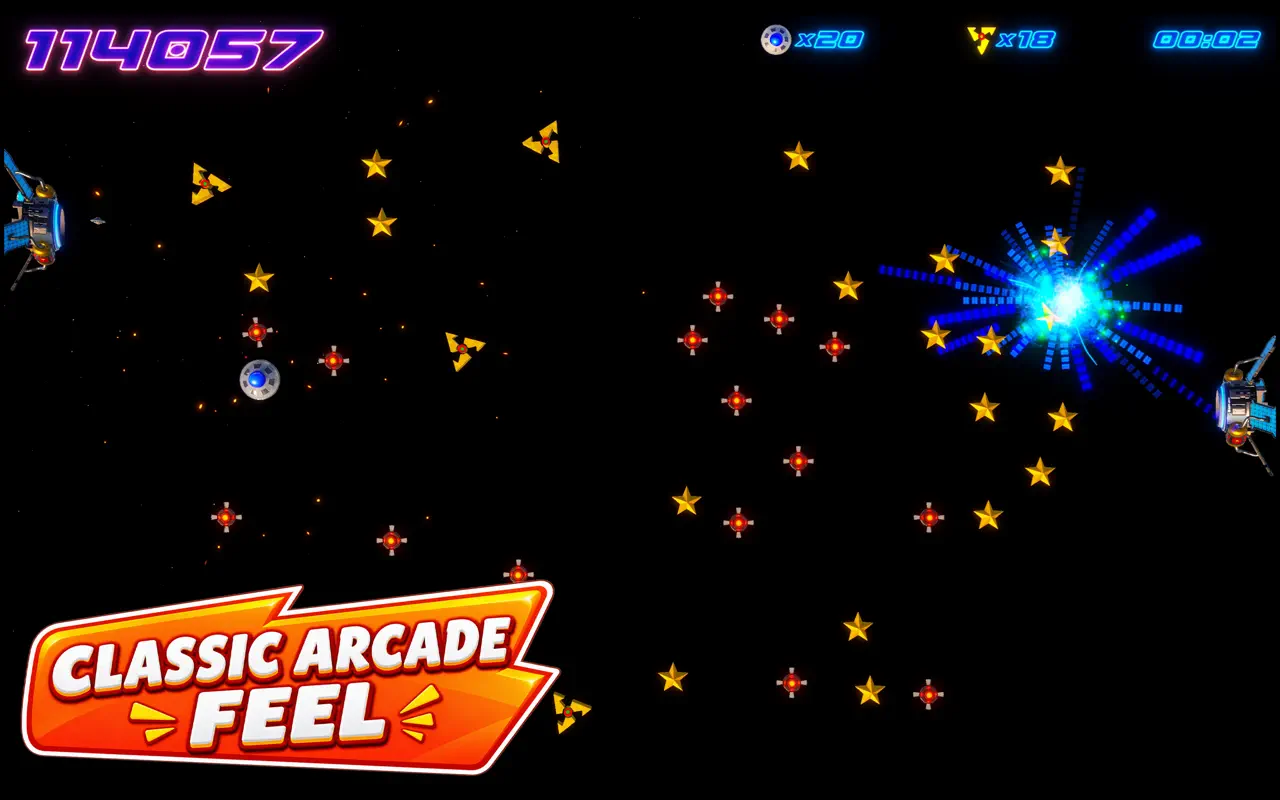


US$0.99 on the Mac App Store · Steam for Windows · Apple TV and iPad

Zero G Space Game · Arcade asteroid shooter for Mac
Zero G Space Game: the asteroid field that fights back
Spin, thrust, fire and wrap the screen. Real inertia, a shield you can time into a parry, hyperspace, and waves that keep escalating.


Mac App Store · Free to download · macOS 13+ · Two full waves free, then a one-time Unlock Full Game
2. What governments say about your phone
- United States — Ready.gov's Build A Kit (updated July 1, 2026) lists a "cell phone with chargers and a backup battery." Its Power Outages page (June 4, 2026) recommends a power bank or other alternative power for devices.
- United Kingdom — the government's Be Ready checklist lists a "charged power bank — to charge phones or compatible medical devices," and advises adding emergency contacts or medical information to your phone ("often called 'ICE' or 'Medical ID'") so emergency services can see it without unlocking it. The Power cuts page says to write down numbers on paper, because "you would lose internet connection and possibly mobile signal during a power cut," and notes you probably won't want to use your phone's torch "as this will drain its batteries more quickly."
- European Union — the EU's Preparedness Union Strategy (26 March 2025) asks people to be able to cope on their own for at least 72 hours.
- Germany — the BBK's stockpiling guide recommends supplies for 10 days, while saying even 3 days helps.
The pattern is clear: governments treat the phone as essential, but only if it has power and is ready to work without a network.
3. Offline emergency app checklist
| Need | What to set up | Works offline? | Done |
|---|---|---|---|
| Power | Power bank, low-power mode, dim screen | — | ☐ |
| Navigation | Download offline map areas for home and route | Yes, once downloaded | ☐ |
| Medical info | Medical ID / ICE contacts on lock screen | Yes (built in) | ☐ |
| Light | Flashlight (prefer a real torch to save battery) | Yes | ☐ |
| Documents | Photos/PDFs of ID, insurance, medicine list | Yes, if stored on device | ☐ |
| Reference | Offline first-aid info, e.g. a downloaded guide | Check in airplane mode | ☐ |
| Record | Camera + GPS for notes and damage records — e.g. Lookout | Yes | ☐ |
| Calm | Breathing / calm check-ins — e.g. 70 BPM | Yes | ☐ |
| Family | Offline games and a family video project | Yes | ☐ |
4. Water and food come first
No app replaces the basics. Ready.gov says one gallon of water per person per day for several days; the UK says 3 litres per person per day for drinking, for 3 days; Germany's BBK says at least 1.5 litres of drinks per adult per day plus 0.5 litres for cooking. Keep non-perishable food that needs no fridge or cooking. A closed fridge keeps food cold for about 4 hours and a full freezer about 48 hours (Ready.gov).
5. Light and power: protect the battery
- Turn on low-power or battery-saver mode as soon as the power goes.
- Lower brightness, close background apps, switch off Wi-Fi/Bluetooth scanning when there's nothing to join.
- Use a real flashlight; the UK government points out that the phone torch drains batteries.
- Keep a charged power bank and recharge it every few months.
- Use your phone in short bursts and keep it off when you don't need it.
6. The apps: what to install before an emergency
Maps. Most map apps let you download an area for offline use — do it before you need it. Download your town and the routes to family and shelters.
Medical ID / ICE. Built into iPhone and most Android phones. Follow the UK advice and think about what personal details you show on the lock screen.
Saved documents and numbers. Keep photos of ID, insurance, prescriptions and key numbers on the phone — and a paper copy, as both the UK and Ready.gov advise.
Offline-first apps. These are built to work fully offline, with nothing sent to a server — so they keep working when the network doesn't.
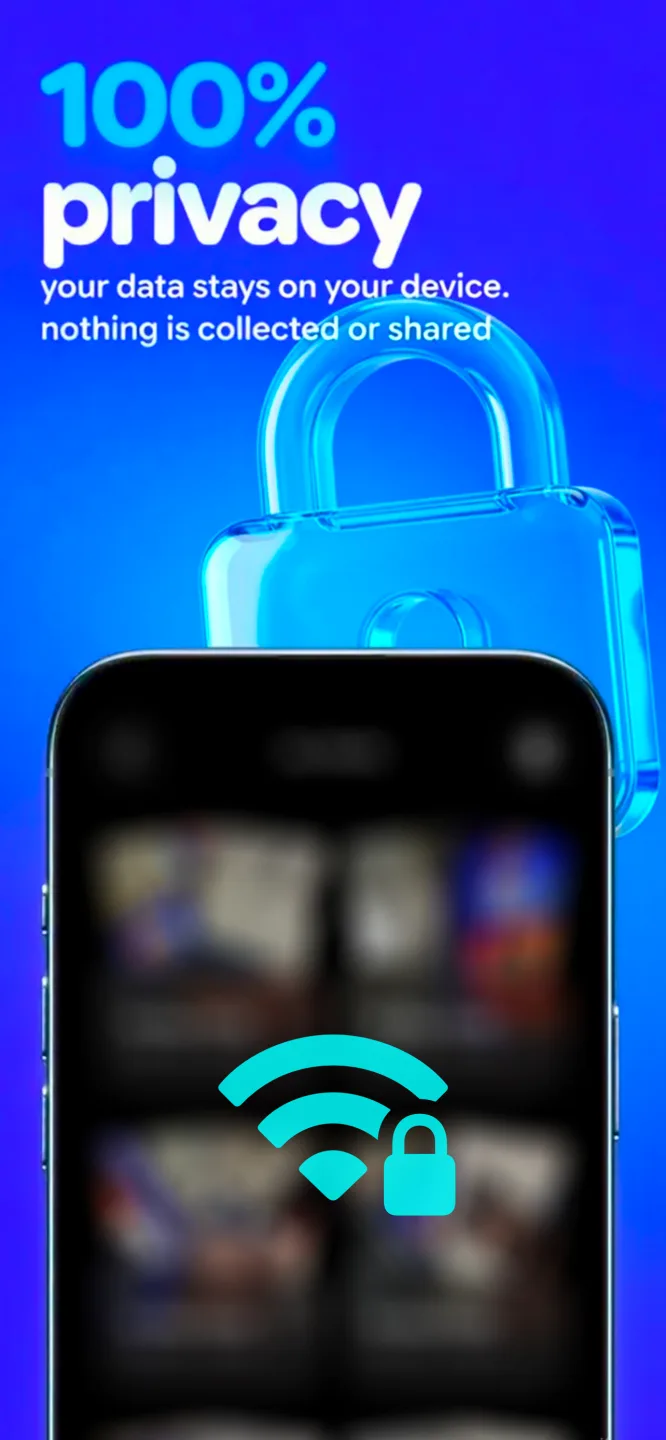
- Lookout — App Store. Camera plus GPS with near-360° capture, stored privately on your device. Record your surroundings with location attached — useful for your own notes on damage or conditions — without uploading anything.
- 70 BPM — App Store. Calm-down sessions and heart-rate check-ins for when stress spikes in the dark, designed with older users and anyone prone to panic in mind. 70 BPM is not a medical device and does not diagnose or treat any condition. In an emergency, call 911 (US), 999 (UK) or 112 (EU).
- Captain Star, Zero G (formerly Astro Belt) and Down the Drone — Captain Star, Zero G, Down the Drone. Offline games for passing long hours.
Whatever you install, test it in airplane mode. If it asks to log in or shows a spinner, it won't help in a blackout.
7. Family calm and entertainment
Sweden's civil-defence agency MCF lists "spel, kortlek, böcker, pussel" (games, cards, books, puzzles) in its home-preparedness basics and says diversion helps people cope. Ready.gov lists books, games and puzzles for children.
Ideas that use little battery: a 10-minute game turn each, then pass the phone on; a breathing session with 70 BPM before bed; a family "blackout movie" filmed with Lookout by torchlight, watched later when the power's back.
8. Special needs
If someone relies on a phone-linked health device (for example, a diabetes sensor) or a personal alarm, the UK government advises asking the provider how it works in a power cut. Keep spare power for those devices first, before games. Older relatives may need their phone set up for them in advance — do it on your next visit.
9. FAQ
Which apps work without internet in a blackout? Downloaded offline maps, built-in tools (Medical ID, flashlight, camera), files stored on the device, and apps designed to run offline. Test in airplane mode.
Will my phone work in a power cut? Maybe not. The UK government says your phone might stop working if your local mast is affected, so prepare for no signal.
How do I use maps offline? Download an offline area in your maps app while you're connected; it then works for navigation without data.
Is 70 BPM a medical app? No. It's a calm and wellbeing tool, not a medical device. Call emergency services in an emergency.
How do I save phone battery in a blackout? Low-power mode, dim screen, close apps, use a real torch, keep a charged power bank.
10. Sources
- Ready.gov, Build A Kit (07/01/2026): https://www.ready.gov/kit
- Ready.gov, Power Outages (06/04/2026): https://www.ready.gov/power-outages
- UK Government, Be ready for emergencies: https://beready.campaign.gov.uk/be-ready-for-emergencies/
- UK Government, Power cuts: https://prepare.campaign.gov.uk/be-informed-about-hazards/power-cuts/
- European Commission, Preparedness (26 Mar 2025): https://commission.europa.eu/topics/preparedness_en
- Sweden MCF, Grunder i hemberedskap: https://www.mcf.se/sv/rad-till-privatpersoner/hemberedskap---preppa-for-en-vecka/grunder-i-hemberedskap/
- Germany BBK, Bevorraten: https://www.bbk.bund.de/DE/Warnung-Vorsorge/Vorsorge/So-koennen-Sie-sich-vorbereiten/Bevorraten/bevorraten.html
11. Updated
Last updated: 30 October 2026.
12. Set up your phone tonight
Charge your power bank, download your offline maps, and install apps that work with no signal. Get offline apps: more offline apps.