
Apple TV Games 2026: What to Play on the New Apple TV 4K (A19)
1. The short answer
The new Apple TV 4K with the A19 chip went on sale on 13 November 2026, and the first thing it needs for gaming is a controller. Pair one, then start with something that loads instantly and plays in short runs: Captain Star is a top-down arcade space shooter for Apple TV with no ads, played with a paired game controller. For the quieter end of the evening, 70 BPM shows Apple Watch heart rate on your iPhone calendar.

70 BPM · Free heart rate app for iPhone
70 BPM: see what caused every heart rate spike
70 BPM lays your Apple Health heart rate over your calendar, so every spike has a name: the standup, the client call, the commute home.
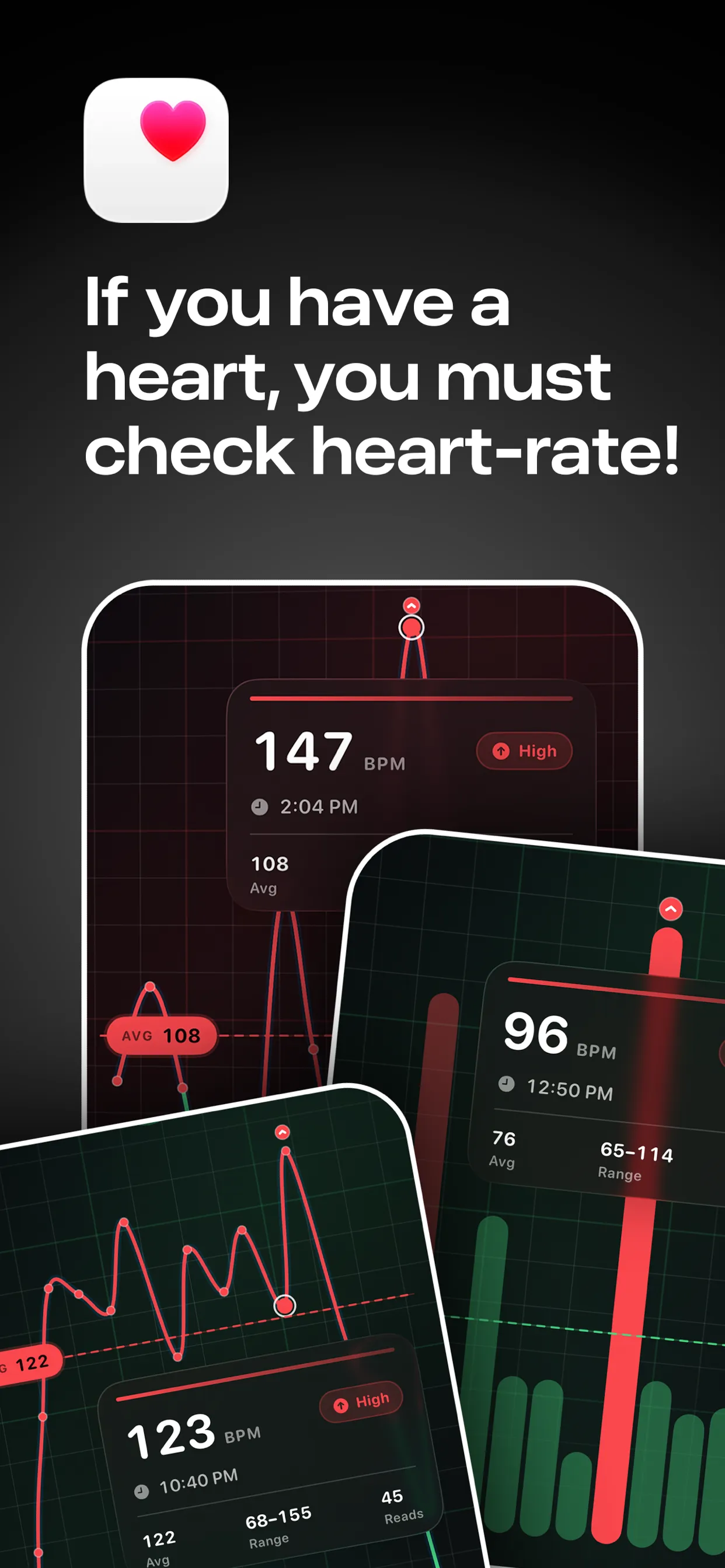
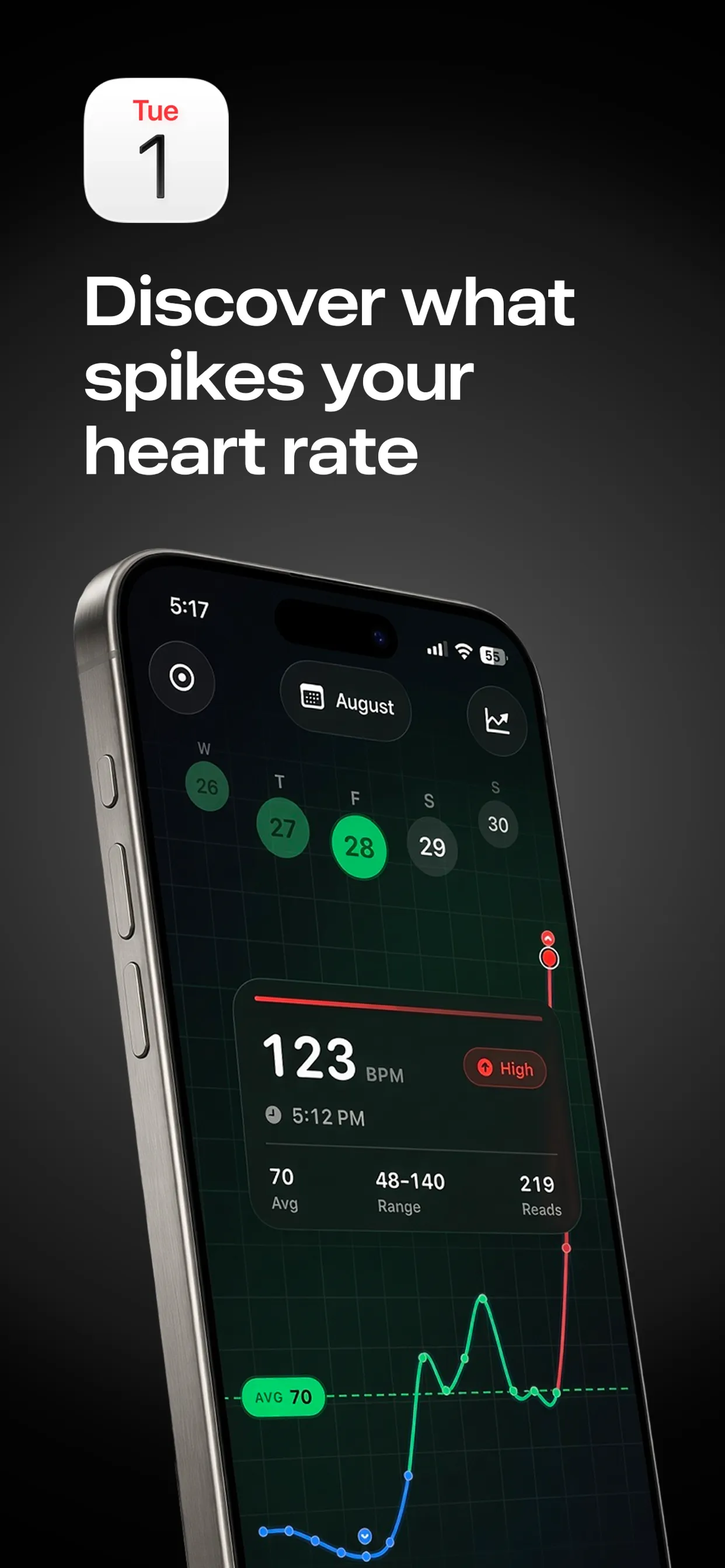

Free to download · Optional Pro in-app purchases · Reads from Apple Health · Stays on your iPhone · Not a medical device; in an emergency, call 911, 999 or 112

Lookout · Free dual camera recorder
Lookout: film the moment and the reaction
Lookout runs your iPhone's front and rear cameras in one capture session, so both angles are of the same moment and line up without manual syncing.
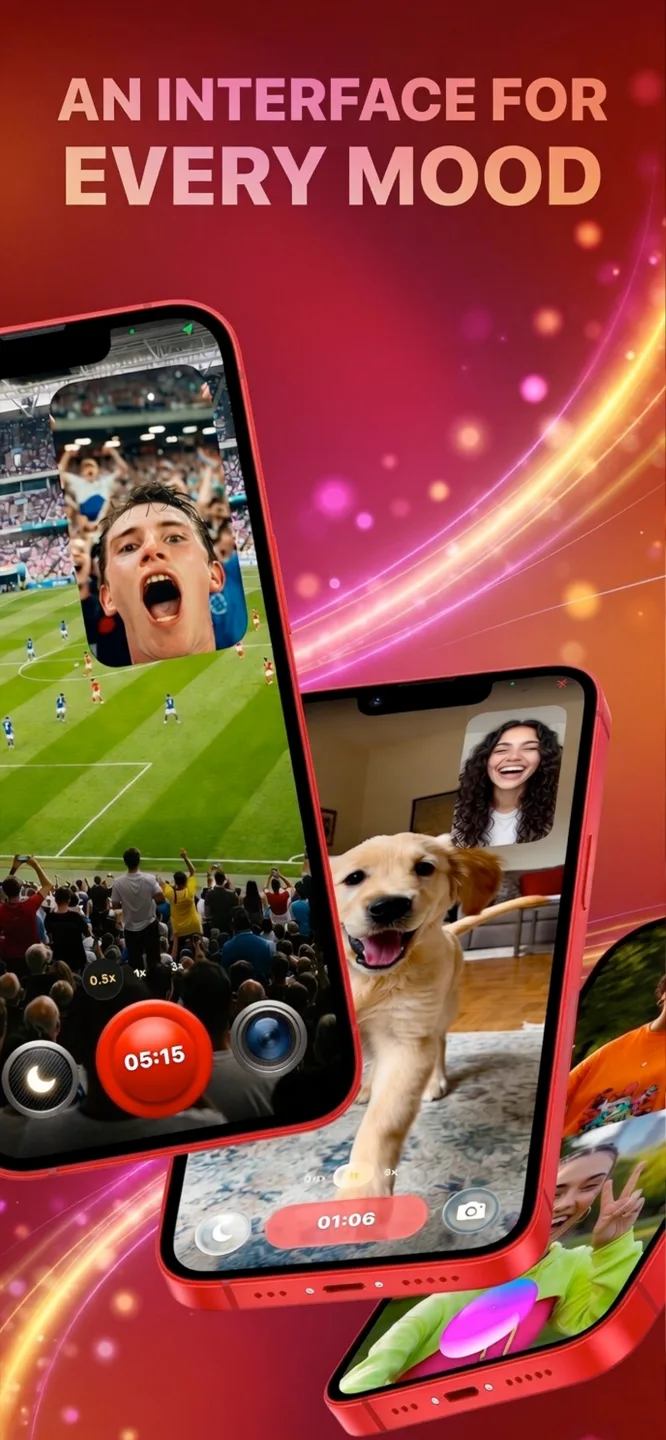
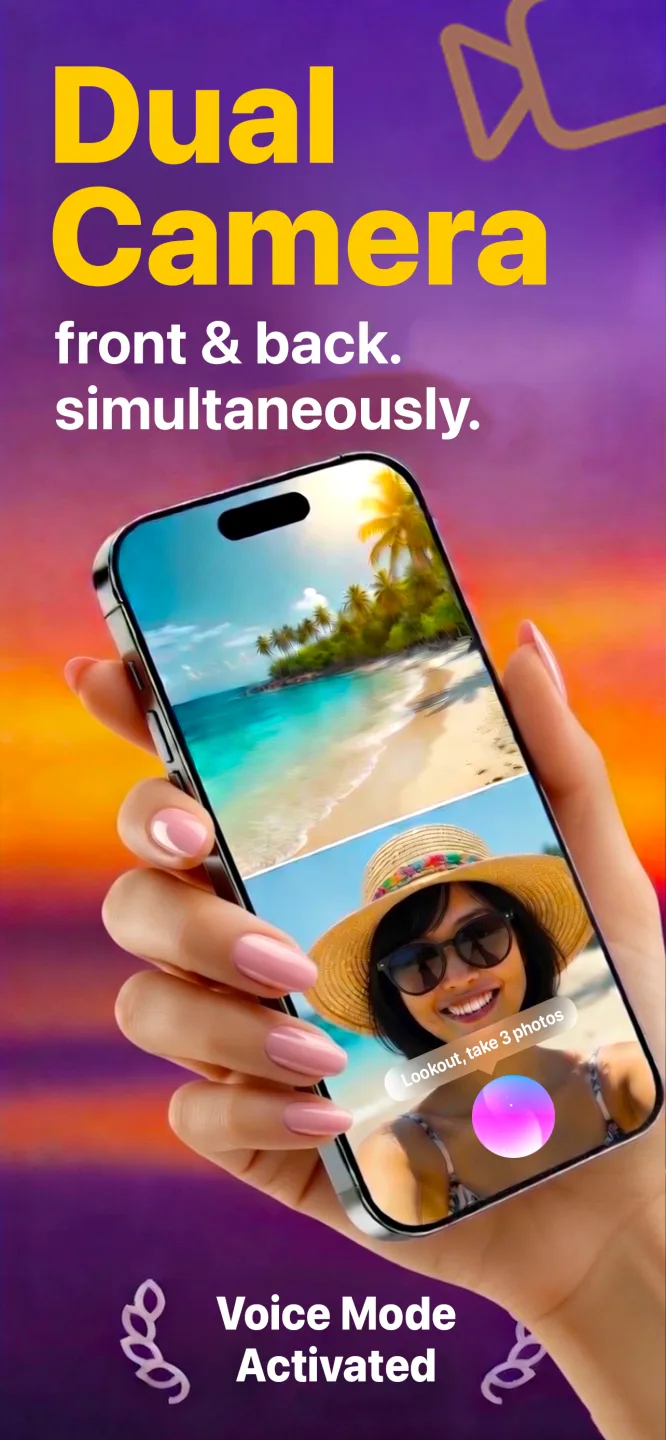
Free to download · Lookout Pro in-app purchase · iPhone, Mac & Apple Watch · Records, does not edit. What Lookout is

Down The Drone · Free AR shooter for iPhone
Down The Drone: an AR drone shooter that plays offline
Hostile drone swarms fly in over your sofa, down your hallway, across your backyard. Aim, fire and hold the line, right where you’re standing.
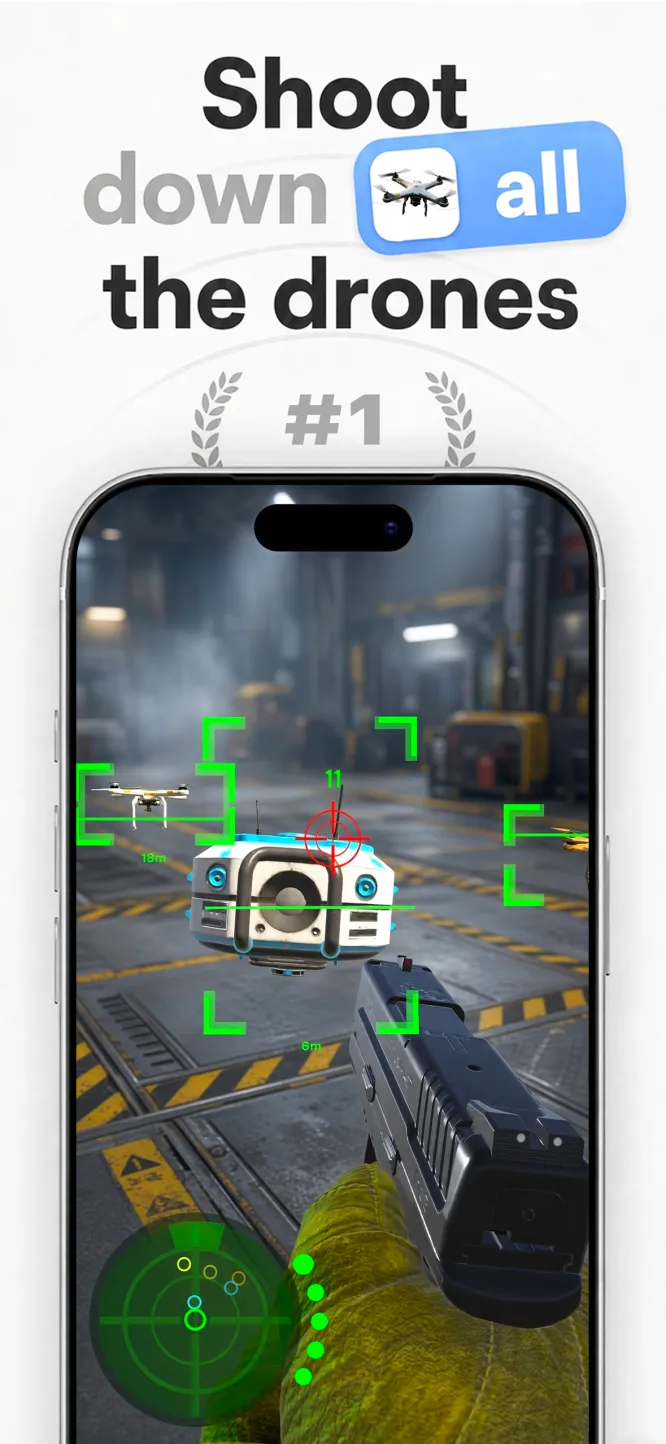
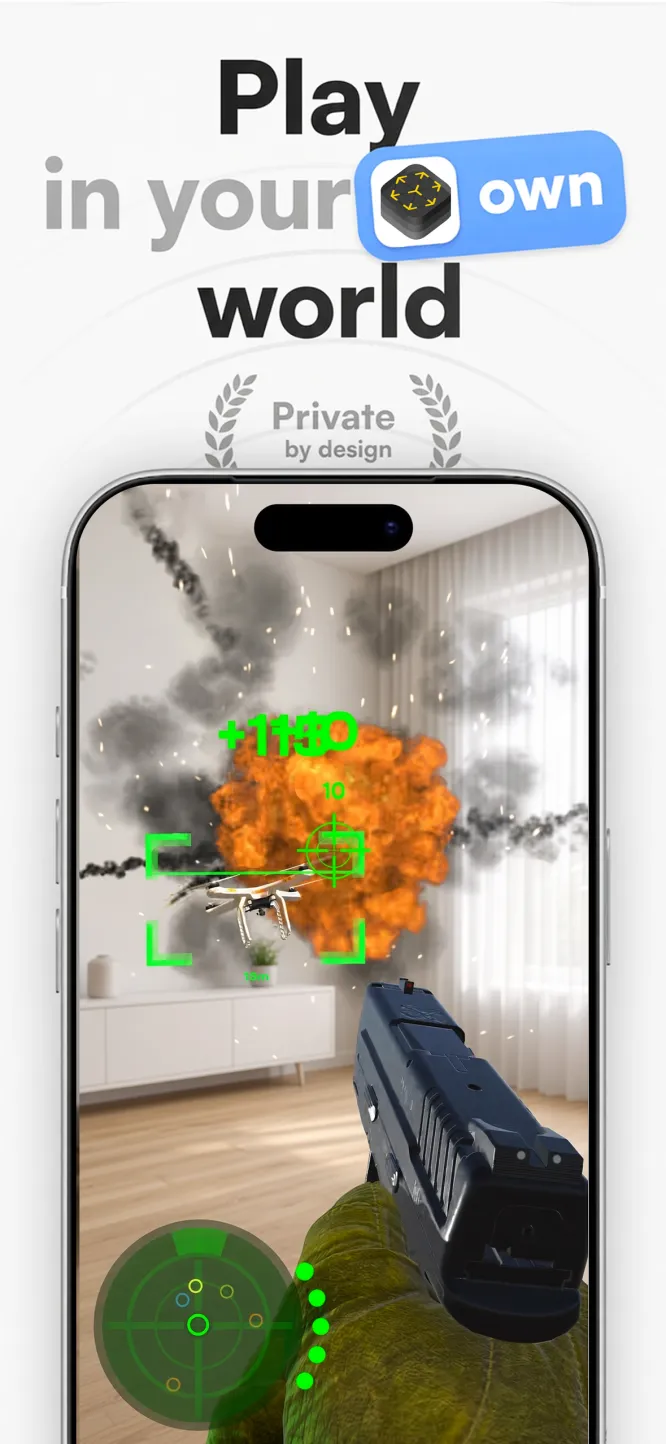
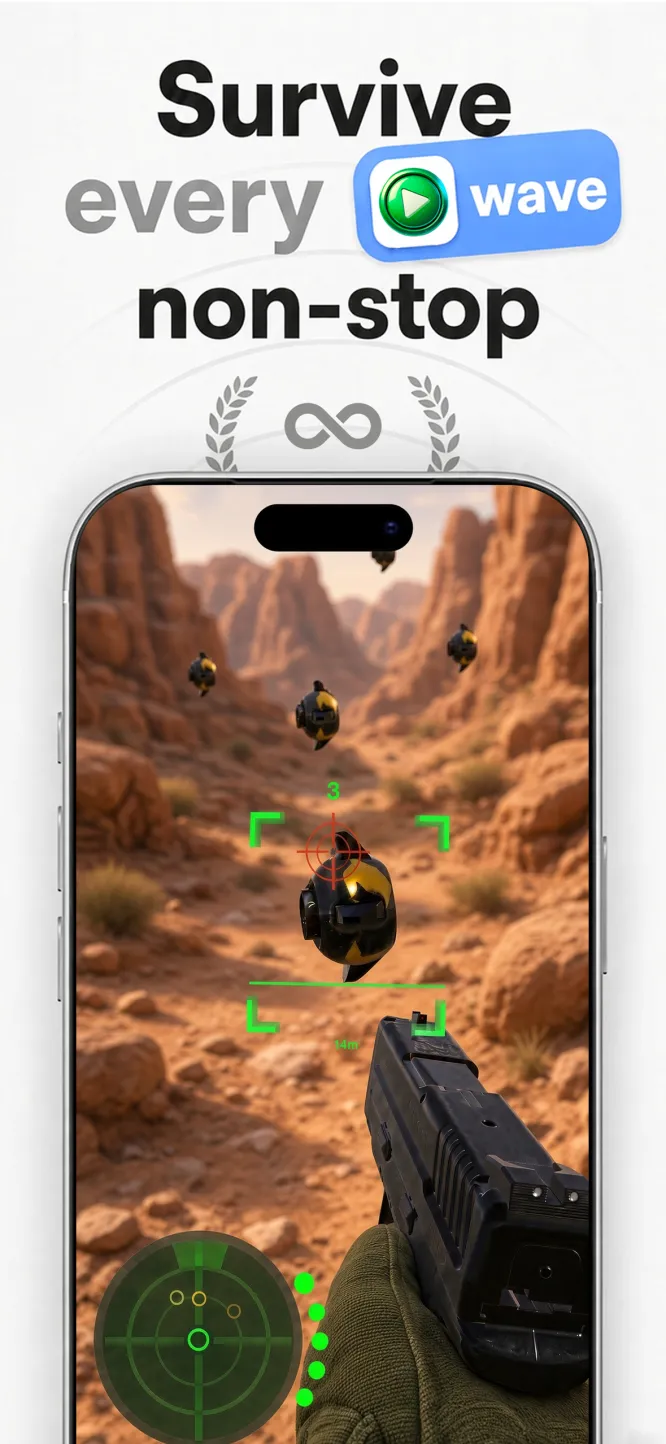
Free to download · No ads · Plays offline · Full game: US$5.99 in-app purchase

Captain Star · Endless space shooter
Captain Star: an easy first shmup
Easy to pick up, impossible to put down. Your ship goes where the pointer goes, each wave has one goal, and restarts are instant.

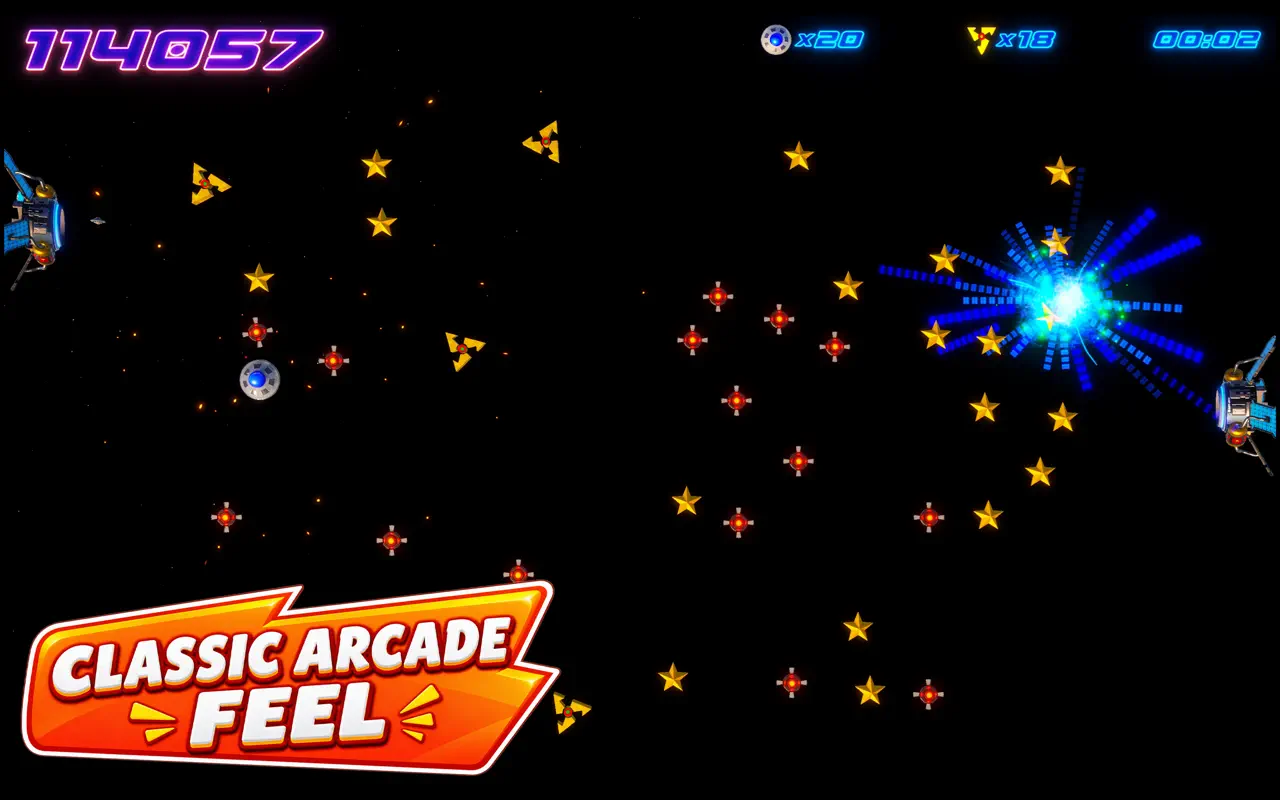


US$0.99 on the Mac App Store · Steam for Windows · Apple TV and iPad

Zero G Space Game · Arcade asteroid shooter for Mac
Zero G Space Game: the asteroid field that fights back
Spin, thrust, fire and wrap the screen. Real inertia, a shield you can time into a parry, hyperspace, and waves that keep escalating.


Mac App Store · Free to download · macOS 13+ · Two full waves free, then a one-time Unlock Full Game
2. What the A19 changes for Apple TV games in 2026
The fourth-generation Apple TV 4K moves to the A19 chip, a big step up from the A15 in the previous model. Early hands-on tests of console-style games on the new box report noticeably higher frame rates where games are not capped. In practice that means smoother big-screen play, faster loading and more headroom for games built for a television rather than a phone.
What it does not change: a television has no touchscreen and no pointer. Most action games on the Apple TV 4K play best, or only, with a game controller, so treat a controller as part of the setup, not an accessory.
3. How to choose Apple TV games for the new Apple TV 4K
- Built for a controller. Look for games designed around a gamepad. They feel right from the sofa.
- Short sessions. Living-room play gets interrupted. Games with quick rounds and instant restarts fit around dinner and conversation.
- No ads, no timers. An ad break on a 65-inch screen is worse than one on a phone. A one-time price usually means none.
- Readable at a distance. Clear shapes and high contrast beat tiny text when you sit three metres away.
- Plays without a connection. Games that store everything on the device keep working when the Wi-Fi drops.
4. Captain Star on the new Apple TV 4K
Captain Star is a top-down action shooter: you pilot a UFO through waves of alien drones and mines, collect luminosity and chase a higher score. It is the same game as the Mac and Windows editions, with the same waves and enemies, on the largest screen in the house.
- Controller required. The Apple TV version is played with a paired game controller, not the Siri Remote. A controller is the closest match to the mouse the game was designed around.
- Short score runs. Each wave has one goal and restarts are instant, which suits the living room.
- No ads. It is a one-time US$0.99 purchase on the App Store.
- Also on Mac, iPad and Windows. The same title is on the Mac App Store and, through Steam, on Windows.
Find it by opening the App Store on the Apple TV and searching for Captain Star, or open the Captain Star for Apple TV page.
5. First-evening setup checklist
- Finish the Apple TV setup and sign in to your Apple Account.
- Pair a game controller: follow the steps in how to pair a game controller with the new Apple TV 4K.
- Open the App Store on the Apple TV and install your games.
- Launch each game once while you are online, then play a round.
- Check the controller charge before a long session; a flat battery ends the evening faster than a hard level.
6. Apple TV games 2026: gift and Black Friday notes
If the new Apple TV 4K is a gift, the box comes with the Siri Remote but no game controller. Buying one at the same time saves the recipient a disappointing first evening. Check that the controller is listed as compatible with Apple TV before you buy, and put a game on the list too so there is something to play the moment it is paired.
7. A note on 70 BPM
For winding down, 70 BPM overlays Apple Watch heart rate on your calendar, privately and on the device. It is not a medical device; in an emergency call your local emergency number (911, 999 or 112).
8. Frequently asked questions
Do I need a controller for games on the new Apple TV 4K?
For most action games, yes. Captain Star on Apple TV needs a paired game controller and cannot be played with the Siri Remote alone.
Is Captain Star on Apple TV?
Yes. Captain Star is on the App Store for Apple TV, and also on Mac, iPad and, through Steam, Windows.
Does Captain Star have ads?
No. It is a one-time US$0.99 purchase on the App Store, with no ads.
Does the A19 chip make games run better?
Early tests of the new Apple TV 4K report higher frame rates in games that are not capped, compared with the A15 model.
Related: Pair a game controller with the new Apple TV 4K · Captain Star for Apple TV · Games without ads on Apple devices · Apple TV gaming vs a console