
Is iCloud Down? What Still Works on Your iPhone, and What to Do
1. The short answer
To check if iCloud is down, open Apple’s System Status page: a yellow or red dot next to iCloud means the problem is on Apple’s side, not yours. While it is down, everything stored on your iPhone keeps working: installed apps, downloaded photos and music, the camera, and calls and texts over your mobile network. Apps with no account, like 70 BPM for heart rate and Lookout for dual-camera video, carry on as normal. What stops is anything that has to reach Apple: signing in, iCloud sync, App Store downloads and sometimes Apple Pay.

70 BPM · Free heart rate app for iPhone
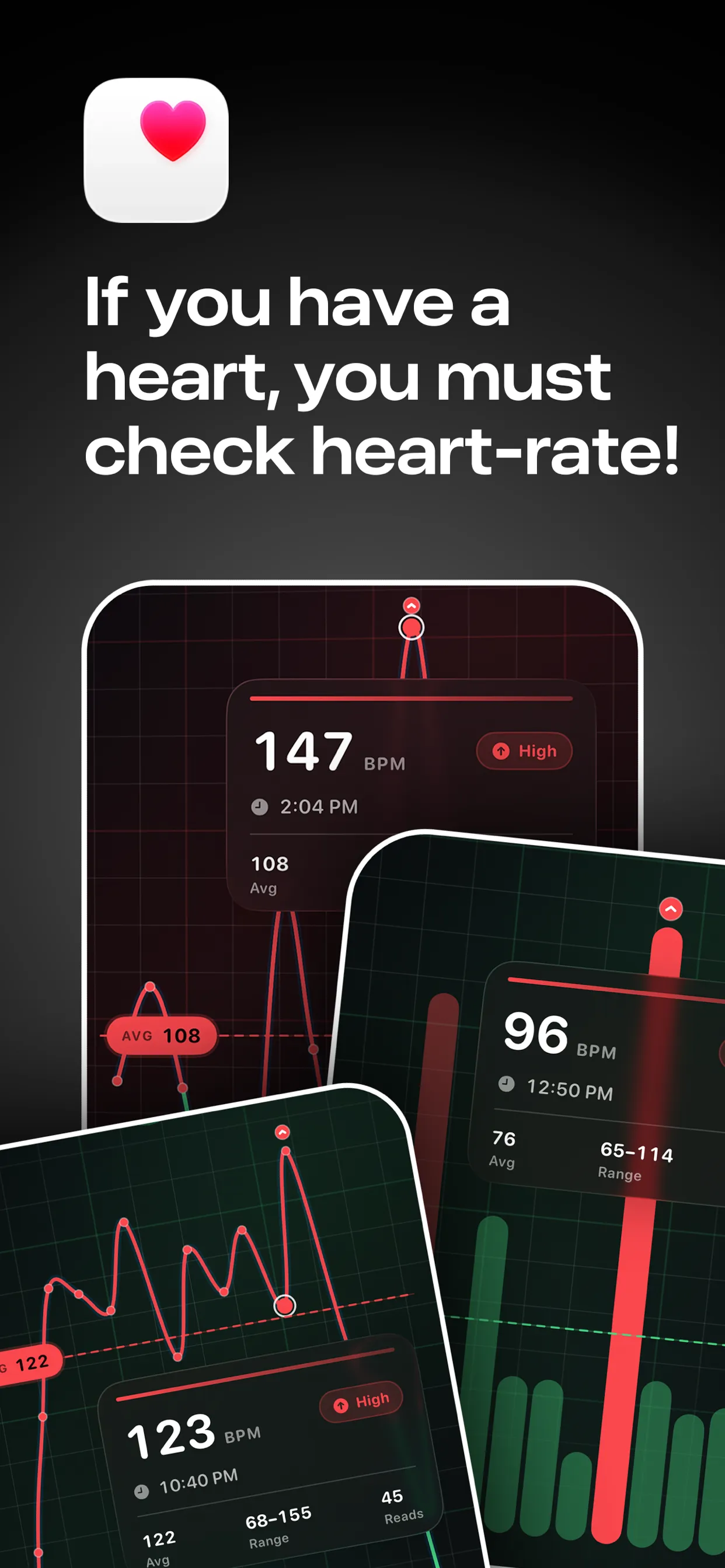
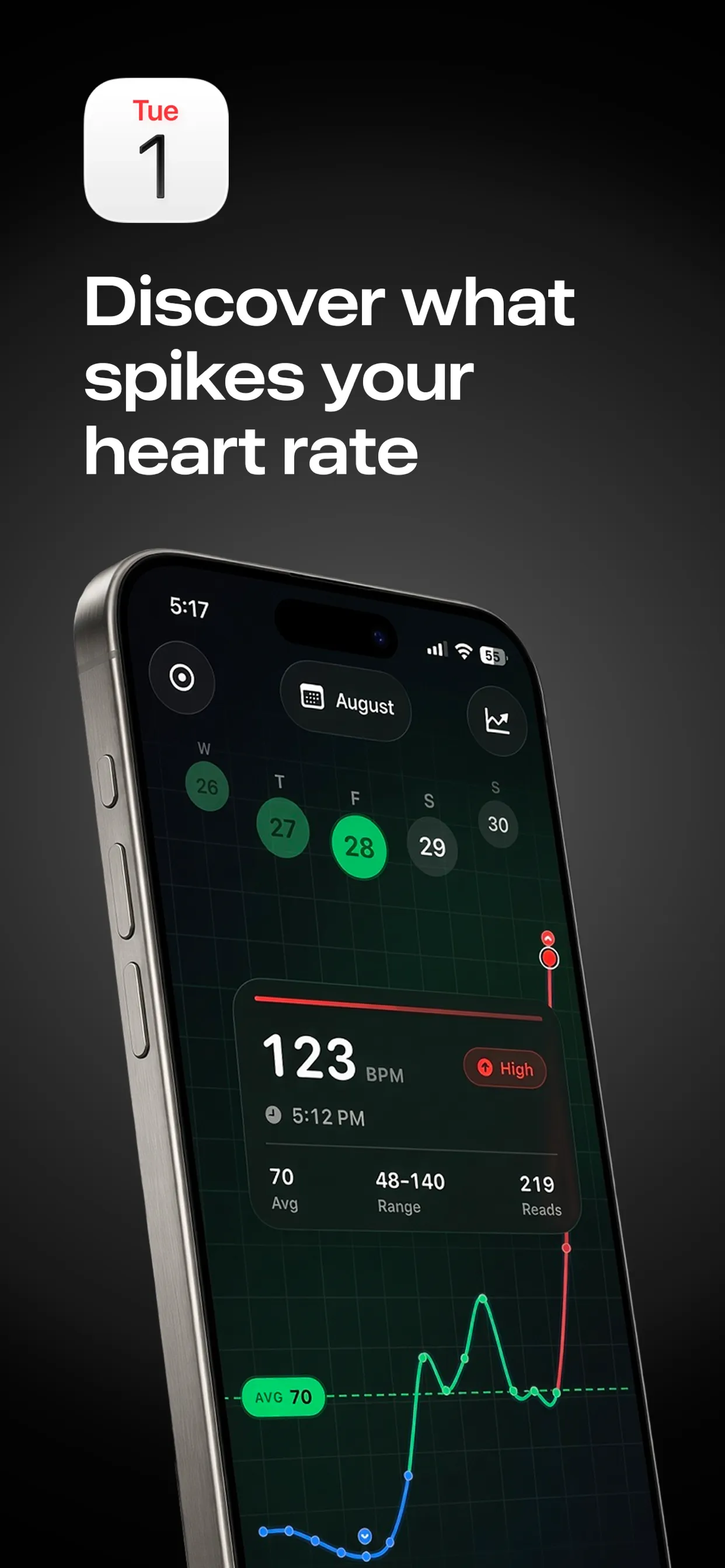
70 BPM: see what caused every heart rate spike
70 BPM lays your Apple Health heart rate over your calendar, so every spike has a name: the standup, the client call, the commute home.

Free to download · Optional Pro in-app purchases · Reads from Apple Health · Stays on your iPhone · Not a medical device; in an emergency, call 911, 999 or 112

Lookout · Free dual camera recorder
Lookout: film the moment and the reaction
Lookout runs your iPhone's front and rear cameras in one capture session, so both angles are of the same moment and line up without manual syncing.


Free to download · Lookout Pro in-app purchase · iPhone, Mac & Apple Watch · Records, does not edit. What Lookout is

Down The Drone · Free AR shooter for iPhone
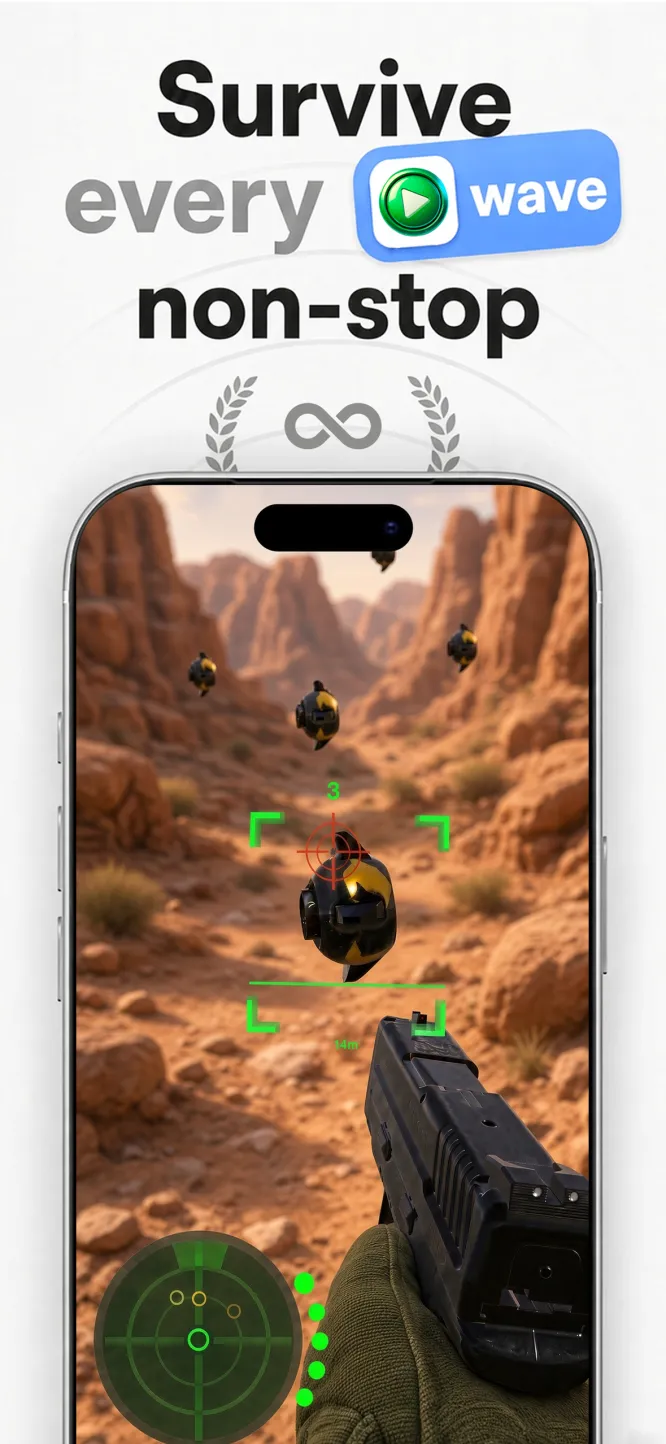
Down The Drone: an AR drone shooter that plays offline
Hostile drone swarms fly in over your sofa, down your hallway, across your backyard. Aim, fire and hold the line, right where you’re standing.


Free to download · No ads · Plays offline · Full game: US$5.99 in-app purchase

Captain Star · Endless space shooter
Captain Star: an easy first shmup
Easy to pick up, impossible to put down. Your ship goes where the pointer goes, each wave has one goal, and restarts are instant.




US$0.99 on the Mac App Store · Steam for Windows · Apple TV and iPad

Zero G Space Game · Arcade asteroid shooter for Mac
Zero G Space Game: the asteroid field that fights back
Spin, thrust, fire and wrap the screen. Real inertia, a shield you can time into a parry, hyperspace, and waves that keep escalating.


Mac App Store · Free to download · macOS 13+ · Two full waves free, then a one-time Unlock Full Game
2. How to check if iCloud is down
- Open Apple System Status. Each service has a dot: green is fine, yellow or red means a known problem.
- If everything is green, test your own connection: open a website on Wi-Fi, then on mobile data.
- Look at Settings, then your name, for a sign-in or “verify” prompt.
- Restart the iPhone. If it still fails and the status page is green, the problem is probably your account or network.
During the Apple outage of 17 November 2026, searches for “is icloud down right now” and “icloud server status” spiked within minutes, often before the status page changed color. If many people report the same problem at once, it is usually Apple.
3. What still works during an iCloud outage
- Apps already installed, as long as they do not need a sign-in to open. Offline games such as Down the Drone on iPhone and Captain Star on iPad keep playing.
- Photos and videos stored on the iPhone. With “Optimize iPhone Storage” on, some full-size originals live in iCloud and may not open until it is back.
- The camera. Lookout records the front and back cameras together on the iPhone, with no account and no upload.
- Health data on the iPhone. 70 BPM reads Apple Watch heart rate from Apple Health and shows it on your calendar, privately on the device.
- Downloaded music and podcasts. Streaming may fail; downloads do not.
- Phone calls and SMS over your mobile network.
4. What may stop working
- Signing in to your Apple Account or iCloud on any device
- iCloud Photos, iCloud Drive, Notes, Contacts and Calendar sync: changes wait and sync later
- iCloud Mail
- Find My
- App Store downloads, updates and in-app purchases
- Apple Music streaming
- Apple Pay, which some users reported on 17 November 2026
- Activating a new iPhone or restoring from an iCloud backup
5. What not to do while iCloud is down
- Do not sign out of your Apple Account. You may not be able to sign back in until the outage is over.
- Do not erase or reset your iPhone. Setting it up again needs Apple’s servers to activate.
- Do not change your password because sign-in fails. During an outage the password is not the problem.
- Do not delete photos or files that look missing. Sync is paused, not lost; give it time once the status page is green.
6. Get ready for the next one
The best time to prepare is while everything works. Install the apps and games you would want during an outage, open each once and try them in airplane mode. For a shortlist, see apps and games that still work when iCloud is down.
7. A note on 70 BPM
For winding down, 70 BPM overlays Apple Watch heart rate on your calendar, privately and on the device. It is not a medical device; in an emergency call your local emergency number (911, 999 or 112).
8. Frequently asked questions
Is iCloud down right now?
Check Apple System Status at apple.com/support/systemstatus. Yellow or red next to iCloud means a known problem on Apple’s side.
Will I lose my photos if iCloud is down?
No. An outage pauses syncing; it does not delete photos on your iPhone or in iCloud. Changes sync once the service is back.
Why does my iPhone keep asking for my Apple Account password?
During an iCloud outage, sign-in checks can fail and the prompt repeats. Wait until Apple System Status is green before trying again, rather than resetting your password.
Do offline apps work during an Apple outage?
Yes, if they are already installed and do not need a sign-in. 70 BPM, Lookout, Down the Drone, Captain Star and Zero G Space Game need no account.
Related: Apps that still work in an Apple outage · Games for when the internet is down · Offline apps for emergencies