

Lookout for iPhone · Free dual camera app
Your iPhone has two cameras. Use both at once.
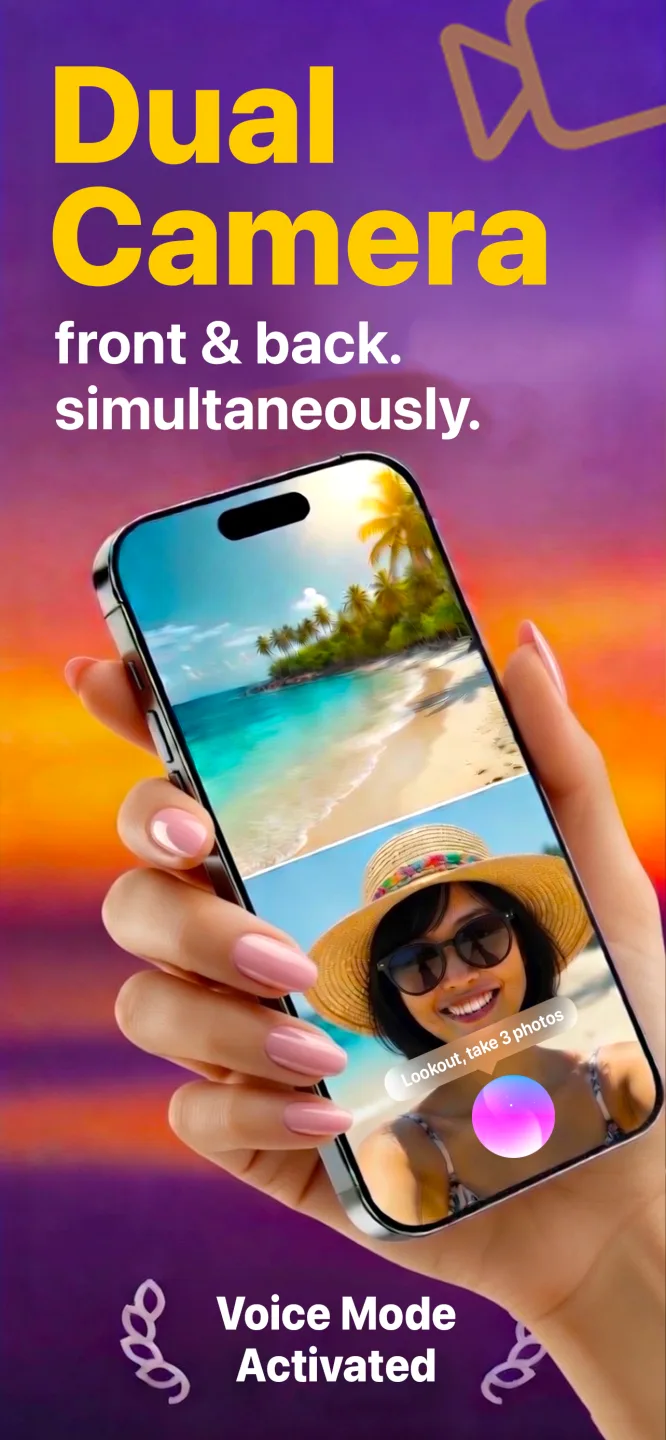
Lookout records the front and back cameras together in one synced take. Start it by saying “Hey Lookout”, blank the screen while it records, and keep every file on your phone.
Free to download · iOS 17+ · Dual capture on iPhone XS / XR and newer
iPhone


What Lookout does on iPhone
The iOS version specifically — what it is built around and what it does differently from the other versions.
On iPhone, Lookout does the thing it was built for: it records the front and rear cameras simultaneously, on one timeline, into one session. That is not two clips lined up afterwards. It uses Apple’s AVCaptureMultiCamSession, so the two streams are captured together by the hardware and never need syncing.
The iPhone version is the one with the most in it. It is where the “Hey Lookout” voice commands live, where black-screen recording lets you film without the display lighting up the room, and where dashcam mode adds a live speed readout that works with no internet connection. It is also the version the Apple Watch companion controls.
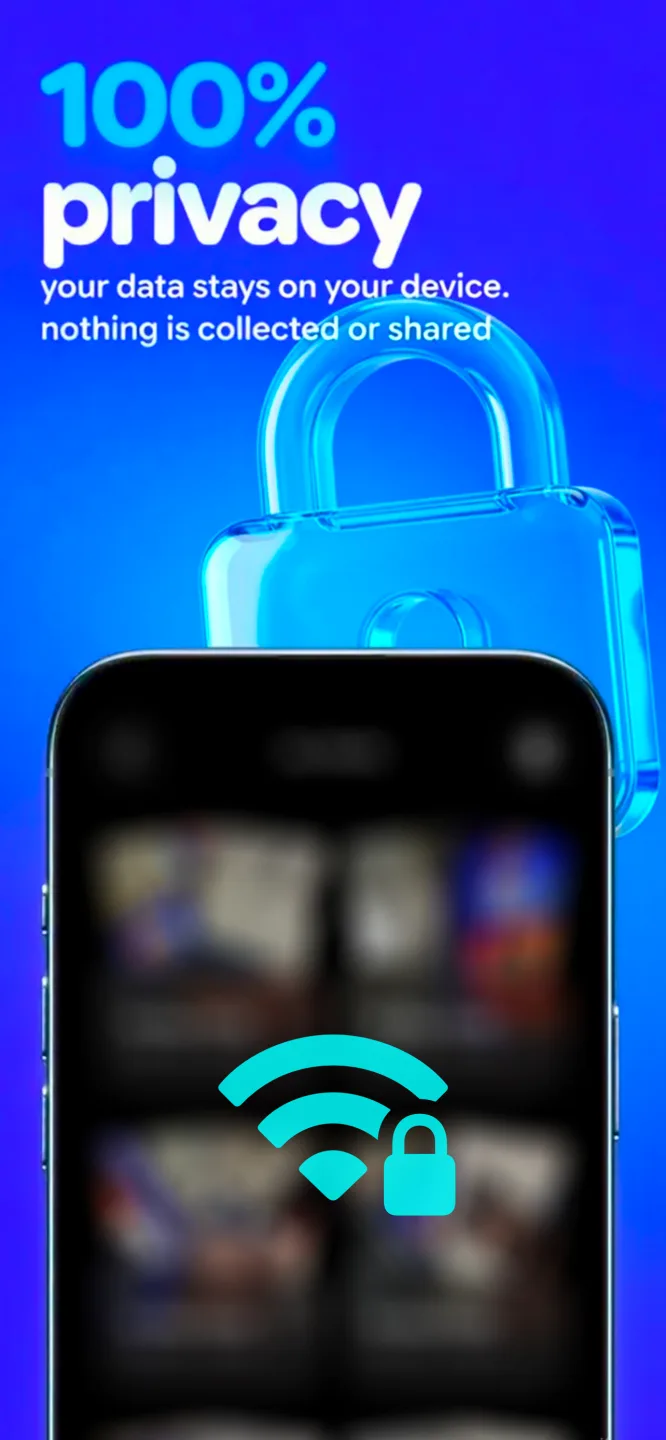
Everything stays on the phone. Lookout does not upload your video, does not need an account, and the App Store privacy card reflects that. Put the phone in airplane mode and it records exactly the same.
As a camera app download it is free: search the App Store camera category for Lookout Dual Camera Recorder, install it, and the dual camera mode is there on any iPhone the hardware allows. There is no trial, no account and no upload step between installing it and recording.
On iPhone you get
Simultaneous dual capture.
Front and rear cameras recorded together, on iPhone XS / XR and newer (A12 chip or later) running iOS 17.
“Hey Lookout” voice commands.
Start recording, zoom and take snapshots without touching the screen.
Black-screen recording.
The display goes dark while both cameras keep rolling — no glow, no distraction.
Dashcam mode.
The road ahead with a picture-in-picture of the cabin, plus a live speed readout that needs no network.
Themes and zoom.
Three interface themes, a running timer and per-camera zoom controls.
On-device only.
No cloud, no account, no tracking. Files land in Photos on your iPhone.
How to get Lookout on iPhone
Three steps from the store to your first result on iOS.
- 1
Install from the App Store
Search for Lookout Dual Camera Recorder or use the button above. It is free to download.
- 2
Allow camera and microphone
Grant both permissions on first launch. Without them there is nothing to record.
- 3
Say “Hey Lookout” and record
Frame both cameras, start by voice or by tapping, and the two angles are captured together.
iPhone requirements
What the iOS version needs before you install it.
- iOS
- iOS 17.0 or later
- Dual capture
- A12 Bionic chip or newer — iPhone XS, XS Max, XR and everything since. This is an Apple framework requirement, not an app limitation.
- Older iPhones
- Single-camera features still work; only simultaneous dual capture needs A12 or newer.
- Price
- Free to download on the App Store
- Storage
- Two streams write roughly twice the data of one — start long shoots with real headroom.
- Languages
- English, Spanish and Hindi in the App Store listing
The Apple Watch companion app is included with the iPhone download and needs watchOS 11.5 or later.
Lookout on other platforms
The same app, on the devices you already own.
Lookout for Mac
Mac webcam and iPhone Continuity Camera recorded together, from the menu bar, with files kept on the Mac.
Open the platform page › watchOSLookout for Apple Watch
Live preview of both camera feeds on your wrist, with record, zoom and shutter controls for the iPhone.
Open the platform page › all platformsThe full Lookout overview
Every platform, every guide and the complete FAQ on one page.
Open the platform page ›FAQ
Questions people ask before installing on iOS.
Which iPhones can record front and back cameras at the same time?
Any iPhone with an A12 Bionic chip or later — iPhone XS, XS Max and XR onwards — running iOS 17. Older iPhones can run Lookout but cannot do simultaneous dual capture, because Apple’s AVCaptureMultiCamSession framework is unavailable on them.
Is Lookout free on iPhone?
Yes. Lookout is free to download on the App Store. Open the listing for current in-app details.
Does the iPhone get hot recording two cameras?
On long takes, yes — two camera pipelines work the image processor harder than one. Keep the phone out of direct sun and out of a thick case if you are recording continuously.
Do I need an internet connection?
No. Recording, voice commands and the dashcam speed readout all work offline. Nothing is uploaded.
Is this camera app download free?
Yes. The camera app download is free on the App Store — search the store for Lookout Dual Camera Recorder, or use the button on this page. There is no paid tier to unlock before you can record, which is usually what people mean when they search for the best camera app download. The listing shows any current in-app details.
Is Lookout the best camera app for iPhone?
Searches for best camera app iPhone usually mean one of two things. If they mean the best camera app for iPhone for one lens at a time, keep using Apple’s — Lookout is not a replacement for the stock camera app and does not try to be. If they mean both lenses in one take — the best dual camera app job — that is the thing Lookout is built to do, and the guides on this site compare it honestly with the alternatives.
Does the iPhone have a dual camera mode?
Not in the stock camera app. Any dual camera phone from the iPhone XS on has the hardware for it, and iOS exposes the capability to apps through AVCaptureMultiCamSession, but you need a dual camera app to reach it. Lookout turns that capability into an iPhone dual camera mode you can start by voice.
Is Lookout an HD camera app?
Yes — both streams are recorded in HD, and the exact ceiling depends on which iPhone you are using, because the multi-cam pipeline is not identical across devices. The App Store listing carries the current per-device numbers.
Can I use it as a hidden camera app or a CCTV camera app?
No, and it is worth being clear about both. Lookout is not a CCTV camera app — it records from the iPhone’s own cameras and does not connect to IP or security cameras. It is not a hidden camera app either: black-screen recording only blanks your display so it does not glow in a dark room, and the recording indicator still shows. Recording people without consent is illegal in many places; check your local law first.
Get Lookout for iPhone
Dual camera recorder for iPhone — built by KIDA Studios.