
The two-minute version
- Download Lookout (free) from the App Store.
- Open it and allow the camera and microphone.
- You will see two live previews: the parcel (back) and you (front).
- Say the date, address and order number, then record the drop-off.
- Front, back and combined videos are saved on your iPhone. Nothing is uploaded.

Lookout · Free dual camera recorder
Lookout: record the delivery and say what happened
Lookout records the parcel with the back camera and you with the front camera in one synced take, so the handover and your spoken note are on the same timeline.
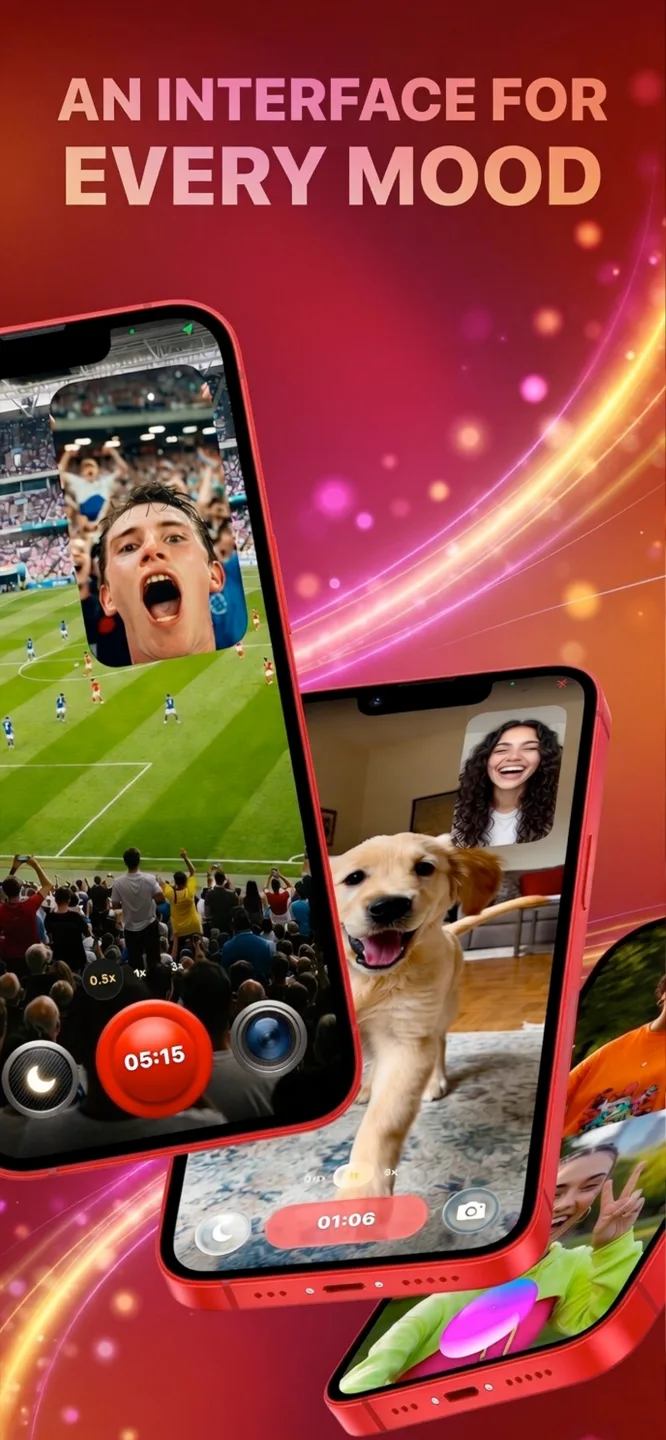
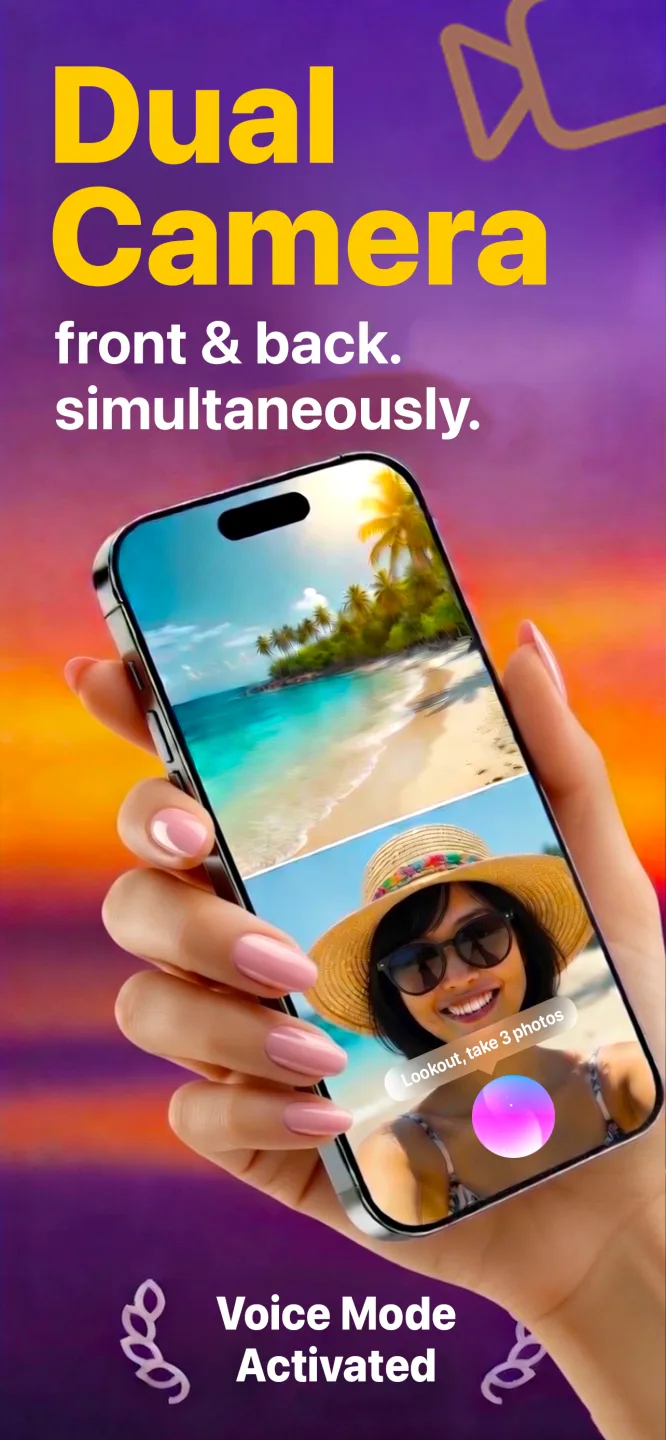
Free to download · Lookout Pro in-app purchase · iPhone XS and newer · Records, does not edit. What Lookout is
Reviewed 13 November 2026. The limits of video as evidence were checked against published chargeback guidance. Sources are listed at the end of this guide.
| Quick facts | Answer |
|---|---|
| What it records | Parcel and doorway (back camera) and you speaking (front camera), in one take |
| What it proves | Condition, location and who received it, if shown on camera |
| What it does not do | Capture signatures, scan barcodes, track routes or connect to dispatch systems |
| Best used with | A carrier scan or tracking number, and a signature where required |
| Storage | On your iPhone only. No account and no upload |
| Needs | iPhone XS or newer |
In this guide: What it is · How to record · What to say · Video vs photo · Packing proof · Limits · Privacy · FAQ
What is a proof of delivery app?
Proof of delivery (POD) shows that an item reached the right place, in the right condition, at a particular time. Carriers collect it with scanners, signatures, GPS stamps and photos inside their own systems. If you work outside that system you still need something to show when a customer says "it never arrived" or "it was damaged".
A dual camera video is a small personal version. It is not a carrier's app, but it gives you an unedited record that you control.
How do you record proof of delivery with an iPhone?
- Open Lookout before you reach the door. Check both previews so recording starts in seconds.
- Start at the door. Say "Hey Lookout" if your hands are full, or tap your Apple Watch.
- Show the parcel and the label. The back camera sees the address, then the house number or a landmark.
- Say what is happening. The front camera records you stating the date, time, order number and condition.
- Show where you left it. Pan to the porch, locker or the person who accepted it.
- Stop and keep the file. Do not delete it until the dispute window has passed.
If you deliver by vehicle, Lookout's Dashcam Mode adds a speed, GPS and date and time overlay to the video, and works without an internet connection. It was built for driving, so check it suits your workflow before you rely on it.
What should you say on the recording?
- Who and what: "Delivering order 4821, one box, to 12 Alder Road."
- When: state the date and time aloud. It is in the audio of the same take.
- Condition: "Box is sealed, no visible damage," or "corner is dented before handover."
- Outcome: "Handed to the resident," "left on the porch," or "placed in locker 7."
Is video better than a photo or a signature?
| Evidence | Shows condition | Shows location | Shows who took it | Effort |
|---|---|---|---|---|
| Photo of the parcel | Yes | Partly | No | Low |
| Signature | No | No | Yes | Low, but needs the recipient |
| Dual camera video | Yes, with narration | Yes, with a pan to the door | Yes, if they are on camera | Medium |
| Carrier scan and GPS | No | Yes | No | Automatic, carrier only |
Chargeback specialists make the same point about evidence in general: a delivery scan, a weight record or a packing video each proves one part of the journey, and none proves all of it alone (Chargeflow). Use video together with tracking and, where required, a signature.
How can online sellers use packing proof?
Many "empty box" and "wrong item" disputes are won or lost before the parcel leaves. A short video of the item going into the box gives you something to show.
- Open with the order. Show the packing slip or order number in view.
- Show the item. The back camera shows serial number, condition and accessories.
- Narrate. The front camera records you describing what you are packing.
- Seal and label on camera. End on the finished label.
- Save it with the order number and keep it until the return window ends.
What are the limits of a delivery video?
Lookout records video. It does not capture signatures, scan barcodes, track routes or connect to a dispatch system. If your company or marketplace requires its own process, use that and treat this as backup. Video also does not always win a dispute, so keep the original, unedited file and add tracking.
What about privacy and local rules?
- Point the camera at the parcel and doorway, not into the house.
- Tell recipients you are recording if they appear. Rules on recording voices vary by place.
- Do not post delivery videos publicly. They show addresses and faces.
- Lookout saves on your device with no account and no upload. Delete clips after the dispute window closes.
Delivery days are long and physical. If you wear an Apple Watch, 70 BPM lines up the heart rate Apple Health records with the events in your calendar, so you can see which part of a shift was the hardest. 70 BPM is not a medical device. In an emergency, call your local emergency number.