
The two-minute version
- Download Lookout (free) from the App Store.
- Open it and allow the camera and microphone.
- You will see two live previews: front and back.
- Press the record button. Both cameras record together.
- Your video is saved on your iPhone 15. Nothing is uploaded.

Lookout · Free dual camera recorder
Lookout: the dual camera app for iPhone 15
Lookout runs the iPhone 15's front and rear cameras in one capture session, so both angles come from one take and save to the phone.

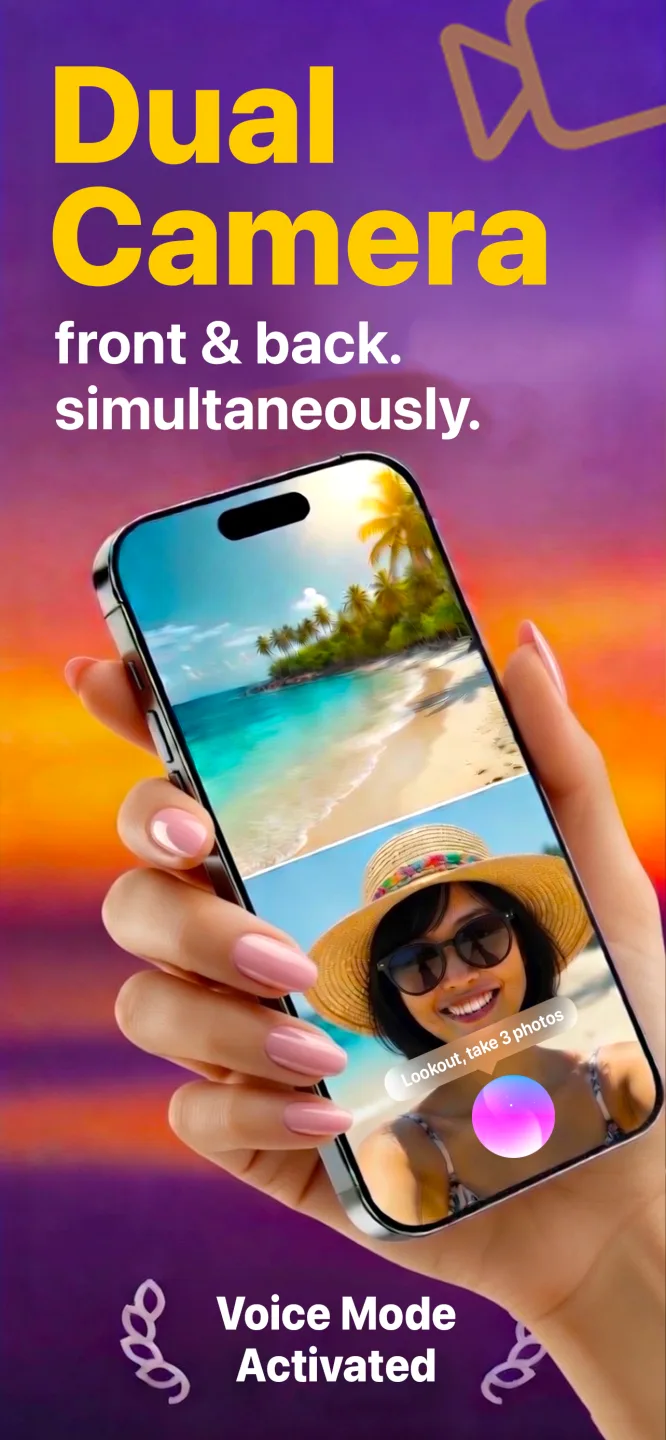

Free to download · Lookout Pro in-app purchase · 15, 15 Plus, 15 Pro and 15 Pro Max · Records, does not edit. What Lookout is
How to record video with both cameras at same time iPhone 15
Install a dual camera app, allow the camera and microphone and press record. The iPhone 15 and 15 Plus use the A16 Bionic, the 15 Pro and Pro Max use the A17 Pro, and all four run the front and rear cameras together. The Camera app has no dual mode on the iPhone 15, so the app does the recording.
Plug in while you record: USB-C
All four iPhone 15 models charge over USB-C, so the same cable and power bank you use for a laptop or an iPad work. For a wedding, a class or a long event, connect a power bank before you start and the battery stops being the limit.
Two practical notes. A cable running into the bottom of the phone makes a tripod or stand more important, because the phone is less free to move. And charging while two cameras run makes the phone warmer, so keep it out of direct sun and out of a thick case.
Which iPhone 15 do you have?
| Model | Screen | Chip | Rear cameras | Notable for dual recording |
|---|---|---|---|---|
| iPhone 15 | 6.1 in | A16 | Wide, ultra wide | Dynamic Island and USB-C, with a 48MP main camera for photos. |
| iPhone 15 Plus | 6.7 in | A16 | Wide, ultra wide | The big battery of the standard pair. Good for long events. |
| iPhone 15 Pro | 6.1 in | A17 Pro | Wide, ultra wide, 3x telephoto | Action button can open an app, so Lookout is one press away. |
| iPhone 15 Pro Max | 6.7 in | A17 Pro | Wide, ultra wide, 5x telephoto | The 5x lens is the longest on any iPhone 15, and the screen is the biggest. |
iPhone 15 or iPhone 17 for dual capture?
The iPhone 17 lineup has a dual mode built into the Camera app. If you were already thinking of upgrading, that is a nice bonus, but it is not a reason to replace a working iPhone 15: the 15 records both cameras today with an app, and nothing about the footage depends on a newer chip.
Action button on the 15 Pro and Pro Max
The Action button on the Pro models can be set to a Shortcut, including one that opens an app. Map it to open Lookout and you are one press from the two previews; then start with your voice ("Hey Lookout") or the Apple Watch remote, so the phone stays still.
Three iPhone 15 setups
Event or wedding table: phone on a small stand with a power bank attached, rear camera on the room, front camera on you.
Home studio: USB-C to a charger, phone against a monitor stand: rear camera on your workspace, front camera on you.
Travel day: one take at the viewpoint: the scenery behind and your reaction in front, saved as one file on the phone.