
The two-minute version
- Download Lookout (free) from the App Store.
- Open it and allow the camera and microphone.
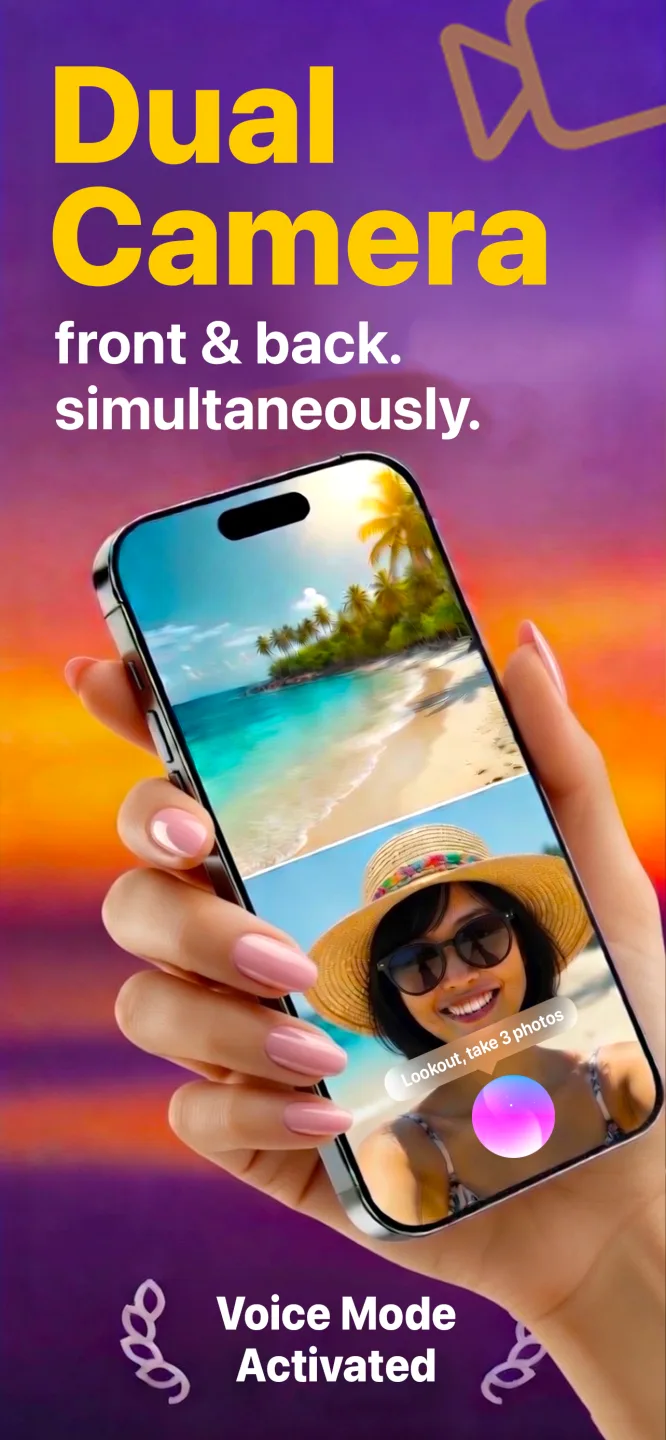
- You will see two live previews: front and back.
- Press the record button. Both cameras record together.
- Your video is saved on your iPhone 14. Nothing is uploaded.

Lookout · Free dual camera recorder
Lookout: the dual camera app for iPhone 14
Lookout runs the iPhone 14's autofocus front camera and a rear camera in one capture session, so both views are sharp and in sync.

Free to download · Lookout Pro in-app purchase · 14, 14 Plus, 14 Pro and 14 Pro Max · Records, does not edit. What Lookout is
How to record video with both cameras at same time iPhone 14
Install a dual camera app, allow the camera and microphone and press record. The iPhone 14 uses the A15 Bionic (14 and 14 Plus) or the A16 Bionic (14 Pro and 14 Pro Max), and both run the front camera and a rear camera together. The built-in Camera app has no dual mode on any iPhone 14, so the app is what makes it possible.
What changed on the front camera
Earlier iPhones, including the 13, have a fixed-focus selfie camera. Every iPhone 14 has an f/1.9 front camera with autofocus. In a dual recording that is the difference between a face that stays crisp as you move and one that goes soft, and it means you can hold the phone closer to your face or to your hands without the selfie side blurring.
This is the one generation where the selfie view really keeps up with the rear one. If you made reaction videos or tutorials on an older phone and the front footage looked soft, this is the upgrade that fixes it.
Which iPhone 14 do you have?
| Model | Screen | Chip | Rear cameras | Notable for dual recording |
|---|---|---|---|---|
| iPhone 14 | 6.1 in | A15 | Wide, ultra wide | The reference model. Autofocus front camera. |
| iPhone 14 Plus | 6.7 in | A15 | Wide, ultra wide | The big battery of the non-Pro pair. Best pick for long takes. |
| iPhone 14 Pro | 6.1 in | A16 | Wide, ultra wide, 3x telephoto | Dynamic Island shows the recording indicator at the top. |
| iPhone 14 Pro Max | 6.7 in | A16 | Wide, ultra wide, 3x telephoto | Largest screen and battery; also the heaviest to hold one-handed. |
48MP and Action mode: what dual recording uses
Two iPhone 14 headline features do not apply here. The 14 Pro and Pro Max have a 48-megapixel main camera, but that is for photos: video on every iPhone 14, in any app, is recorded at video resolutions. Action mode, the stabilised video setting, belongs to the Camera app. In a dual recording, steadiness comes from how you hold the phone, so a small tripod or a stable surface does more than any setting.
Three iPhone 14 setups
Close-up demos: hold or prop the phone near your hands for crafts, makeup or repairs. The autofocus front camera keeps you sharp even close to the lens.
Two-person conversation: put the phone between you and a friend on a table. Each face gets its own camera.
Class or lecture notes: rear camera on the board or slides, front camera on you. Say "Hey Lookout" to start without touching the screen.
Long recordings on a 14 Plus or 14 Pro Max
If you record often, the 14 Plus and 14 Pro Max have the most battery to spend on two cameras. Even so, start from a full charge and keep an eye on heat: if the phone gets warm, take a break between segments.