
The two-minute version
- Download Lookout (free) from the App Store.
- Open it and allow the camera and microphone.
- You will see two live previews: front and back.
- Press the record button. Both cameras record together.
- Your video is saved on your iPhone 13. Nothing is uploaded.

Lookout · Free dual camera recorder
Lookout: the dual camera app for iPhone 13
Lookout runs the iPhone 13's front and rear cameras in one capture session, so you get both angles of the same moment in a single file.

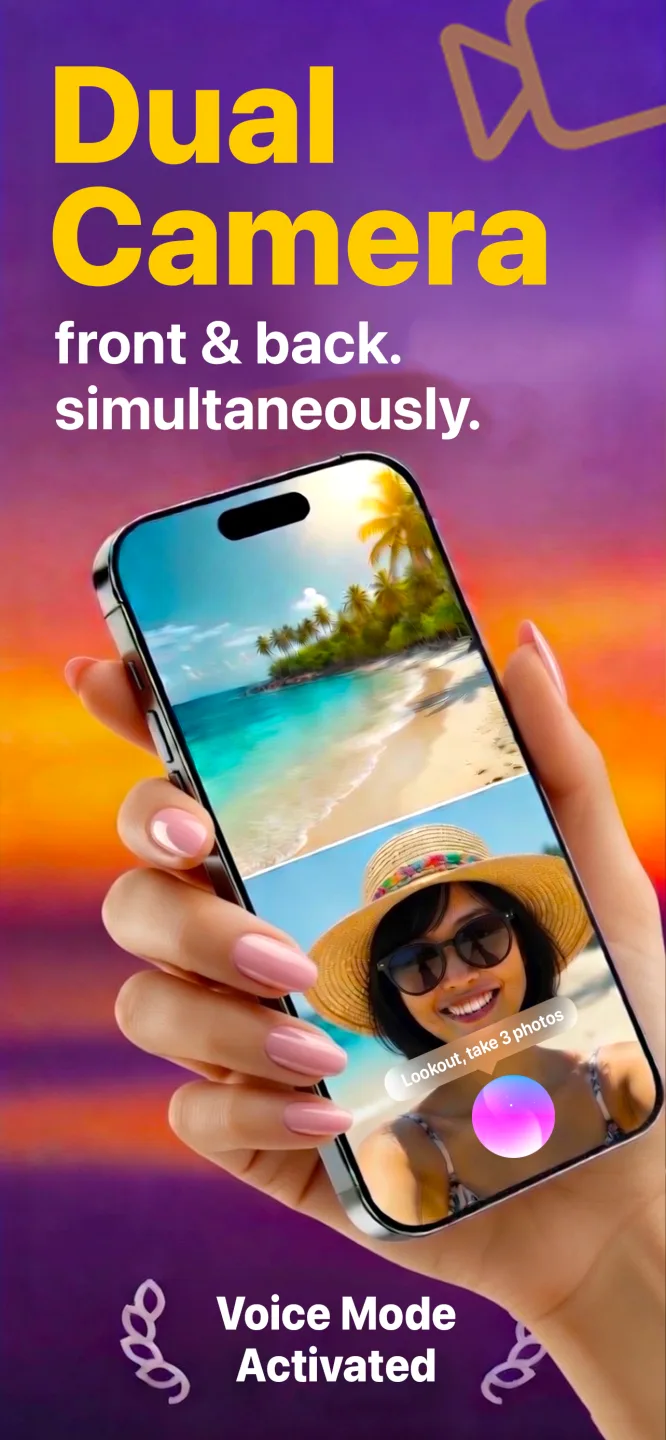

Free to download · Lookout Pro in-app purchase · 13, 13 mini, 13 Pro and 13 Pro Max · Records, does not edit. What Lookout is
How to record video with both cameras at same time iPhone 13
The iPhone 13's A15 Bionic runs the front camera and a rear camera together without effort. Apple's multi-camera capture is available to any app on iPhones from the XS onward, so install a dual camera app, allow the camera and microphone, and press record. Lookout shows both previews live and saves the video on the phone.
Cinematic mode is not dual recording
Cinematic mode, new on the iPhone 13, lives in the Camera app and records through one camera, shifting focus between subjects. Dual recording shows two different views at once. They solve different problems: use Cinematic mode when you want one shot with a pulled focus, and a dual camera app when you want your face and the scene in the same take.
Which iPhone 13 do you have?
| Model | Screen | Rear cameras | Notable for dual recording |
|---|---|---|---|
| iPhone 13 mini | 5.4 in | Wide, ultra wide | Starts at 128 GB. Apple rated its battery about an hour and a half longer than the 12 mini. |
| iPhone 13 | 6.1 in | Wide, ultra wide | Sensor-shift stabilisation on the main camera, a first outside the Pro line. |
| iPhone 13 Pro | 6.1 in | Wide, ultra wide, 3x telephoto | 120 Hz ProMotion display makes the two live previews look smoother. |
| iPhone 13 Pro Max | 6.7 in | Wide, ultra wide, 3x telephoto | Largest battery in the range and the biggest screen for watching both views. |
Keeping both views steady
The sensor-shift stabilisation on the iPhone 13 and 13 mini works on the rear main camera, so a walking shot behind you is calmer than on older phones. The front camera on every iPhone 13 has a fixed focus, which means your face looks best at about arm's length; hold the phone slightly further out than you would for a video call and the selfie side stays sharp.
- Keep your thumbs off the top and bottom edges so you do not cover a microphone.
- Use both hands when walking. The steadier you are, the more the stabilisation can do.
- Record a short test and watch it back with sound before the real take.
Three iPhone 13 setups
Vlog walk: rear camera on the street ahead, front camera on you talking. The stabilisation earns its keep here.
Concert or event: rear camera on the stage, front camera on your reaction. Plug in a power bank first, because gigs run long.
Kitchen: prop the phone against a jar so the rear camera sees the pan and the front camera sees you explaining the next step.
Battery on the iPhone 13
The 13 lasts longer than the 12 in everyday use, but two cameras still use more than one. For anything past a short clip, start from a full charge, keep the phone out of direct sun and shorten the take if it feels hot.