
The two-minute version
- Download Lookout (free) from the App Store.
- Open it and allow the camera and microphone.
- You will see two live previews: front and back.
- Press the record button. Both cameras record together.
- Your video is saved on your iPhone 12. Nothing is uploaded.

Lookout · Free dual camera recorder
Lookout: the dual camera app for iPhone 12
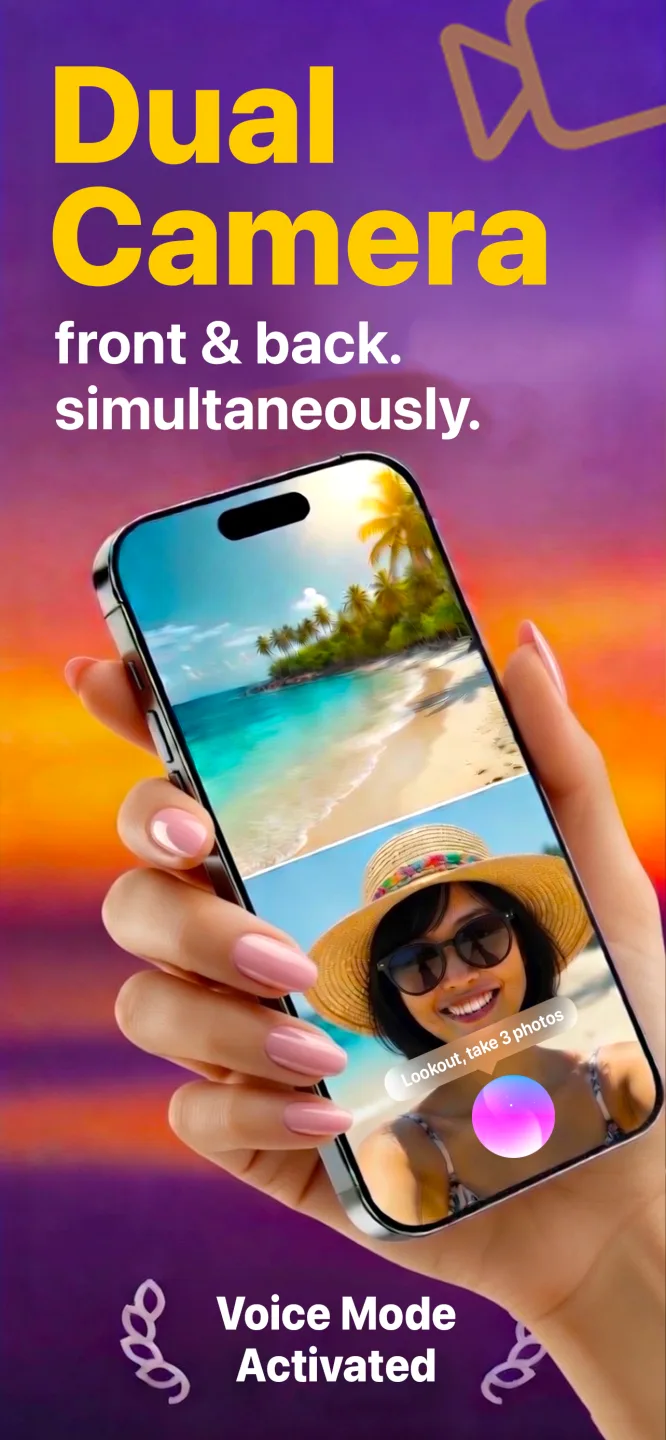
Lookout runs the iPhone 12's front and rear cameras in one capture session, so both angles come from the same moment and need no syncing afterwards.

Free to download · Lookout Pro in-app purchase · 12, 12 mini, 12 Pro and 12 Pro Max · Records, does not edit. What Lookout is
How to record video with both cameras at same time iPhone 12
Apple opened up simultaneous front and rear capture to apps in iOS 13, for every iPhone with an A12 chip or newer. The iPhone 12 has the A14, two generations beyond that line, so the hardware is not the question. The Camera app is: it has no dual mode, so you install an app that does the recording. Lookout is free, asks for the camera and microphone only, and keeps the file on the phone.
Which iPhone 12 do you have?
| Model | Screen | Rear cameras | Starts at | What it means for dual recording |
|---|---|---|---|---|
| iPhone 12 mini | 5.4 in | Wide, ultra wide | 64 GB | Smallest battery of the four. Plug in for anything long. |
| iPhone 12 | 6.1 in | Wide, ultra wide | 64 GB | The balanced one. Same rear cameras as the mini. |
| iPhone 12 Pro | 6.1 in | Wide, ultra wide, 2x telephoto | 128 GB | More starting storage, which matters for dual files. |
| iPhone 12 Pro Max | 6.7 in | Wide, ultra wide, 2.5x telephoto | 128 GB | Largest battery and screen. Easiest to watch both previews. |
All four share the same front camera and the same A14 chip, so a 12 mini records the same two views as a 12 Pro Max. The differences are stamina and storage, not capability.
Checks an older iPhone needs before a dual recording
- Battery health. Open Settings, Battery, Battery Health & Charging. If Maximum Capacity is well below 100%, plan on shorter takes or a power bank, because two cameras draw more than one.
- Free space. Two video streams are saved, so a clip takes roughly twice the room of a single-camera clip. On a 64 GB iPhone 12 or 12 mini, check Settings, General, iPhone Storage first.
- iOS version. Update to the newest iOS your iPhone 12 is offered. It keeps the camera and microphone permissions behaving the way the app expects.
- Case and sun. Take the phone out of a thick case and out of direct sunlight for longer sessions. A worn battery runs warmer under load.
Three things to record on an iPhone 12
Two-person interview: stand the phone on a small tripod between you and your guest, rear camera on them, front camera on you. One file, both faces.
Reaction recording: rear camera on the screen or the game, front camera on your face. Press record before the moment, not after.
Recipe or repair: lean the phone so the rear camera looks down at your hands and the front camera catches you explaining.
Is the iPhone 12 still worth using for this?
Yes. Nothing about dual recording needs a newer phone. If the battery is the weak spot, a battery replacement costs far less than a new iPhone, and a power bank covers the gap until then. The iPhone 17 lineup has dual recording built into the Camera app, but that is a reason to upgrade only if you were already planning to.
Say "Hey Lookout" to start, or use the Apple Watch remote, so you are not tapping the screen of a phone that is already propped up and framed.