

Envora · Bulk email from your iPhone
Envora: dispatch bulk emails without the markup
Cost-efficient bulk email for small businesses, freelancers and marketers, with no per-subscriber traps and no inflated tiers.
App Store · Free to download · iPhone
Step 1: Build the list properly
Only email people who asked to hear from you. Keep the list in a spreadsheet with email and first-name columns.
Step 2: Design the email
Keep it to one column, with a clear subject line, short sections and one main link. Plain text with a little formatting reads well on phones.
Step 3: Send it individually
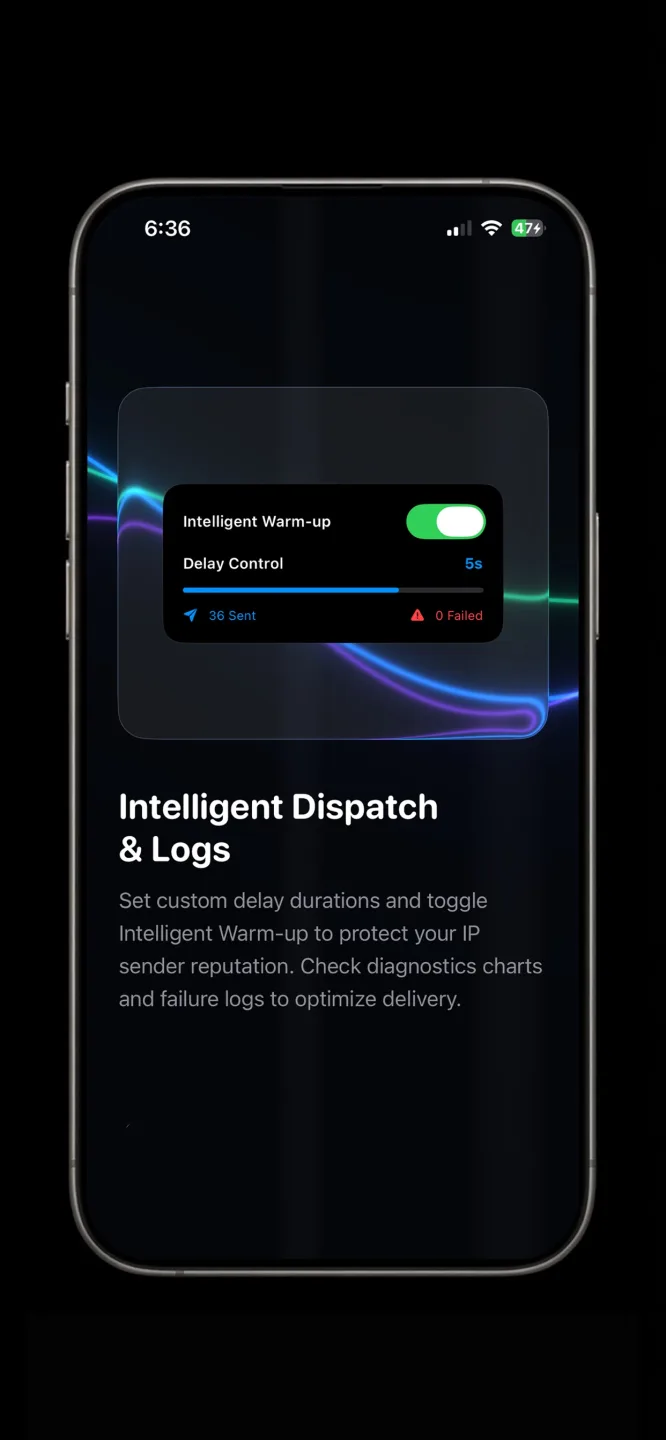
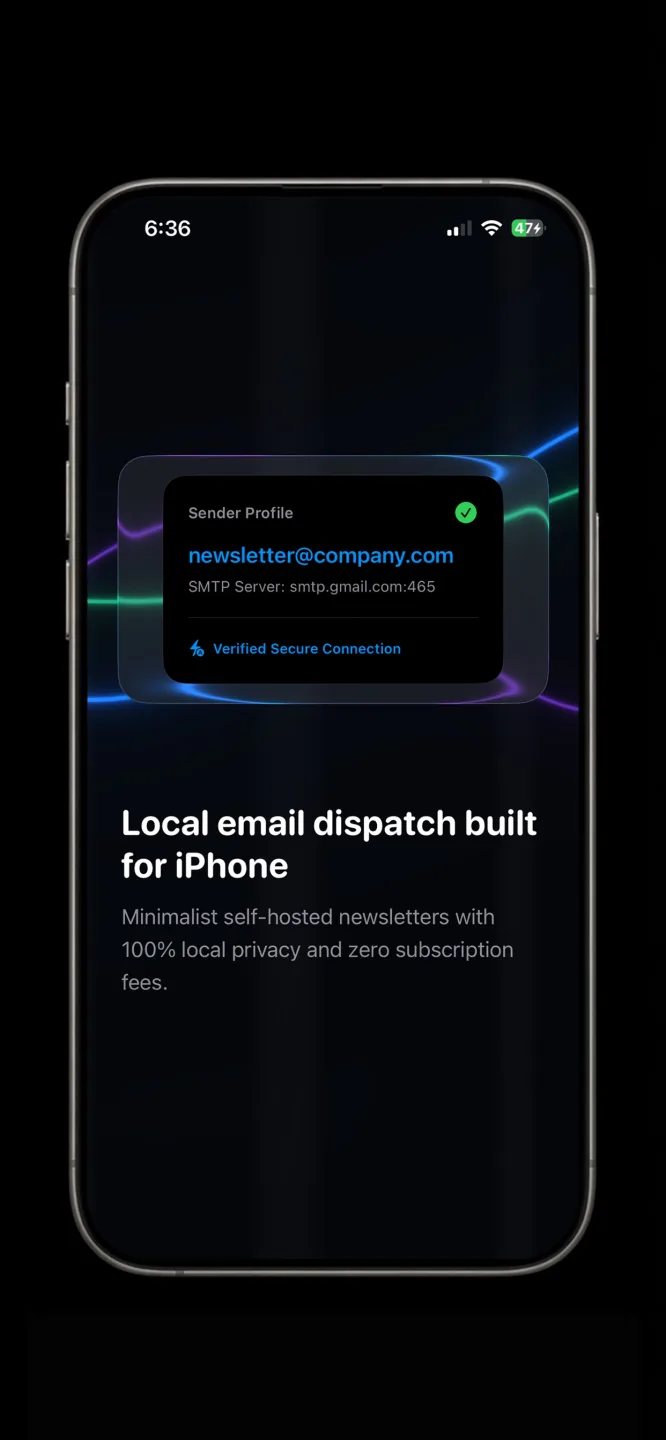
On eligible Workspace plans, Gmail's mail merge sends a personalised copy to each person and, per Google's guide, adds an unsubscribe link (Google Help). On iPhone, Envora by KIDA Studios lets you upload your own HTML newsletter design or use its text editor. You can preview it for desktop and mobile, then send through your Gmail in throttled batches. It's free to download and comes with a 7-day free trial; after that, a one-time $39.99 Lifetime Unlock keeps it working (US App Store price).
Step 4: Make unsubscribing easy
Google's email sender guidelines ask bulk senders to make unsubscribing easy (Google sender guidelines). At minimum, add a line like “Reply STOP to unsubscribe”, and honour it.
When to move to a newsletter platform
If your list outgrows Gmail's daily limits, or you need sign-up forms and automation, a dedicated platform may fit better.