

Envora · Bulk email from your iPhone
Envora: dispatch bulk emails without the markup
Cost-efficient bulk email for small businesses, freelancers and marketers, with no per-subscriber traps and no inflated tiers.
App Store · Free to download · iPhone
Gmail limits at a glance (from Google Help)
- Personal Gmail: 500 recipients in one message, or 500 emails a day (source).
- Workspace and Workspace Individual: a daily limit of 2,000 outgoing messages (source; Workspace limits).
- Gmail mail merge: up to 1,500 recipients a day on eligible plans (source).
Google can change these figures, so check its pages before a large send.
Size limits are a different limit
Many searches for “Gmail sending limit” are really about attachment size. Gmail Help says you can send attachments up to 25 MB, and larger files are added as Google Drive links instead (Google Help: attachments). That's separate from the daily recipient limit. A big attachment sent to many people won't raise your daily count beyond the number of recipients, but it makes each message heavier, so a Drive link is usually the better choice for group sends.
What to do right now
- Stop retrying, because repeated attempts don't lift the limit.
- Note how many recipients you've sent to today, counting To, Cc and Bcc.
- Wait, then send the rest in a later batch.
Other things Google says can block sending
Gmail Help also notes that many bounces to invalid addresses can stop you sending for up to 24 hours. Clean the list before you send (source).
Plan bulk sends around the limit
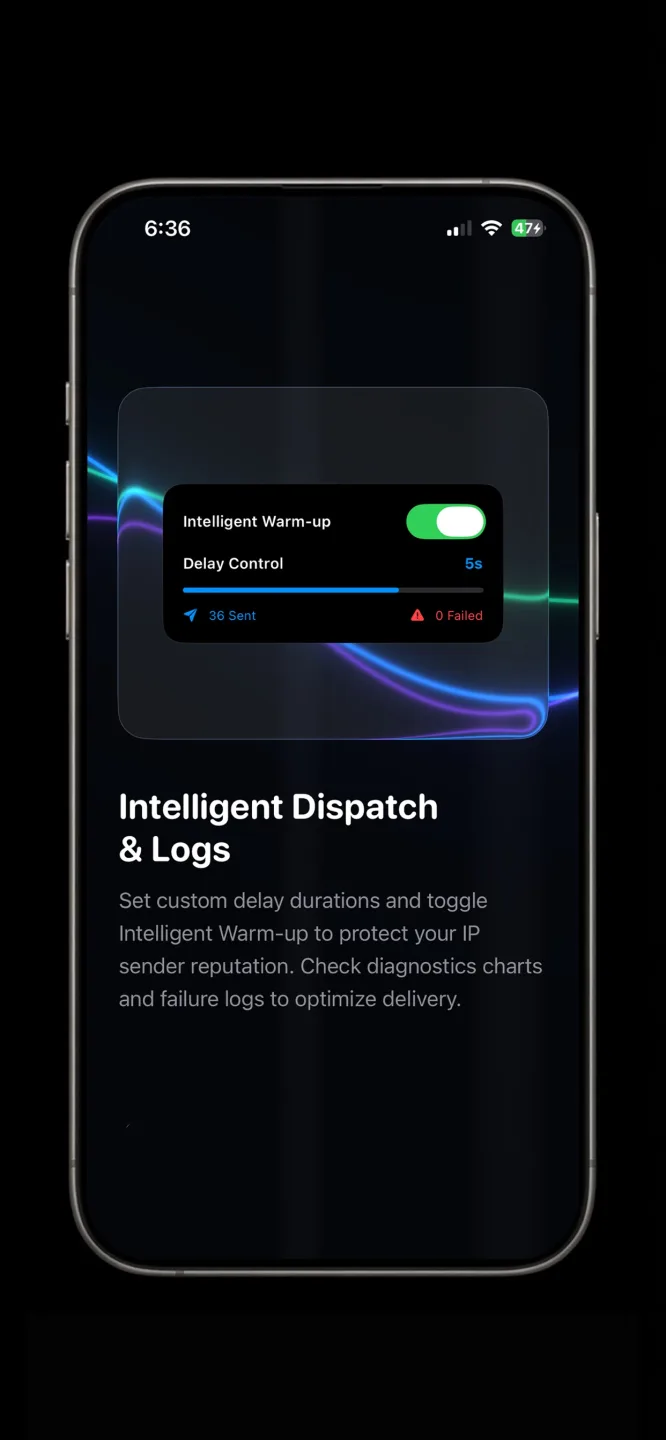
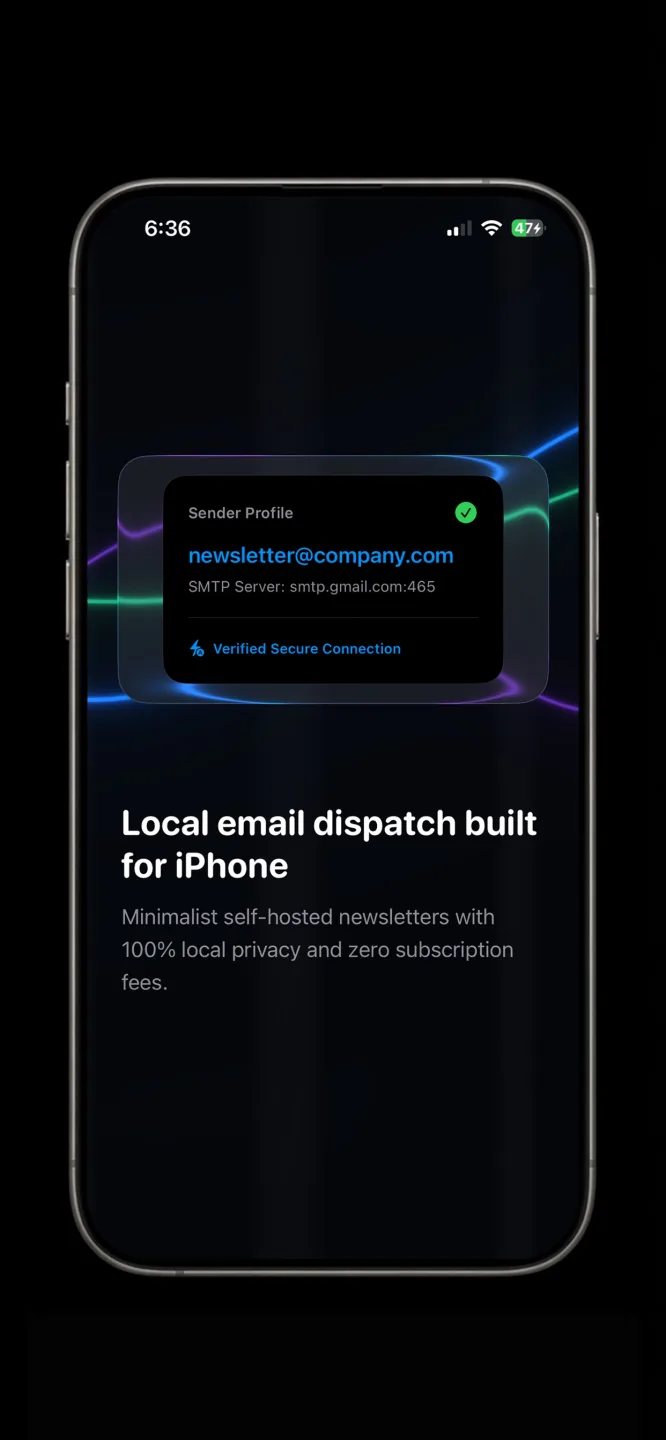
Split a big list into daily batches. For example, 1,200 contacts on a personal account works out as three days of batches under 500. If you send from an iPhone, Envora by KIDA Studios shows your daily sending quota and a log of sent, failed and pending emails, and lets you set a delay between messages. Envora doesn't add a cap of its own; Google's limits still apply. It's free to download and comes with a 7-day free trial; after that, a one-time $39.99 Lifetime Unlock keeps it working (US App Store price).
What counts toward the limit
- Every recipient, not every email. One message to 100 people counts as 100 toward a personal account's daily total (Google Help).
- Cc and Bcc count. Google's mail merge page says Cc and Bcc recipients count toward the daily send limit (Google Help).
- All your apps count. Mail sent from the Gmail app, from Apple Mail through Gmail, and from add-ons or apps that use your account all share the same daily total.
Edge cases
- A new Workspace trial: Google's Workspace limits page says trial accounts have lower limits (Workspace limits). Don't plan a big send in week one.
- The limit is a rolling day, not midnight: Google describes it as a limit over a day, with recovery within 1 to 24 hours, so don't count on a fresh allowance at midnight.
- Hitting limits often: repeated limit hits and many bounces can make the pause longer. Batch below the limit instead of right at it.
- Messages to a Google Group: Gmail Help suggests sending to a Google Group address for large lists (Google Help). That's one recipient for you, but everyone gets the same message.
A simple batching plan
- Count your list, for example 1,200 contacts.
- Leave headroom for normal mail: on a personal account, send around 400 a day rather than the full 500.
- Split the list into dated batches, such as rows 1–400, 401–800 and 801–1,200.
- Log which batch went out on which day, so nobody is emailed twice.
If you need more than Gmail allows
If your list regularly needs more than a personal account's daily allowance, the options are to spread sends across days, move to a Google Workspace plan with higher published limits (Workspace limits), or use a dedicated email service built for large volumes. Workspace limits are still limits, so batching is still a good habit there.