

Envora · Bulk email from your iPhone
Envora: dispatch bulk emails without the markup
Cost-efficient bulk email for small businesses, freelancers and marketers, with no per-subscriber traps and no inflated tiers.
App Store · Free to download · iPhone
Gmail on a computer
- Click Compose.
- Click Bcc at the right of the To line.
- Paste the addresses into Bcc, add yourself in To, and send.
Outlook
- Start a new email.
- Open Options and turn on Bcc.
- Add the recipients to Bcc.
iPhone
- In Mail, tap compose, then tap Cc/Bcc, From.
- Add the recipients to Bcc.
BCC vs individual emails
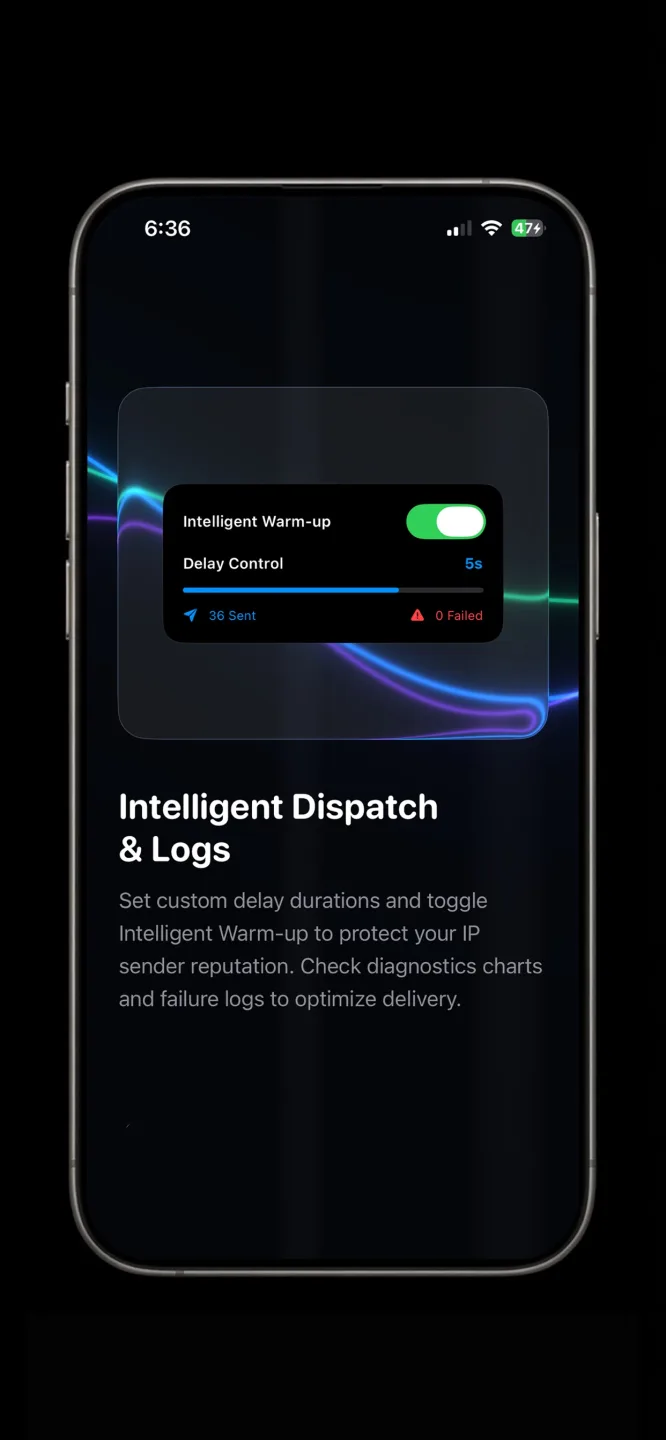
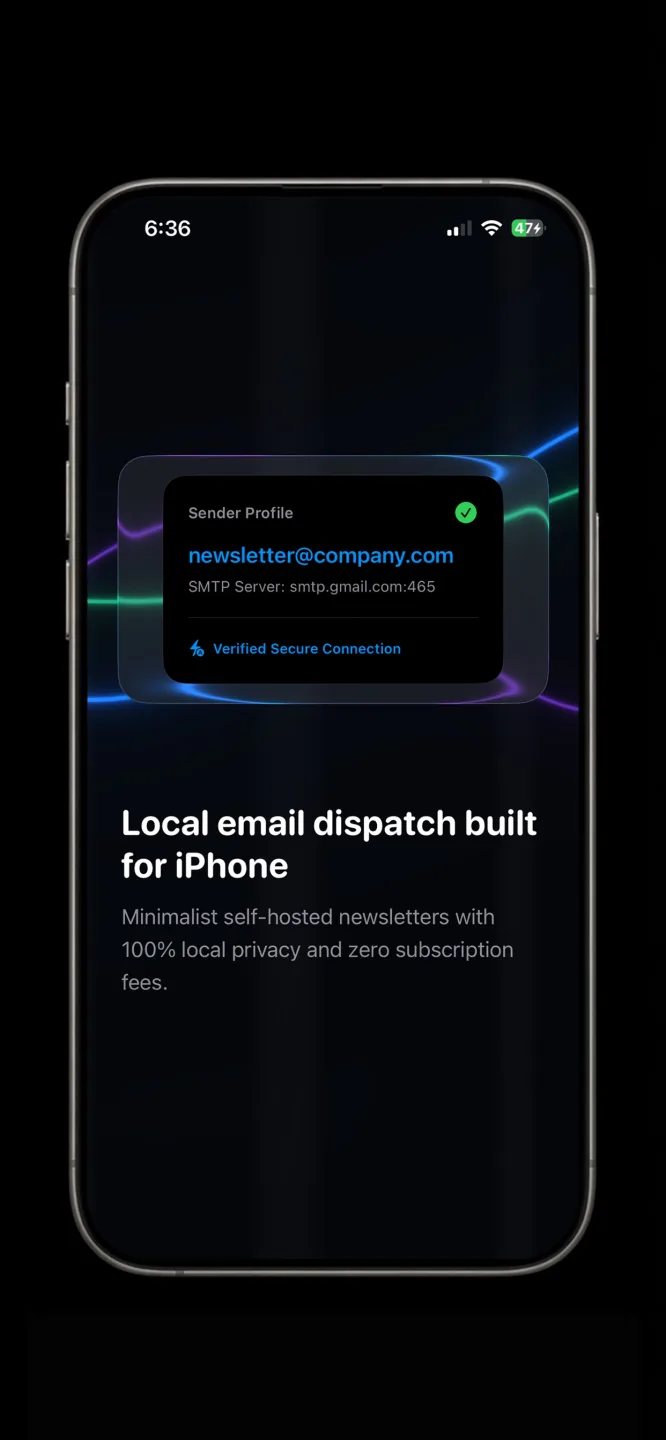
BCC hides addresses, but everyone gets one identical message, and a reply-all mistake can still expose the list if someone forwards it carelessly. Individual sends give each person their own email, which looks personal and keeps replies one to one. Gmail's mail merge does this on eligible Workspace plans (Google Help). On iPhone, Envora by KIDA Studios sends individual emails through your own Gmail, in throttled batches from a CSV list. It's free to download and comes with a 7-day free trial; after that, a one-time $39.99 Lifetime Unlock keeps it working (US App Store price).