

Envora · Bulk email from your iPhone
Envora: dispatch bulk emails without the markup
Cost-efficient bulk email for small businesses, freelancers and marketers, with no per-subscriber traps and no inflated tiers.
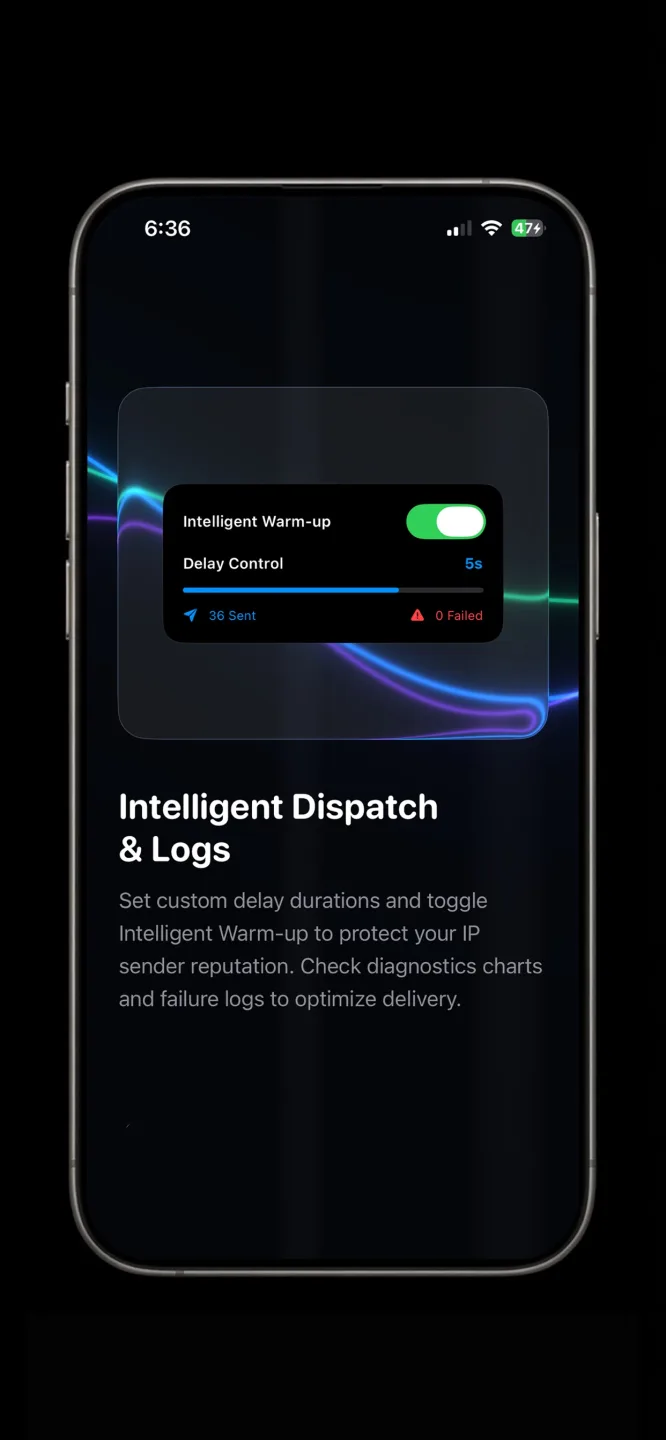
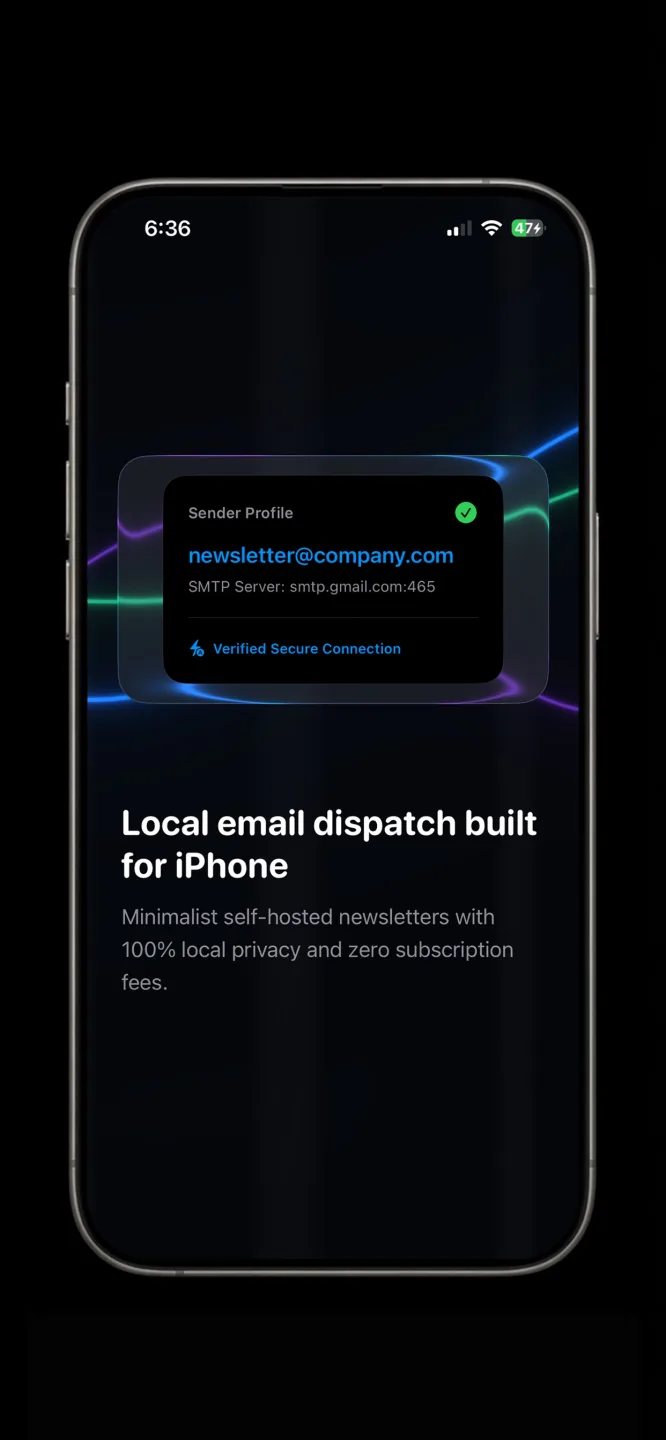
App Store · Free to download · iPhone
Option A: a mailto link
Link the text to mailto:you@yourdomain.com?subject=Unsubscribe. When someone clicks it, their mail app opens a ready-made unsubscribe email.
Option B: a form link
Make a one-question form, such as a Google Form, that asks for their email address, and link to it. Check it before every send.
What Google asks of bulk senders
Google's sender guidelines set out requirements for bulk senders, including easy unsubscribing and authentication with SPF, DKIM and DMARC (Google sender guidelines). Read the current page, because the details depend on how much you send.
Keep the opt-out list
Remove unsubscribers from your master spreadsheet or CSV before the next send. If you send from an iPhone with Envora by KIDA Studios, update the CSV you import so opted-out people are left out. Envora is free to download with a 7-day free trial, then a one-time $39.99 Lifetime Unlock (US App Store price).