
What you need
- A Mac with a built-in camera or a USB webcam.
- An iPhone that supports Continuity Camera (iPhone XR or later on a current iOS).
- Both signed in to the same Apple Account, with Wi-Fi and Bluetooth on.
- Lookout for Mac, free on the Mac App Store (macOS 15.6 or later).

Lookout · Free dual camera recorder
Lookout for Mac: two cameras, one recording
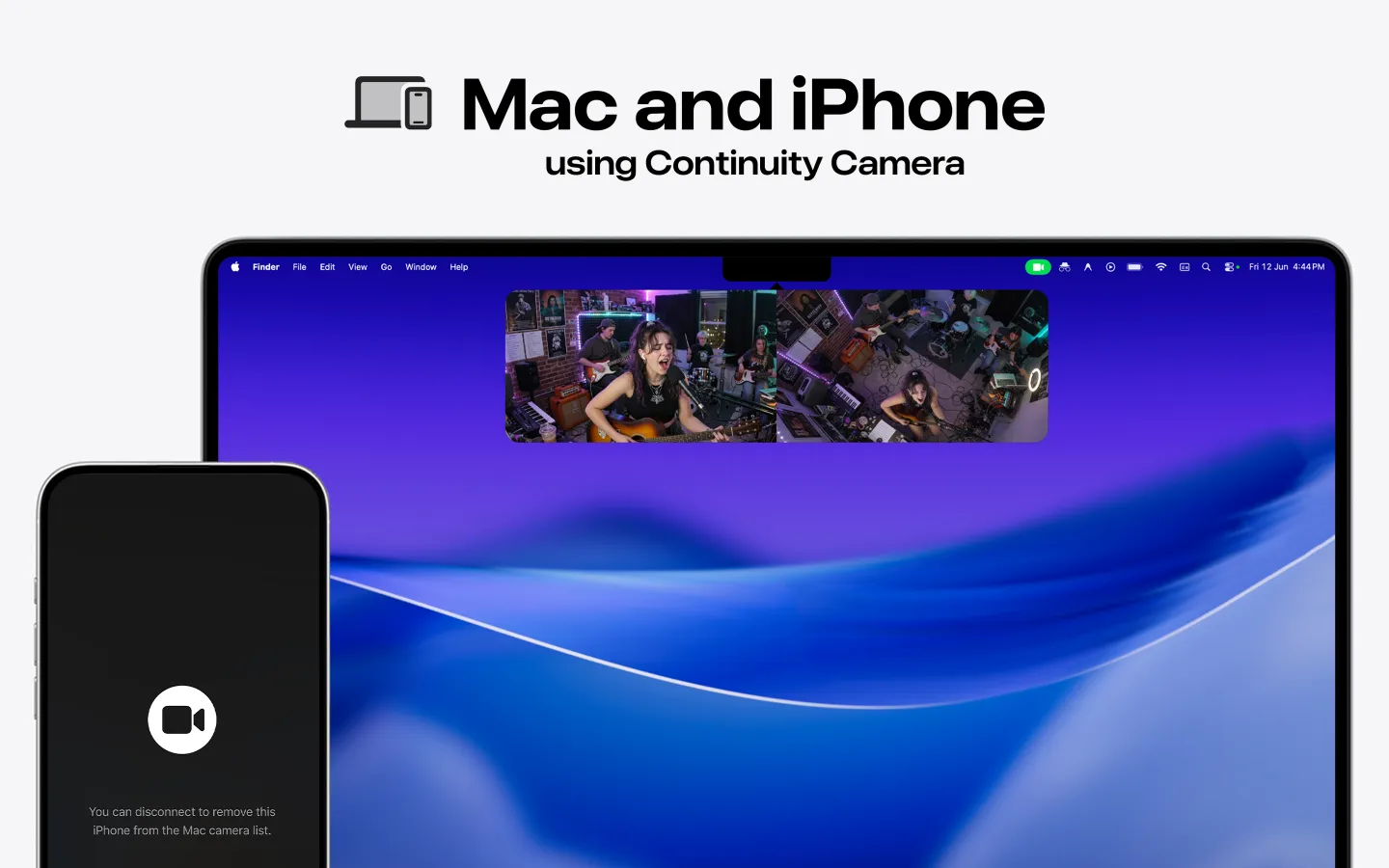
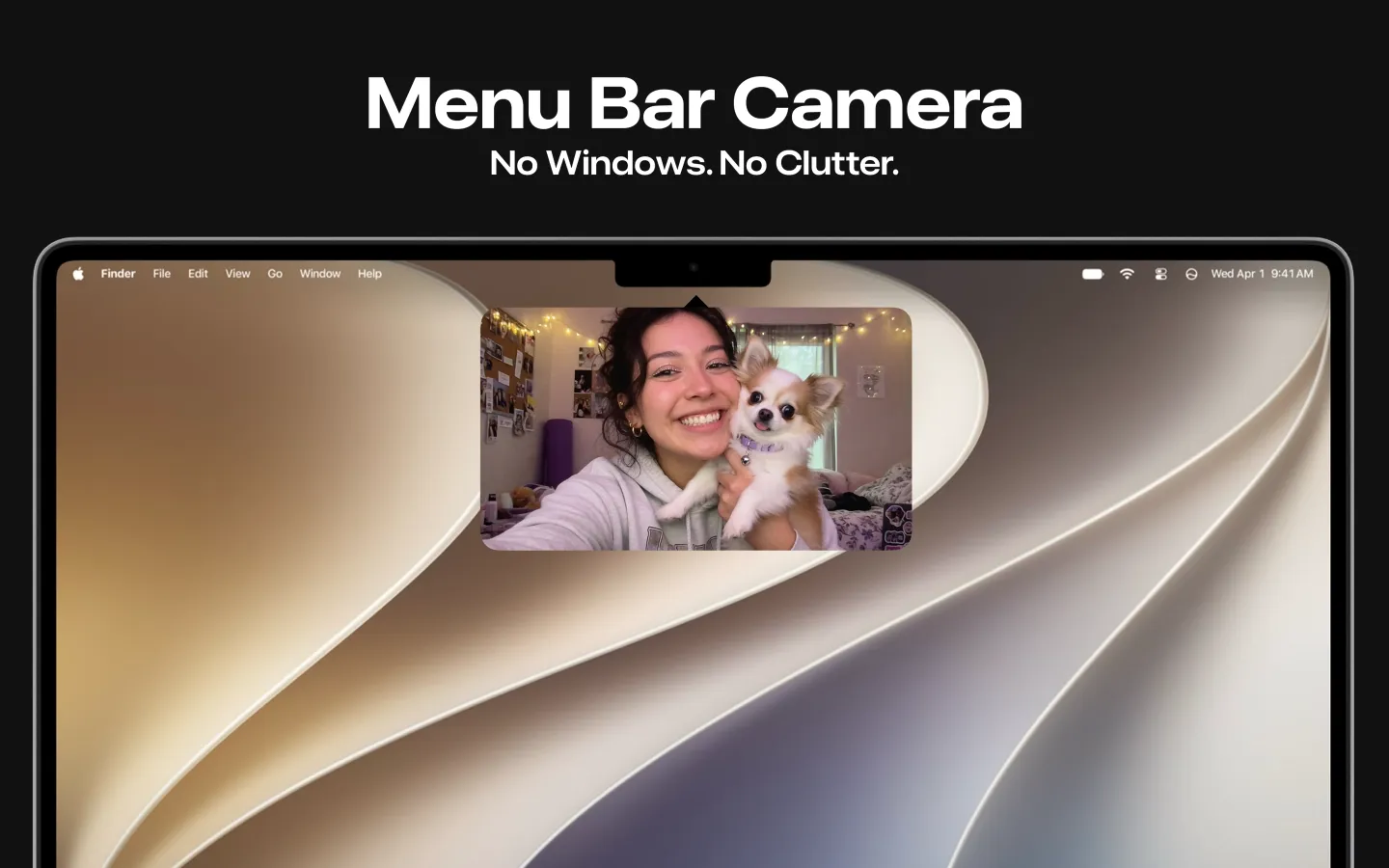
Lookout records your Mac camera and your iPhone as two sources at once, straight from the menu bar.

Free to download · Lookout Pro in-app purchase · Mac and iPhone · Records, does not edit. What Lookout is
Step by step
- On the iPhone, open Settings › General › AirPlay & Continuity and turn on Continuity Camera. It is on by default.
- Make sure both devices use the same Apple Account with two-factor authentication, with Wi-Fi and Bluetooth on.
- Mount the iPhone near the Mac: locked, stable, landscape, rear cameras facing you. A clip-on mount or a small tripod works.
- Open the app you want to use. In FaceTime, choose the iPhone from the Video menu. In Zoom, Teams or Meet, choose it in the camera setting.
- Optional: plug the iPhone into the Mac with USB to keep it charged and the link steady.
What you get over a built-in webcam
Apple lists Center Stage, Portrait mode, Studio Light and Desk View among the effects you can use with Continuity Camera, from the Mac's video effects menu (Apple Support). The iPhone's rear cameras are usually sharper than a laptop webcam, especially in low light.
Can you use the iPhone and the Mac camera at the same time?
Video-call apps show one camera at a time. To record both, you need an app that captures two sources. Lookout for Mac does this from the menu bar: it records the built-in camera and the iPhone together and saves the file on your Mac. Use it for a podcast two-shot, a tutorial with your face and your hands, or a demo. It needs macOS 15.6 or later. Lookout is free to download. Full recording is unlocked by Lookout Pro, a one-time in-app purchase (US$2.99 on the US App Store when checked on 28 October 2026; local prices vary).
If the iPhone doesn't appear
Check the Apple Account, Wi-Fi, Bluetooth and Continuity Camera setting, turn off Personal Hotspot, and try a USB cable. Our Continuity Camera troubleshooting guide has the full list.