
What you need
- A Mac with a built-in camera or a USB webcam.
- An iPhone that supports Continuity Camera (iPhone XR or later on a current iOS).
- Both signed in to the same Apple Account, with Wi-Fi and Bluetooth on.
- Lookout for Mac, free on the Mac App Store (macOS 15.6 or later).

Lookout · Free dual camera recorder
Lookout for Mac: two cameras, one recording
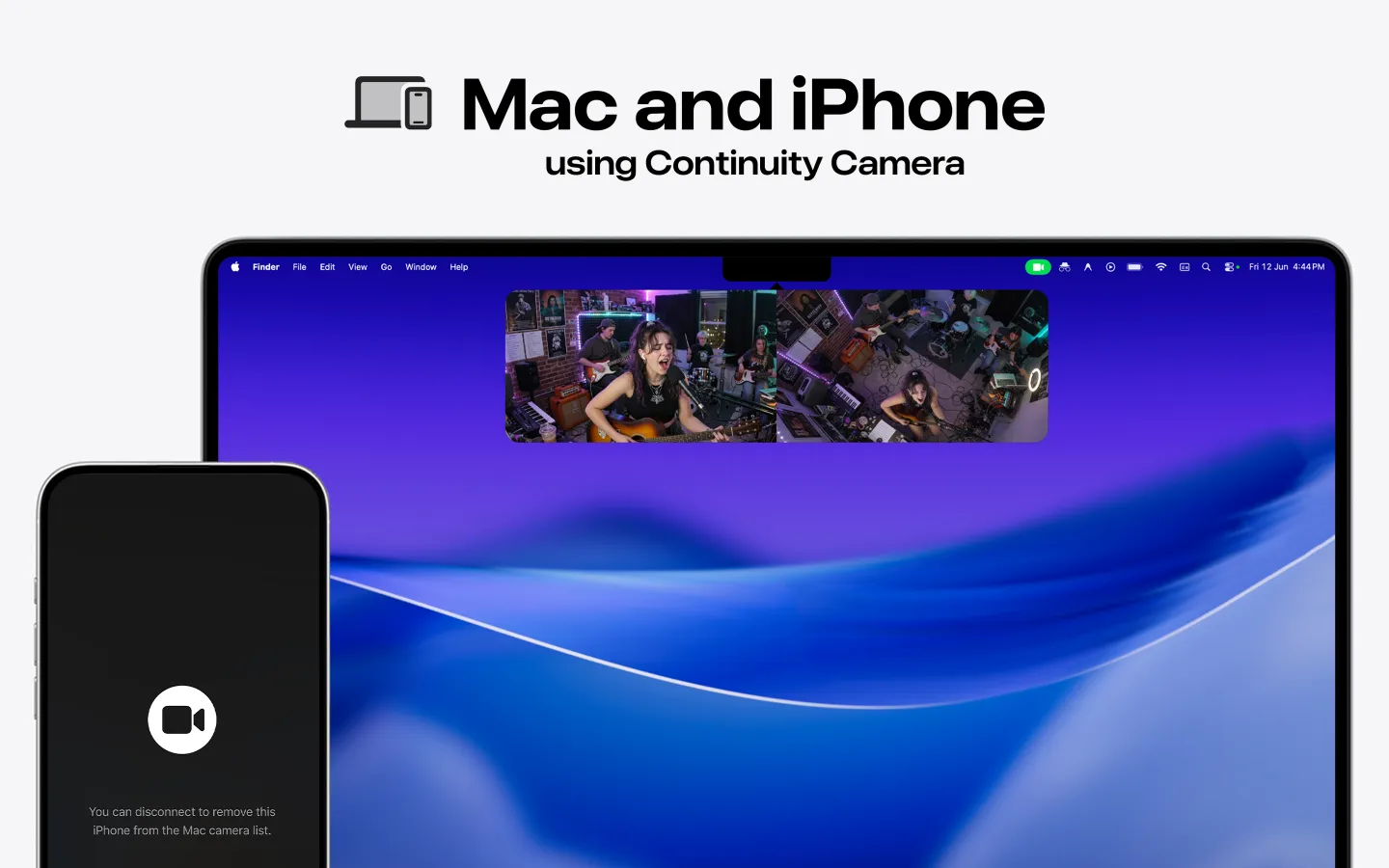
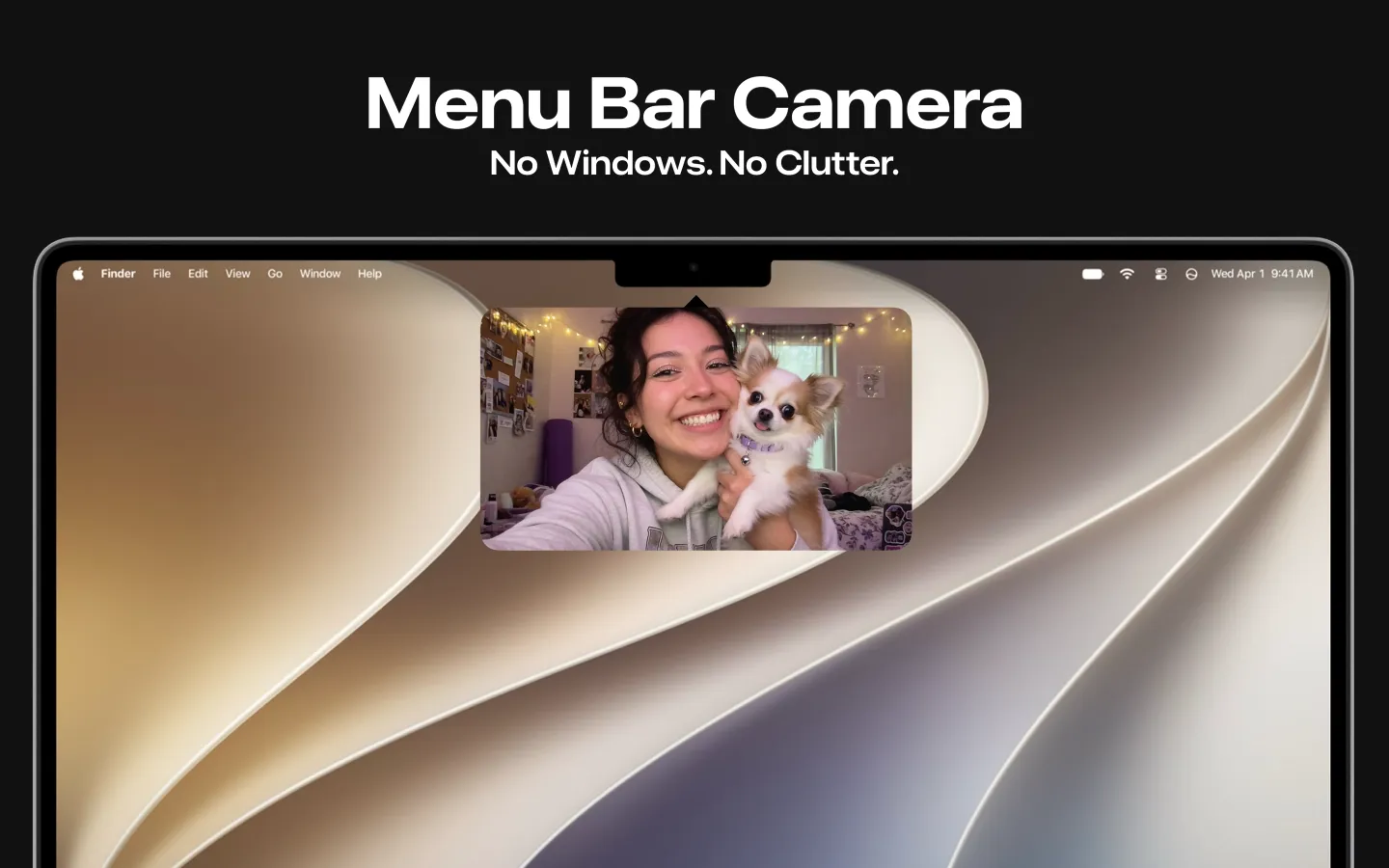
Lookout records your Mac camera and your iPhone as two sources at once, straight from the menu bar.

Free to download · Lookout Pro in-app purchase · Mac and iPhone · Records, does not edit. What Lookout is
Check the system requirements first
Apple lists these requirements for using an iPhone as a Mac webcam (Apple Support):
- iOS 16 or later on an iPhone XR or later (iPhone models from 2018 onward).
- macOS Ventura 13 or later, on any Mac that runs it.
- The same Apple Account on both devices, using two-factor authentication.
- Bluetooth and Wi-Fi on for both, with the devices near each other.
- The iPhone is not sharing its cellular connection, and the Mac is not sharing its internet connection.
- For wireless use, the Mac is not using AirPlay or Sidecar. For USB, the iPhone trusts the Mac.
Fixes to try, in order
- Open iPhone Settings › General › AirPlay & Continuity (or AirPlay & Handoff) and make sure Continuity Camera is on.
- Turn off Personal Hotspot on the iPhone and Internet Sharing on the Mac.
- Stop AirPlay or Sidecar on the Mac, then try again.
- Lock the iPhone, hold it still, and mount it in landscape with the rear cameras facing you and unobstructed.
- If you haven't unlocked the iPhone since it restarted, unlock it once, then lock it again.
- In the app you're using (FaceTime, Zoom, Teams, OBS and so on), choose the iPhone from the camera or video menu. Some apps don't switch automatically.
- Update macOS, iOS and the video app.
- Plug the iPhone into the Mac with a USB cable and tap Trust if asked.
- Restart the iPhone and the Mac.
If the iPhone keeps disconnecting from Wi-Fi
Apple notes that the iPhone may drop Wi-Fi to keep Continuity Camera stable, falling back to cellular data for background tasks. To stop that, plug the iPhone into the Mac or turn off cellular data while you use it (Apple Support).
When it works in FaceTime but not in another app
Continuity Camera shows up as a normal camera, so each app needs to be pointed at it. Look for the camera setting in that app's preferences or the video menu during a call. If the app was already open when you mounted the iPhone, quit and reopen it.
Record the iPhone and the Mac camera together
Once Continuity Camera works, you can do more than video calls. Lookout for Mac, from KIDA Studios, sits in the menu bar and records the Mac's built-in camera and the iPhone at the same time, so you get a face shot and a second angle in one take. Files stay on your Mac. It needs macOS 15.6 or later. Lookout is free to download. Full recording is unlocked by Lookout Pro, a one-time in-app purchase (US$2.99 on the US App Store when checked on 28 October 2026; local prices vary).