

Envora for iPhone · Free bulk email app
Bulk email from the Gmail account you already have.
Envora dispatches campaigns through your Gmail or Google Workspace account, so your contact list never leaves the phone and nobody bills you per subscriber.
Free to download · iOS 18.6+ · 500 recipients a day on free Gmail, more on Workspace
iPhone

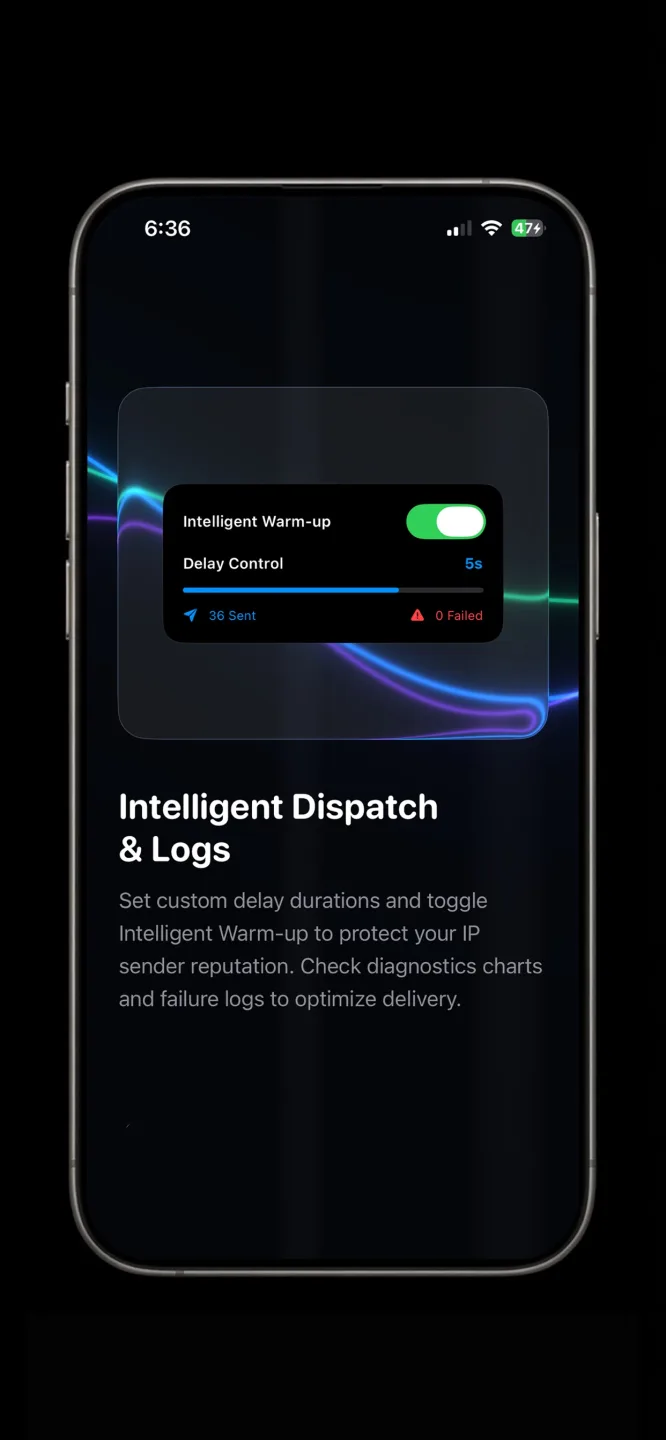
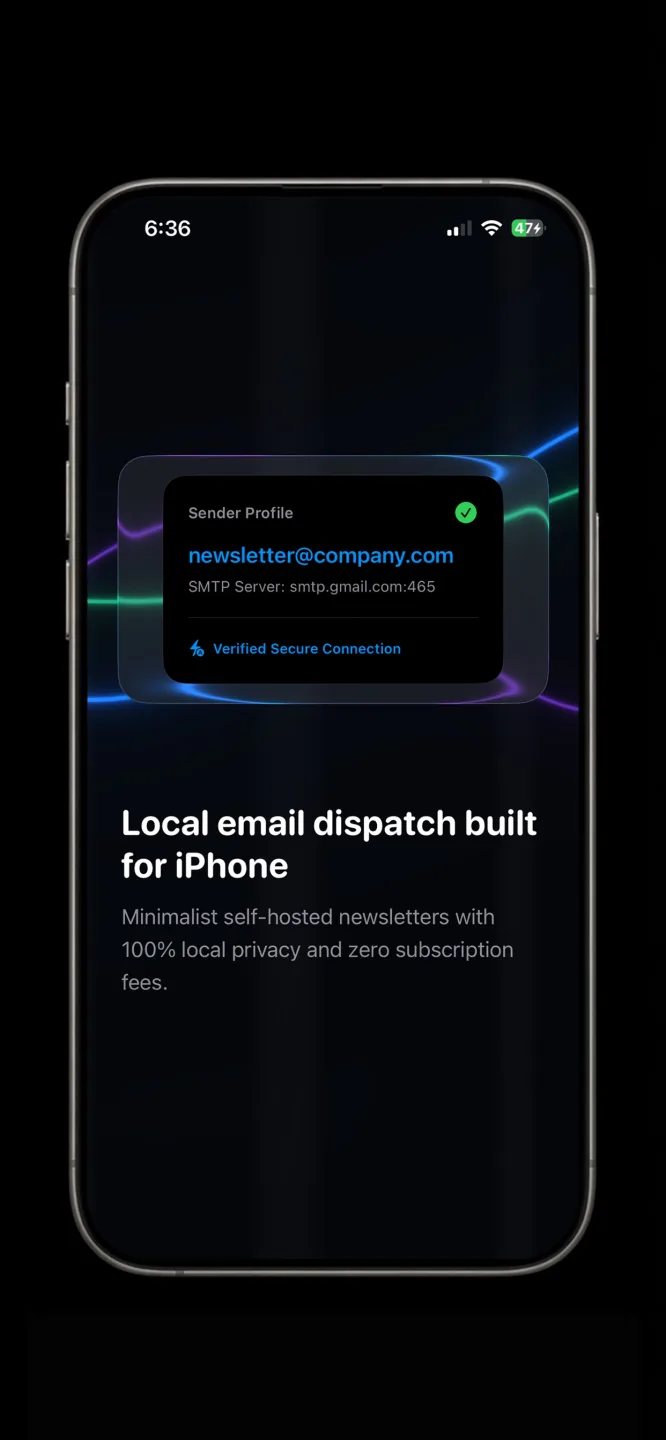


What Envora does on iPhone
The iOS version specifically — what it is built around and what it does differently from the other versions.
Envora is an iPhone app that sends bulk email through your own Gmail or Google Workspace account. That one design choice decides everything else: the mail leaves from your address on Google’s infrastructure, your contact list is not imported to anyone’s server, and there is no per-subscriber tier because there is no list held elsewhere to count.
It suits regular sends to a real customer list — a shop, a freelancer, a small team — rather than one enormous blast. Google’s own daily limits apply, because Google is the sender: 500 recipients a day on free Gmail, more on paid Workspace.
Being on the phone matters for that kind of sender. Compose on the way in, dispatch from the train, check what went out without opening a laptop.
On iPhone you get
Your Google account as the sender.
Mail leaves from your address with your domain’s reputation behind it.
No list upload.
Contacts stay on the iPhone; nothing is imported to a third-party server.
No per-subscriber pricing.
There is no hosted list to count seats against.
Compose and dispatch on the phone.
Build the campaign, pick the recipients, send.
Google’s limits, not Envora’s.
The app imposes no cap of its own.
How to get Envora on iPhone
Three steps from the store to your first result on iOS.
- 1
Install from the App Store
Use the button above. Envora is free to download.
- 2
Sign in with Google
Connect the Gmail or Google Workspace account the mail should be sent from.
- 3
Compose, choose recipients, dispatch
Write once, pick the contacts, and send. Delivery runs through your Google account.
iPhone requirements
What the iOS version needs before you install it.
- iOS
- iOS 18.6 or later
- Account
- A Gmail or Google Workspace account to send from
- Daily limit
- Set by Google: 500 recipients a day on free Gmail; higher on paid Workspace; lower on a Workspace trial
- Price
- Free to download on the App Store
- Contacts
- Stay on the iPhone — nothing is uploaded to Envora
Google can change its sending limits; check the current published figure for your account type before planning a large send.
Envora on other platforms
The same app, on the devices you already own.
FAQ
Questions people ask before installing on iOS.
Do I have to upload my contact list?
No. Envora sends through your own Google account, so the contacts stay on the iPhone and are never imported to a third-party server.
How many emails can I send a day?
Whatever Google allows your account: 500 recipients a day on free Gmail, more on paid Google Workspace. Envora adds no cap of its own.
Is Envora free on iPhone?
It is free to download on the App Store. Open the listing for current in-app details.
Which iOS version is required?
iOS 18.6 or later.
Get Envora for iPhone
Reach inboxes, not spam — built by KIDA Studios.