

How to Record Front and Back Camera Simultaneously on iPhone: Easy Steps and Best Apps
You grab your iPhone to capture a family hike, but you miss the reaction on your face while filming the view. Frustrating, right? Many iPhone users face this issue when they want to record front and back camera simultaneously on iPhone for vlogs, tutorials, or security. This guide shows you simple ways to do it, from native features to top apps, so you create pro-level videos without hassle.
Native iPhone Features for Dual Camera Recording
Apple makes dual camera recording easy on newer models. You access it right in the Camera app. It works best for quick clips without extra downloads.
Dual Capture Mode on iPhone 17 and Later
iPhone 17 and up support Dual Capture natively. Open the Camera app, switch to Video mode, and tap the Dual Capture icon in the corner. Your front camera appears as a picture-in-picture (PiP) overlay on the rear feed.
This mode records at up to 4K 30fps for the main camera and 1080p for the front. You drag the PiP window to reposition it or tap to swap cameras. Expert Tip: Use this for reaction videos — over 70% of YouTubers rely on similar setups for engaging content, per video trends data.
Limitations for Older iPhone Model
Older iPhones like the XS or 14 lack native dual recording. You get stuck with single-camera mode, forcing you to flip manually. This eats time and ruins smooth footage.
Battery drain hits harder too — dual mode can cut recording time by 20–30% on non-Pro models. For these devices, apps fill the gap perfectly.
Top Apps for Simultaneous Front and Back Camera Recording
Third-party apps unlock dual recording on any iPhone running iOS 13 or later. They add layouts, edits, and extras that native tools skip. Let’s dive into the best choice.
Why Use a Third-Party App?
Apps handle older models where native features fail. They offer flexible PiP, split-screen, or grid views. Plus, you export videos with timestamps or overlays for better organization. Over 50% of iPhone videographers use apps for advanced controls, based on app store reviews. They beat built-in limits on customization.
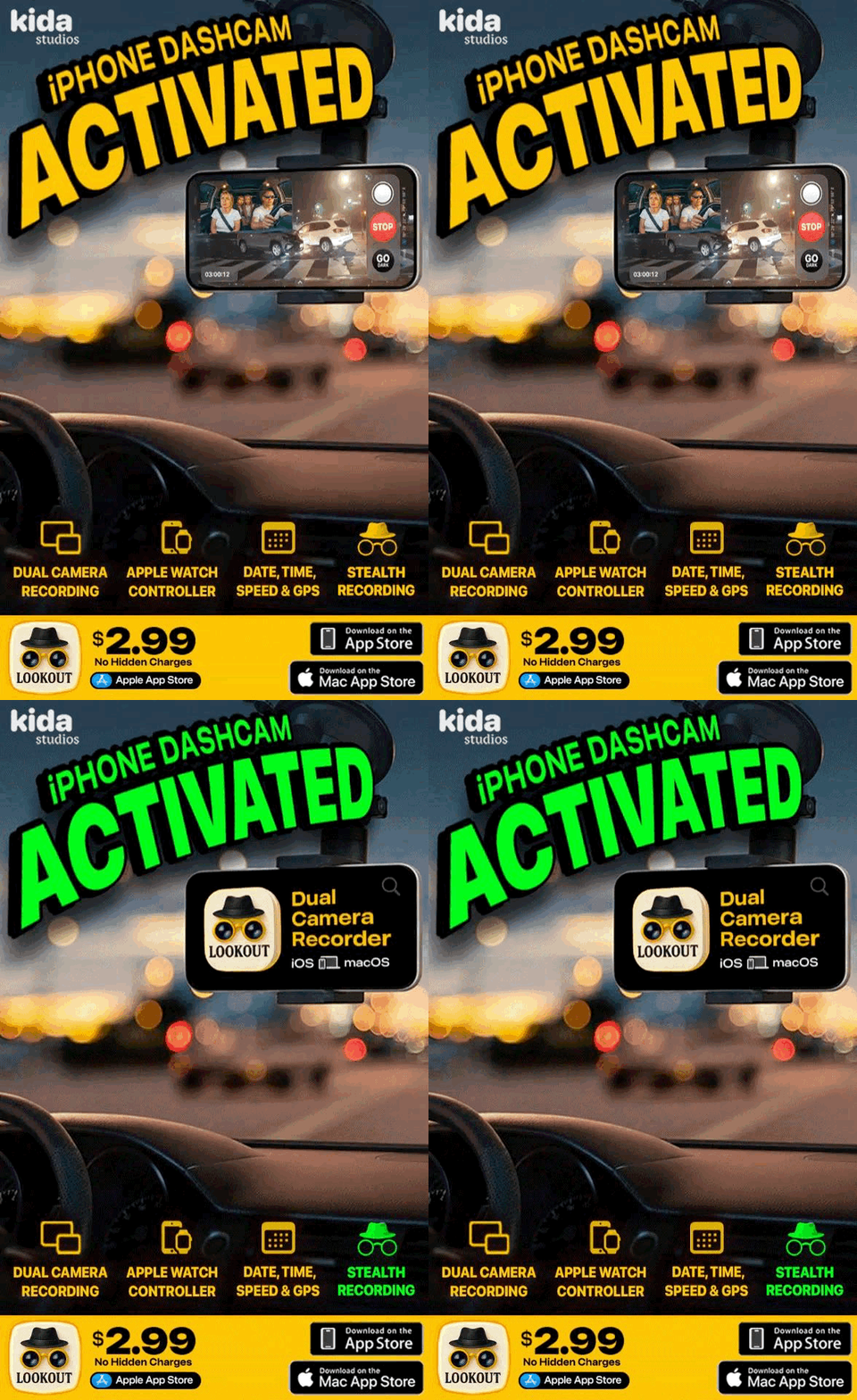
Why Lookout Dual Camera Recorder Stands Out as the Best Choice?
Lookout Dual Camera Recorder tops the list for its ease and extras. It works on iPhone XS onward, as Apple added dual camera support starting from this model — earlier iPhones lack the hardware for it. You get real-time GPS stamps, timestamps, speed, PiP video; perfect for travel vlogs, dash cams, security recording so your video can be used as actual legal proof if required.
Reviews praise its stable output with minimal lag. If you want reliable dual recording, this app leads the pack.
Follow these steps for quick setup:
-
Download the app from the App Store: Head to https://apps.apple.com/in/app/lookout-dual-camera-recorder/id6744577632 and install it.
-
Open the app and grant permissions: Allow camera and microphone access on first launch.
-
Hit record: Tap the red button; add GPS or timestamps if needed.
-
Stop and export: Save to Photos or share directly.
Use Cases: Vlogging, Dash Cams, and Security
Vloggers capture audience reactions live. Drivers turn iPhones into dash cams with front/back views for accidents. Home security pros use it for monitoring rooms and entrances.
Teachers record themselves and the class during lessons, making it easy to create educational content. For example, a science instructor films a demo from the back camera while showing their explanations via the front, helping remote students follow along.
For women’s safety, you instantly open the app with one tap from the lock screen and record with timestamps and GPS. This provides crucial evidence in emergencies. Example: A commuter walking home late uses it to document surroundings and their path, adding location data for quick sharing with authorities if needed.
A travel blogger filmed a safari view plus their excitement, boosting engagement 40% on social media.
Conclusion
Recording front and back camera simultaneously on iPhone opens up creative options. Native tools work for new models, but apps like Lookout shine for everyone. Download it today and elevate your videos.