
Kaal · Divine and cultural Apple Watch faces
Kaal: devotional Apple Watch faces, free
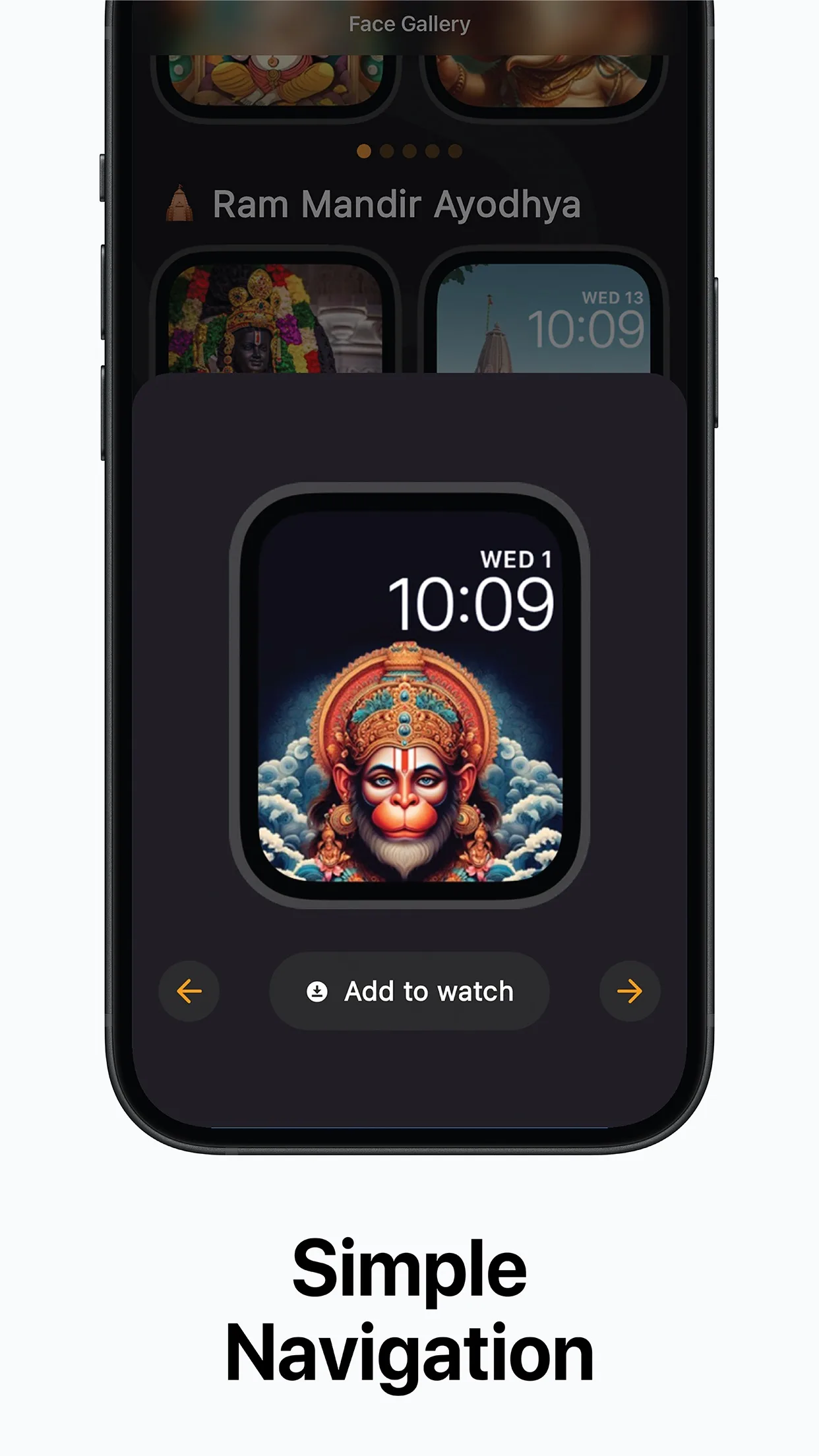
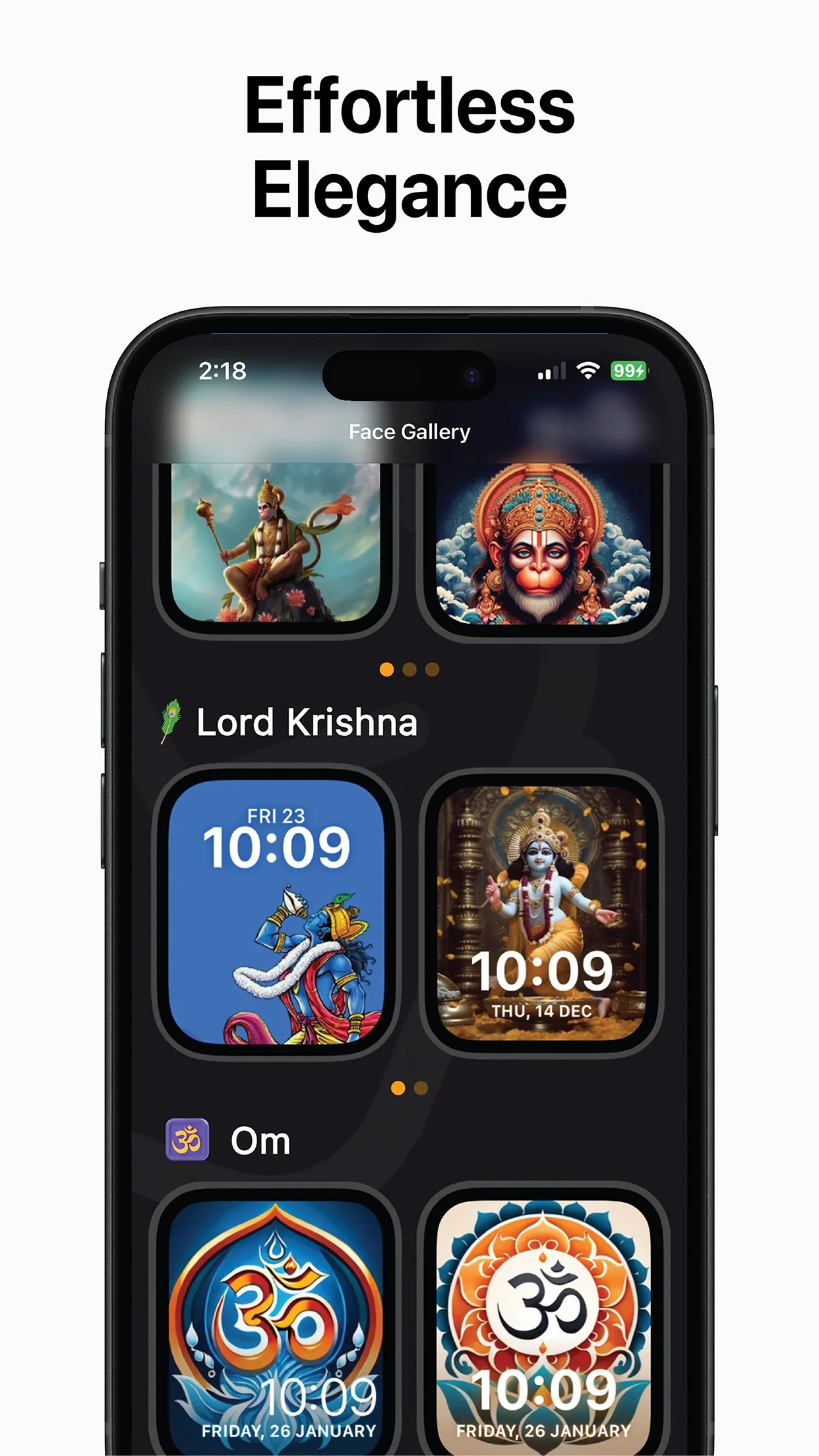
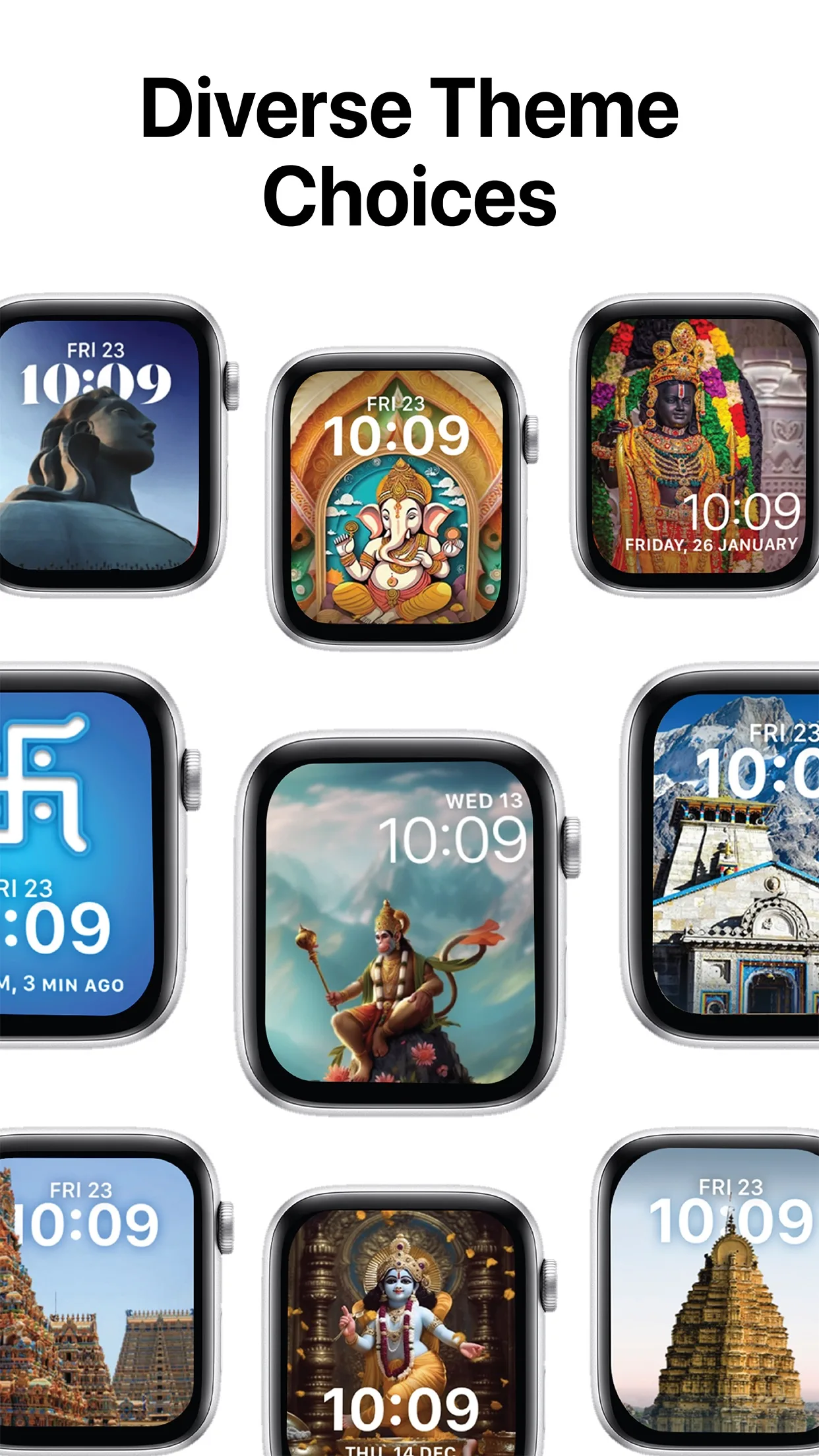
Browse Lord Krishna, Shiva, Ganesha, Hanuman, Om and temple faces on your iPhone, preview them and tap Add to Watch.
App Store · Free to download · iPhone with iOS 16 or later and an Apple Watch
What's in Kaal's gallery
| Group | Faces |
|---|---|
| Deities | Lord Krishna, Lord Shiva, Lord Ganesha, Lord Hanuman, Ram Lalla, Shirdi Sai Baba |
| Sacred symbols | Om, Hindu Swastika |
| Temples and places | Golden Temple, Ram Mandir Ayodhya, Kedarnath, South Indian gopurams |
Source: the Kaal page on kidastudios.com, checked 28 October 2026. The gallery grows with updates.
How to add a face
- Install Kaal on your iPhone.
- Pick a face and preview it on the watch outline.
- Tap Add to Watch, then confirm in the Watch app.
- On the watch, touch and hold the face and swipe to switch.
Can I use my own photo instead?
Apple's built-in Photos and Portraits faces let you use your own pictures, set up in the Watch app on iPhone. Kaal's faces are drawn for the watch display, so the artwork stays sharp and the time stays easy to read over it.
Faces for festival days
Many people switch faces for a festival: Ganesha for Ganesh Chaturthi or Diwali, Krishna for Janmashtami, Shiva for Maha Shivaratri (6 March 2027, per Drik Panchang), Hanuman for Hanuman Jayanti (20 April 2027).