
Kaal · Divine and cultural Apple Watch faces
Kaal: devotional Apple Watch faces, free
Browse Lord Krishna, Shiva, Ganesha, Hanuman, Om and temple faces on your iPhone, preview them and tap Add to Watch.
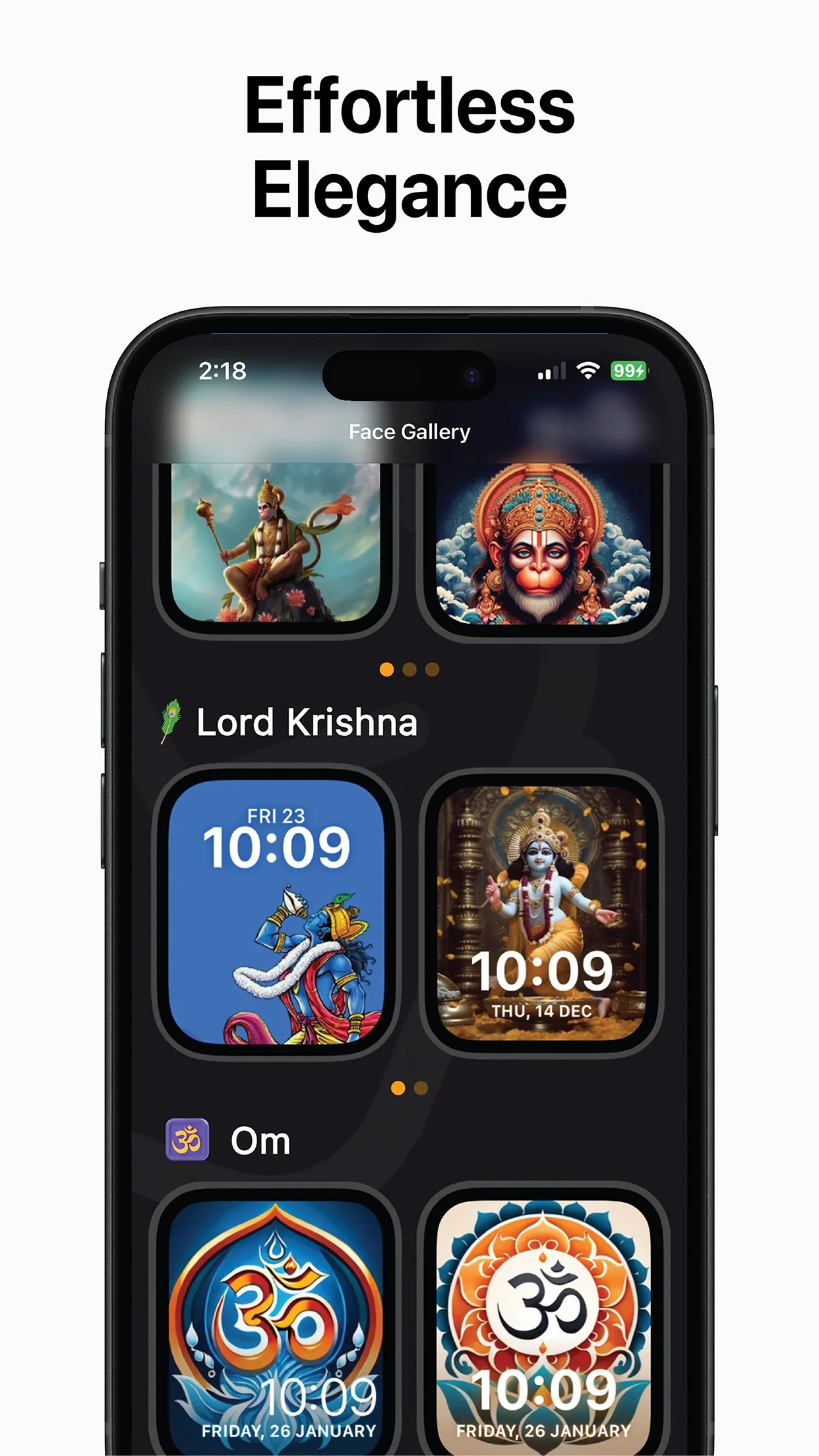
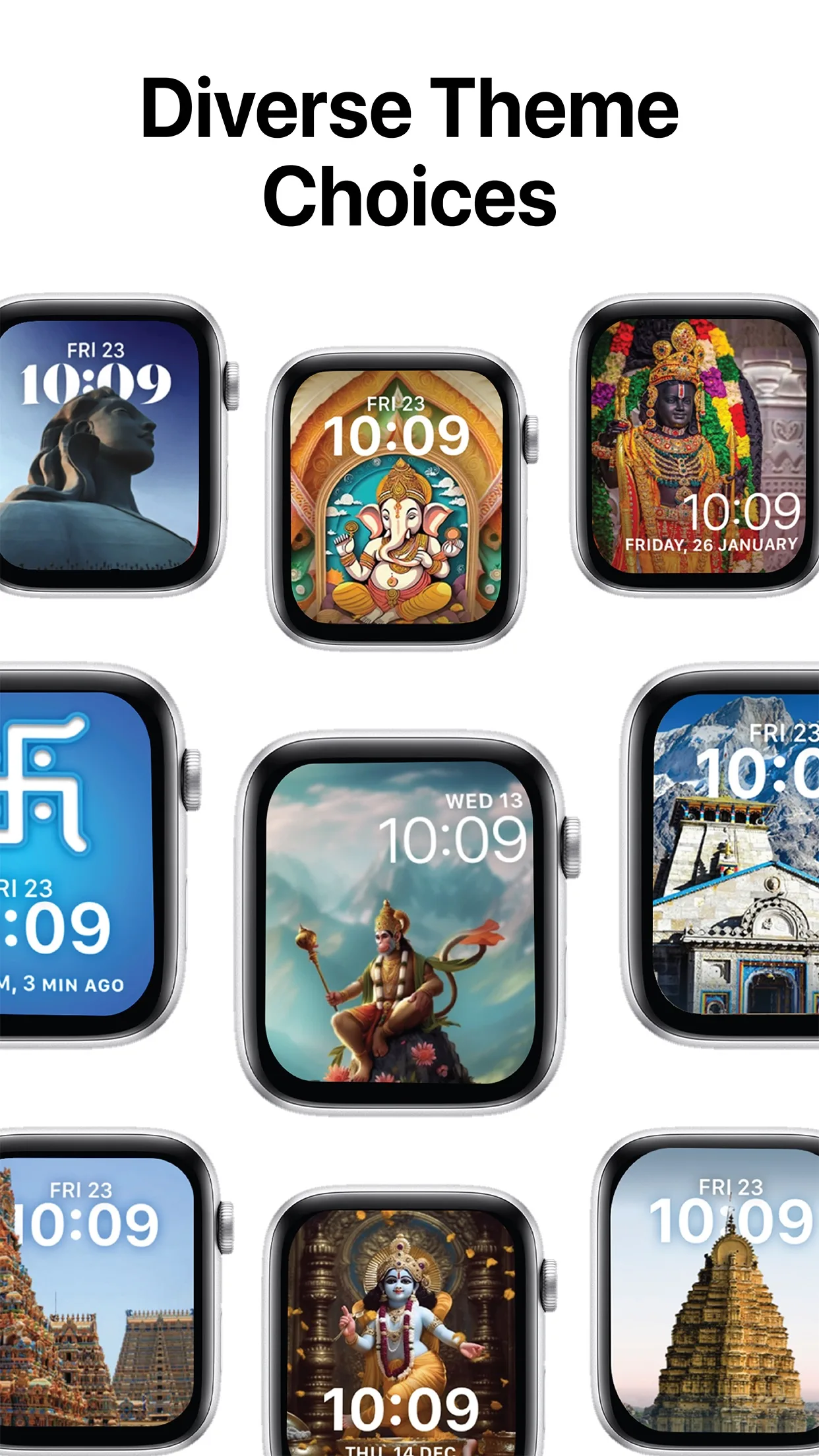
Krishna, Shiva, Ganesha, Hanuman
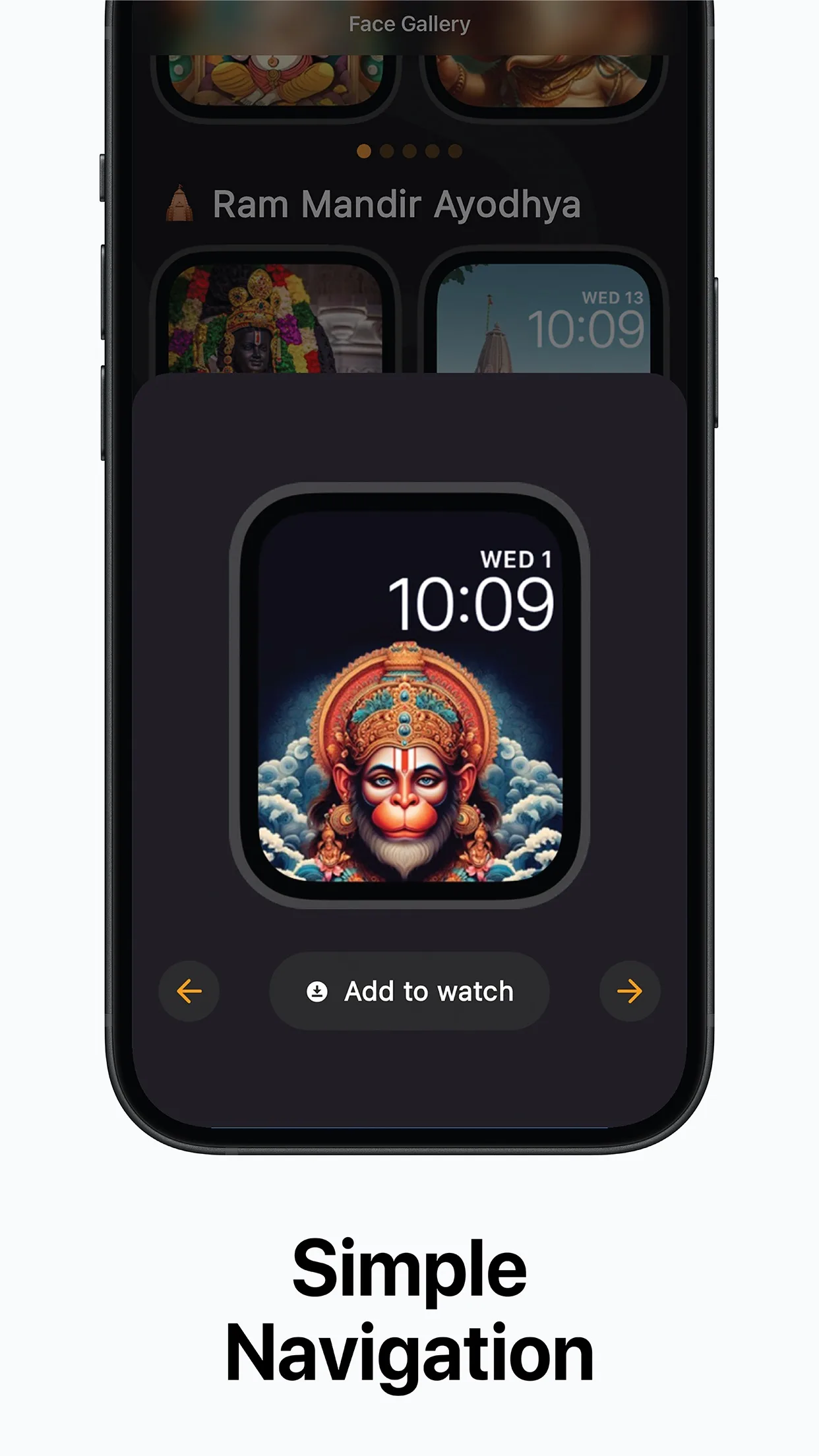
Preview, then Add to Watch
Temples and Om
Free
App Store · Free to download · iPhone with iOS 16 or later and an Apple Watch
Step by step
- Install Kaal from the App Store on the iPhone paired with your Apple Watch.
- Browse the gallery. Faces are grouped by deities, sacred symbols and temples.
- Tap a face to preview it on an Apple Watch outline, with the time and date shown as they will appear.
- Tap Add to Watch. The iPhone's Watch app takes over and adds the face to your watch.
- On the watch, touch and hold the current face and swipe to the new one to switch.
Which face suits Diwali
- Lord Ganesha: Lakshmi Puja on Diwali is traditionally performed together with Ganesha.
- Om: a simple sacred symbol that reads clearly at a glance.
- Ram Lalla or Ram Mandir Ayodhya: many families remember Lord Rama's return to Ayodhya at Diwali.
- Lord Krishna: Narak Chaturdashi recalls Krishna's victory over Narakasura.
Kaal's gallery today has no face made just for Diwali. Its listing says festival specials and seasonal designs are planned in updates, so check the app for what's new.
Diwali 2026 dates
Diwali and Lakshmi Puja fall on Sunday, 8 November 2026, with Dhanteras on 6 November and Bhai Dooj on 11 November (Drik Panchang, New Delhi). Kaal doesn't show muhurat times. For your city's Lakshmi Puja time, check a panchang such as Drik Panchang. See our Diwali 2026 date guide.